Collaborate
Work with your team and clients in one workspace
Invite your team to a shared workspace and bring clients in as free guests. They view and comment on the boards, feedback pins to the exact shot, and everyone stays on the same version.
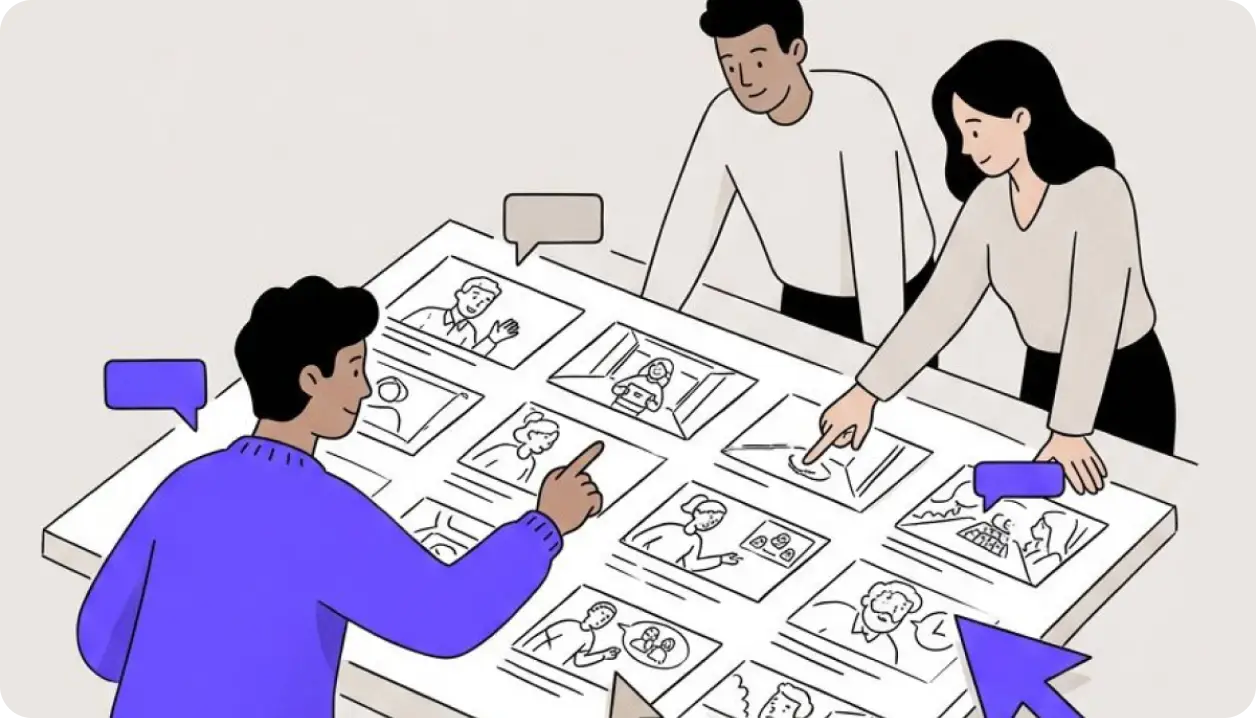
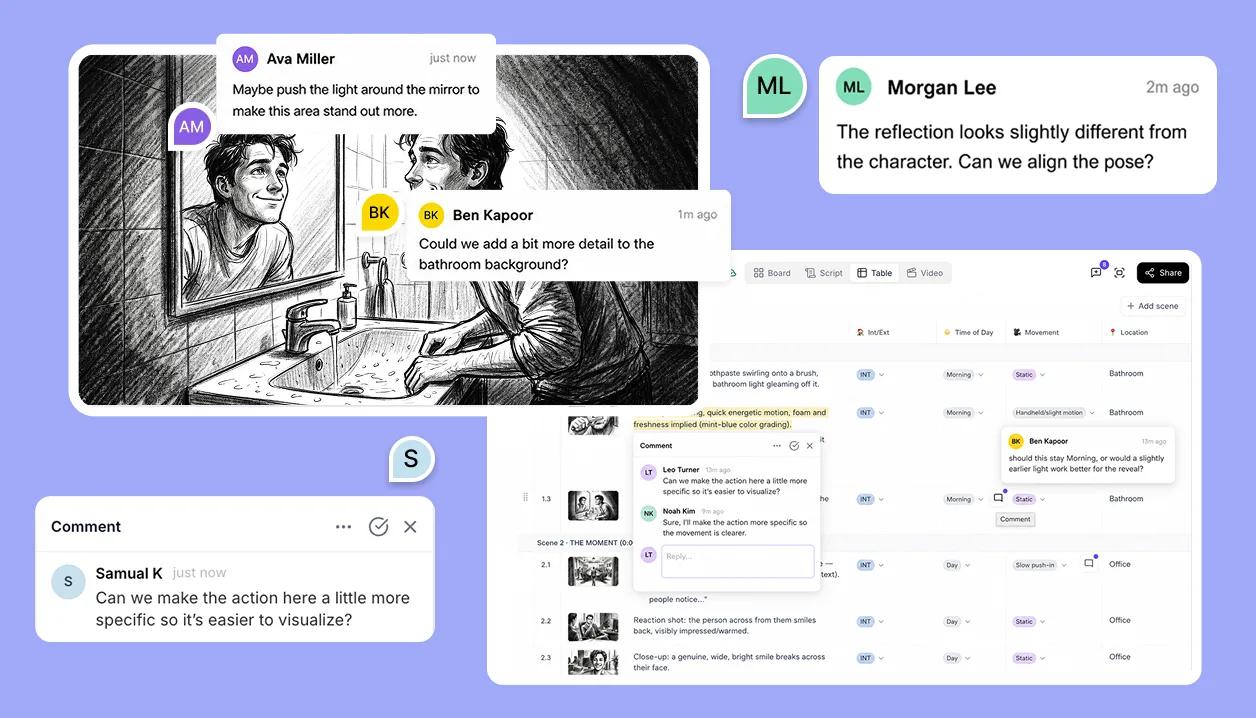
Edit the same storyboard, live
Invite people into a project and work side by side. You see who is where, and the editor warns before two people change the same thing.
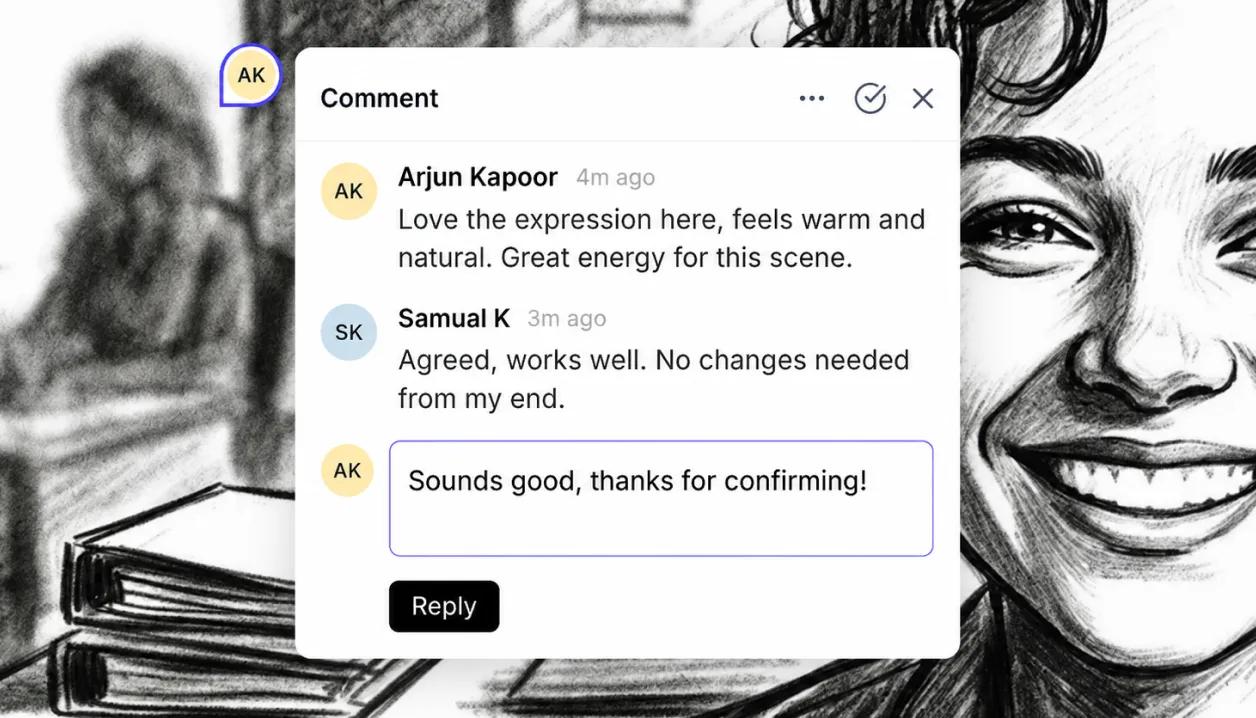
Comments that point at the shot
Pin feedback to a frame, a line of script, a table cell or a shot. Threads and @mentions keep the conversation next to the work.
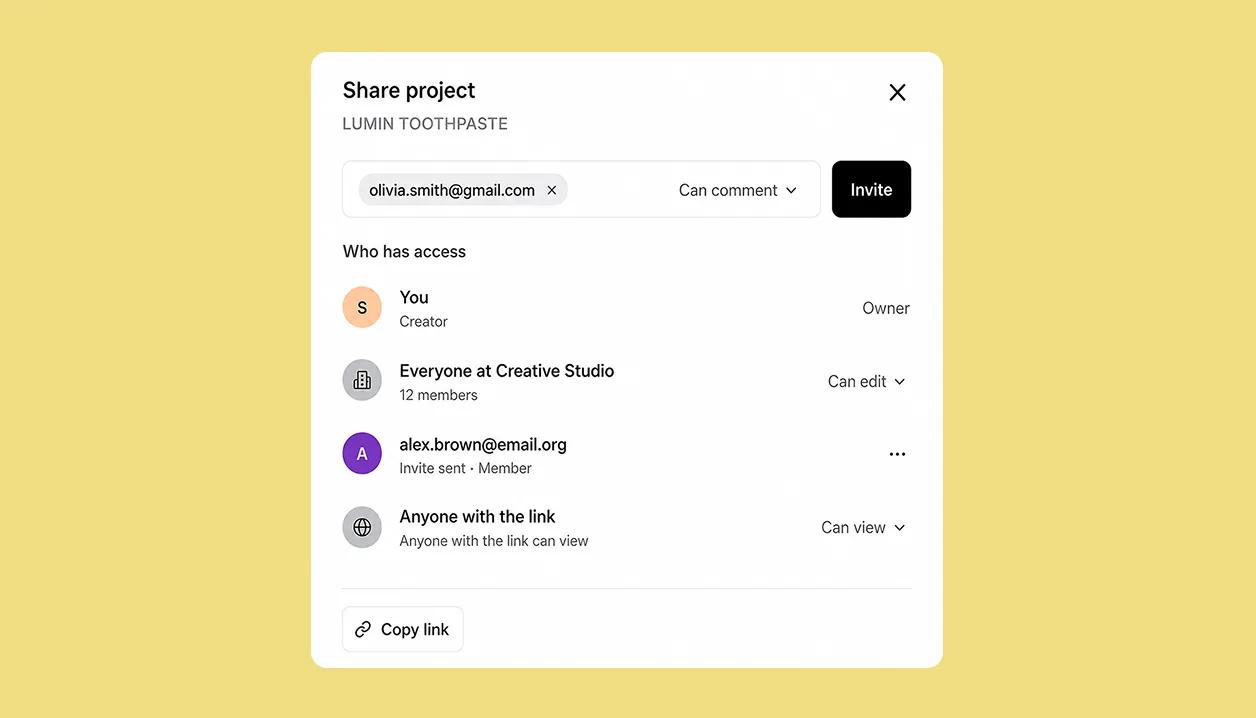
Exactly the access you want
Invite people to view, comment or edit, or share a view-or-comment link. Clients and reviewers come in as guests and never need a paid seat.
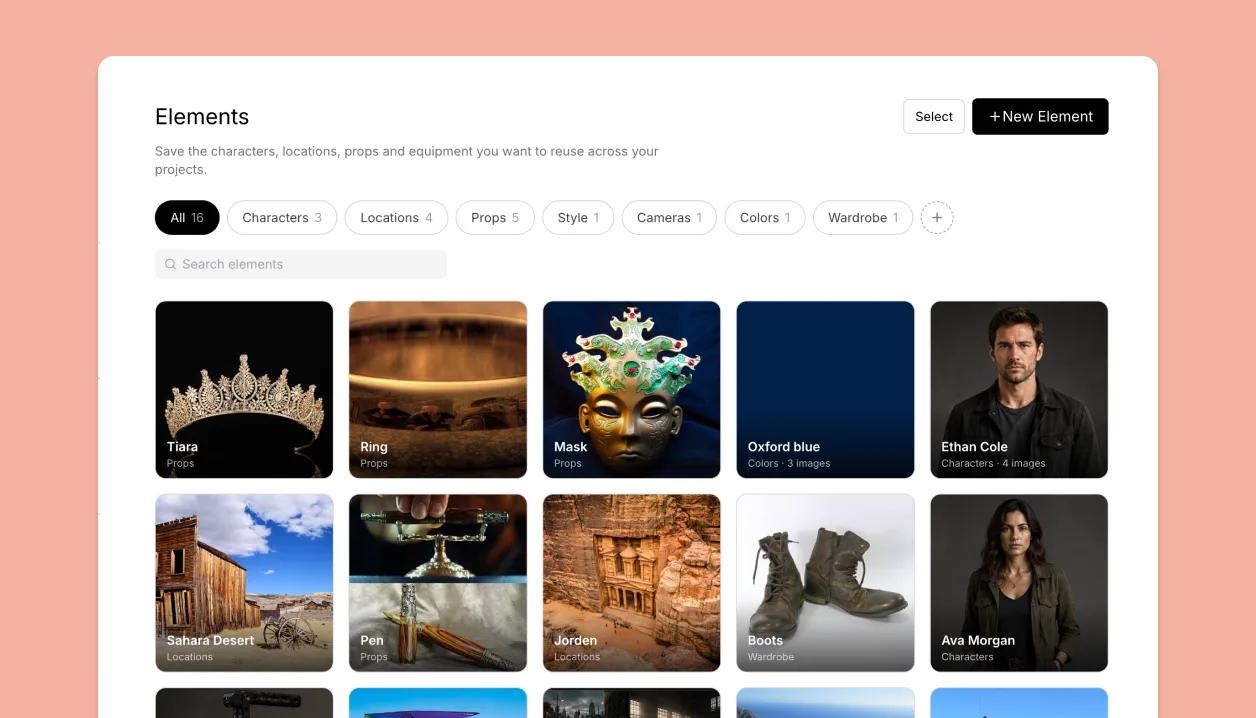
A shared home for the team
A Studio workspace holds your team's projects, people and Elements library in one place, with AI credits pooled across seats.
Learn how
Editing together in real timeIn a workspace project, everyone's edits appear live. Avatars show who's in the project; a pencil badge shows what someone is typing in, and the app warns before two people edit the same thing.OverviewComments and mentionsLeave a comment on a shot, a field, a run of script or a spot on the canvas. @mention a teammate to notify them, and mark threads resolved when they're done. Guests can comment too.TaskAccess levels explained: Can edit, Can comment, Can view, No accessFour levels decide what a person can do in a shared project. The creator always edits; everyone else gets the project's default or a personal override.ConceptMore features
Video editorTurn the board into an animatic with timing, voice-over, music and a transition per cut.Learn more →Canvas EditorCompose each shot from characters, props, backgrounds and your own drawing, every piece its own layer.Learn more →ElementsNewOne library of characters, locations and props, reused across every shot and every project.Learn more →Import and exportNewScripts in from Final Draft, Fountain, Word or text; boards out as PDF, PowerPoint, spreadsheet or video.Learn more →Script editorNewScreenplay formatting that stays in sync with your shots.Learn more →AI imagesNewGenerate a shot from the script or a prompt, split it into layers and keep editing.Learn more →Shot listNewEvery shot as a row in a table: size, angle, cast, location and your own properties.Learn more →