Your script and shots, bound as a book
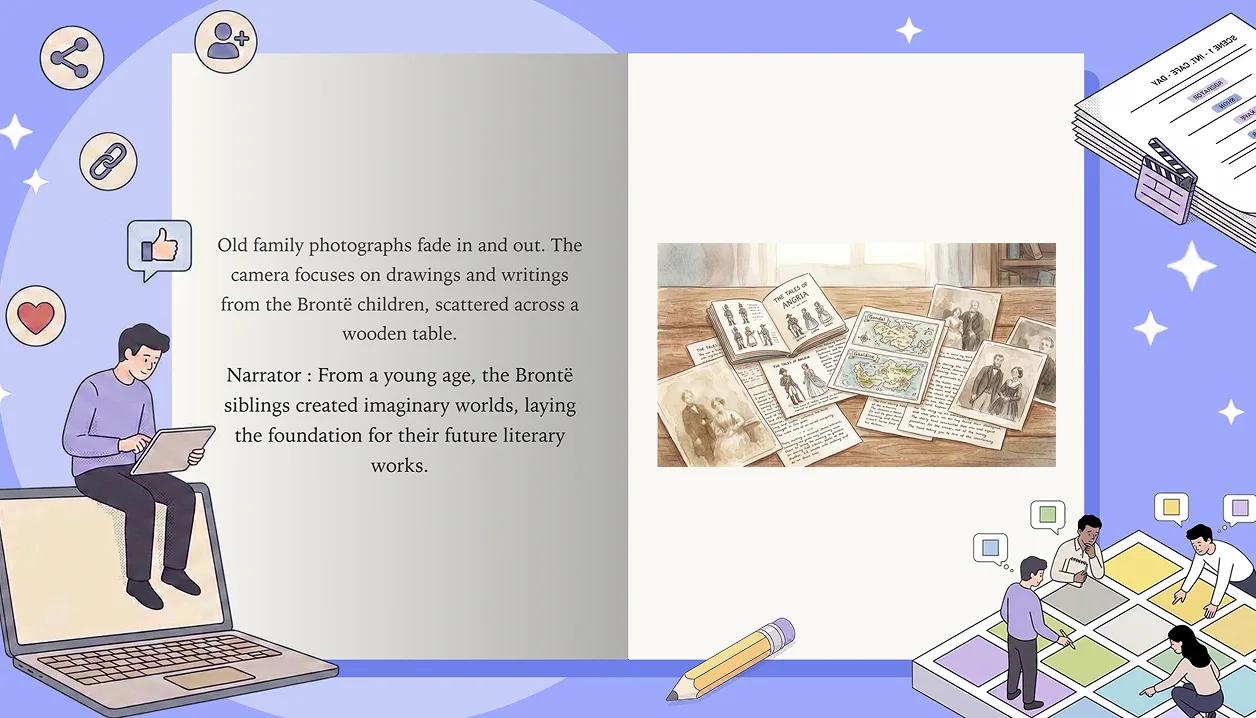
Publish once and your story becomes a book at a single link: a cover you pick, your script on the left page, the frame it belongs to on the right, and a page that really turns. Anyone with the link can read it in the browser, no account needed, and signed-in readers can follow you, like and comment from the cover.
A page that really turns
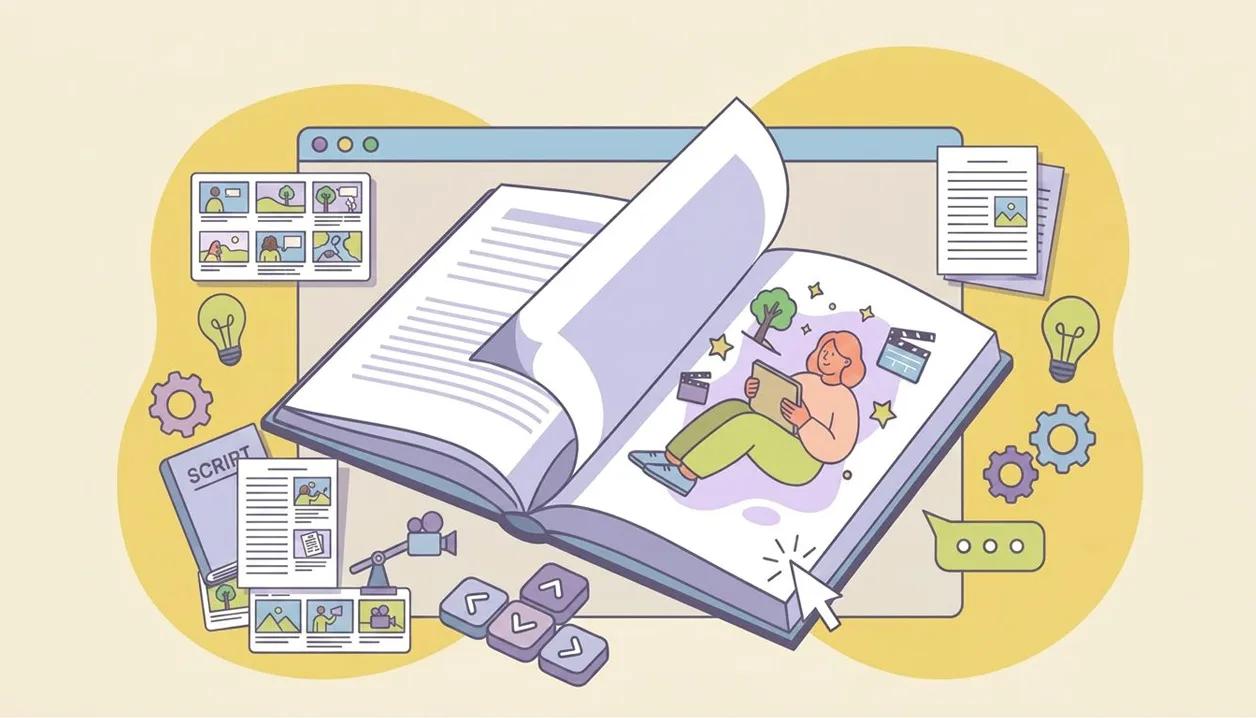
On desktop your book opens as a two-page spread: the words on the left page, the picture on the right, the way an illustrated book sets them. Pages turn with a click or your arrow keys, a ribbon marker hangs from the cover, and the last page reads The end. On a phone the same book reads one page at a time with a swipe.
Choose your book cover
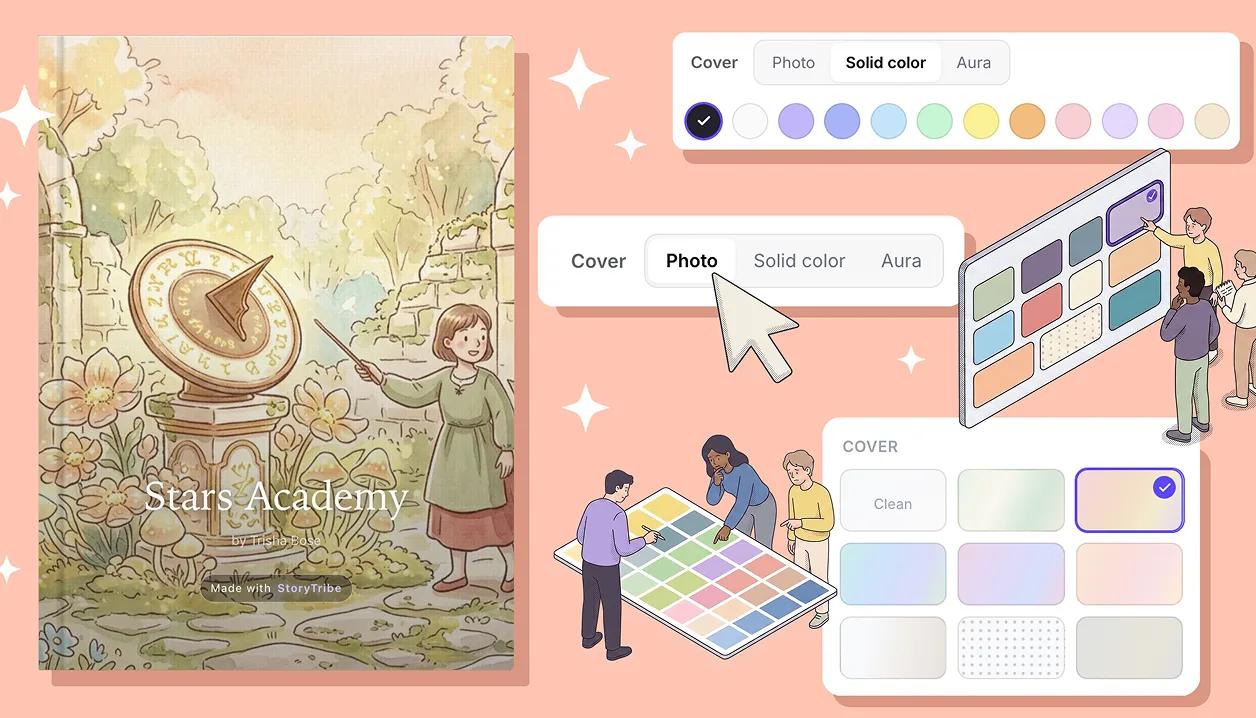
Pick the cover right in the Publish window: a photo cover made from your first shot, one of twelve solid colours, or an aura gradient. The front carries your title and byline, and the back wears the same jacket.
Publish it, share one link
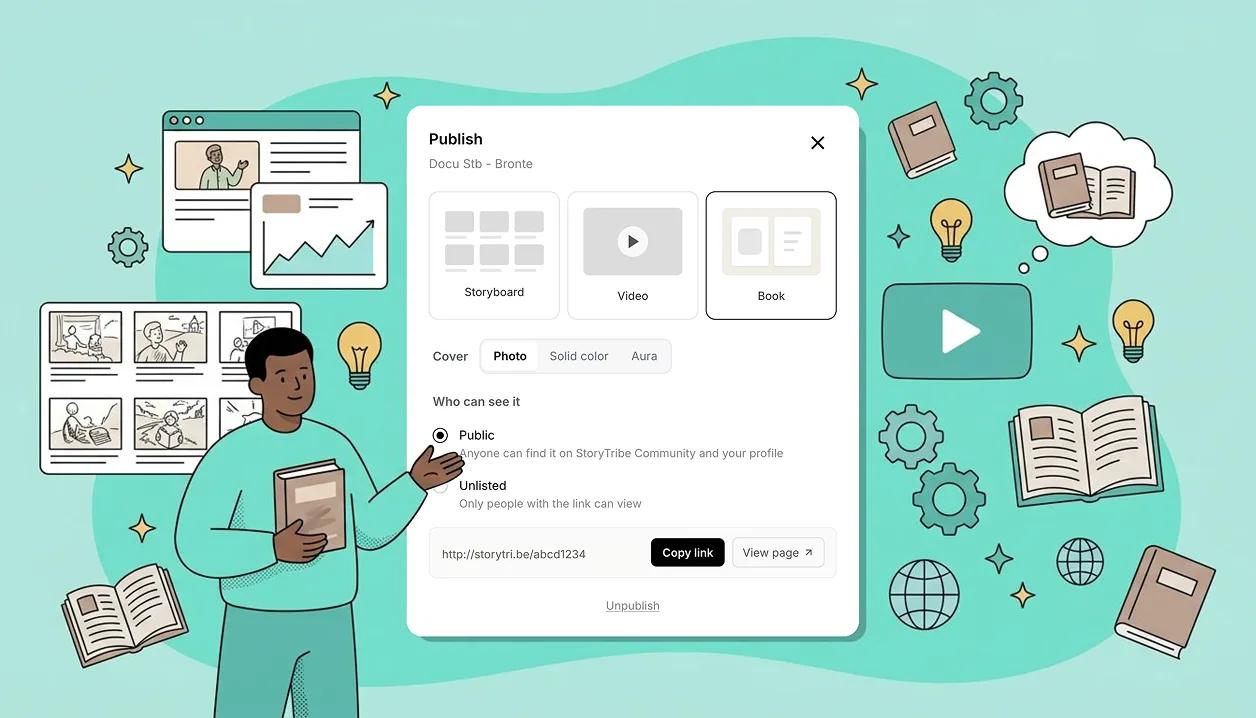
Publish and your book goes live at one stable link, on StoryTribe Community and your profile. Readers open it in the browser, no account needed; signed in, they can like, comment, save the story and follow you. The same page can switch between Storyboard, Video and Book without the link changing.
Learn how
Publish as a bookChoose Book in the Publish dialog, pick a cover (Photo, Solid color or Aura), and Publish. Readers get a cover, a page of script before each frame, and a back cover, with page turns.OverviewThe share page and what it showsA published project lives at a short storytri.be link. Visitors see the storyboard, video or book, your name and avatar, and a bar with views, likes, comments, Save, Follow, Full screen and Share.ConceptCan I share my storyboard with others?Yes. Share the live project with specific people or anyone with the link, or publish it as a storyboard, video or book on its own page, Public or Unlisted.FAQCan I share film storyboards with clients and crew without them signing up?Yes. Click Share on the project, set Anyone with the link to Can view, and send it: clients and crew view the storyboard with no signup. Only commenting needs a free account.FAQLink previews for a published projectWhen you post a link to a published project, it unfurls as a card with the project's title and its first frame. Only published pages get one, on both Public and Unlisted.ConceptCan I share my storyboard created with StoryTribe on social media?Yes, on any plan. To post the video file itself you need a paid plan.FAQTry Publish as a book on your own project
Free to start. Upgrade when the project needs it.