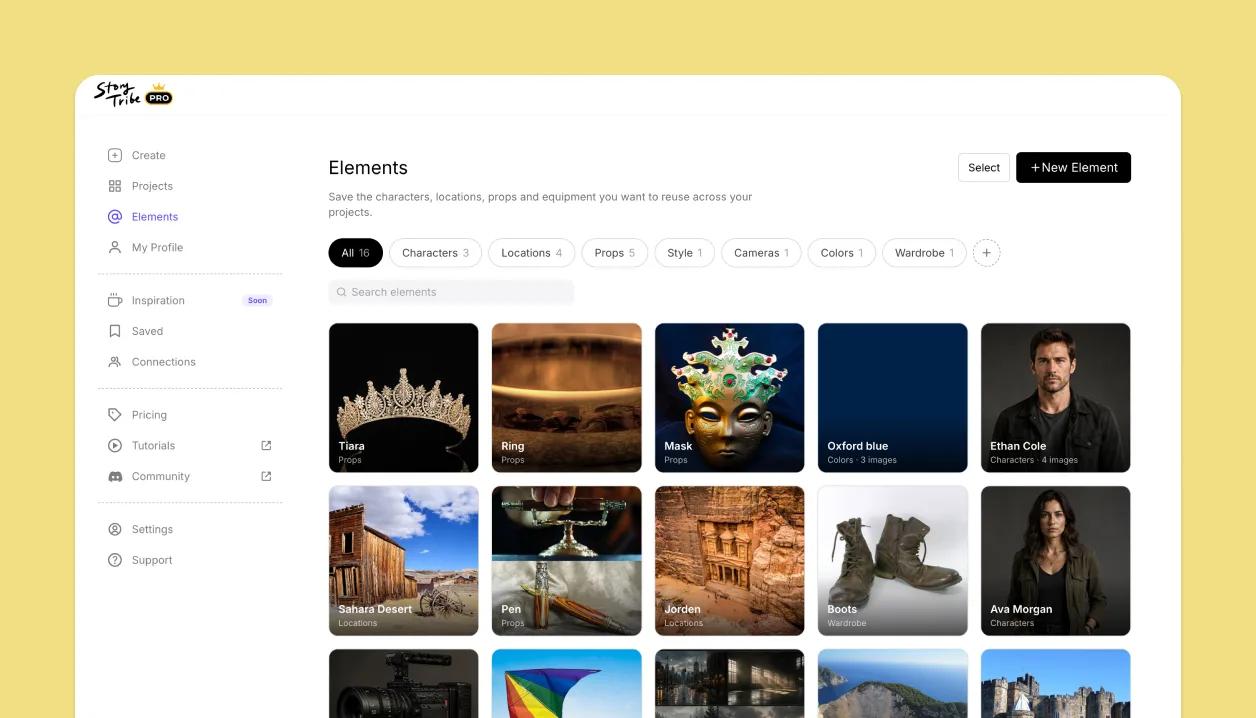
A reusable library of characters, locations, and props
Save your cast, locations, and props as Elements once, then reuse them across every project. Reference one in any shot and it stays consistent, so the same character looks the same in shot 3 and shot 47.
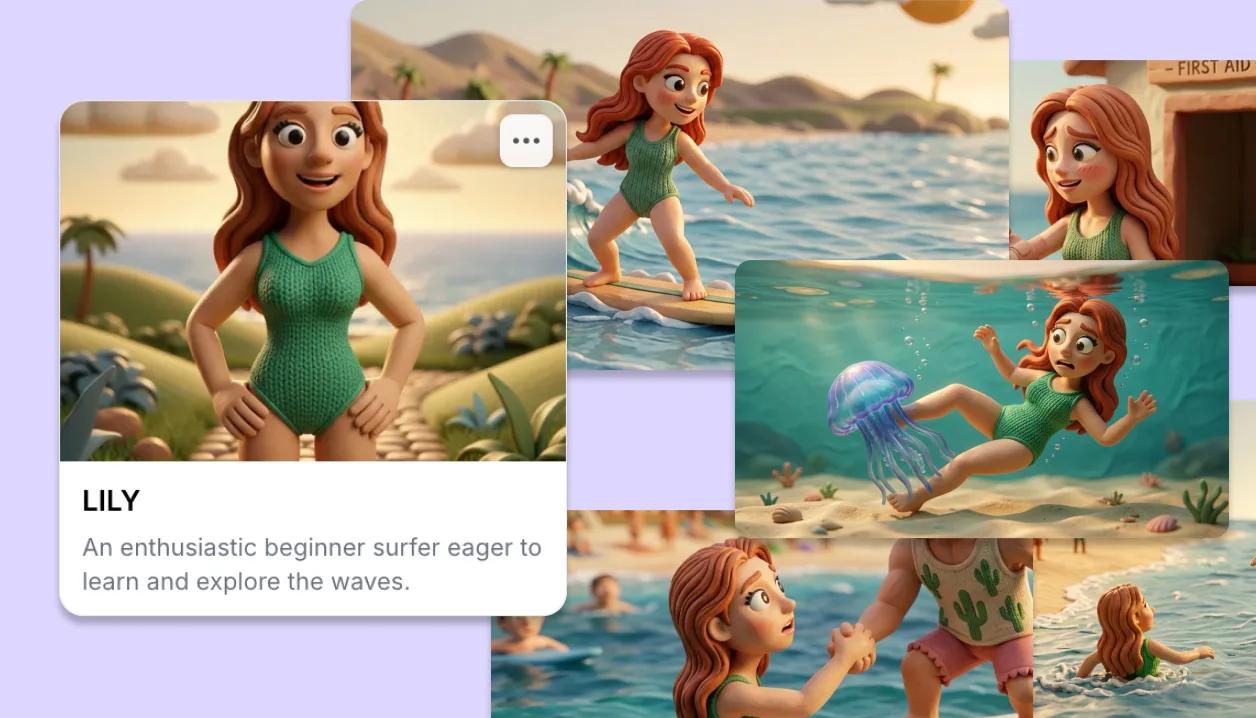
The same character in every shot, every project
Save a character, location or prop as an Element and it lives in your library, ready for any project. Reference it when you generate with Tribe AI and it comes back consistent, frame after frame: the same face in shot 3 and shot 47, costumes and sets holding across the whole sequence.
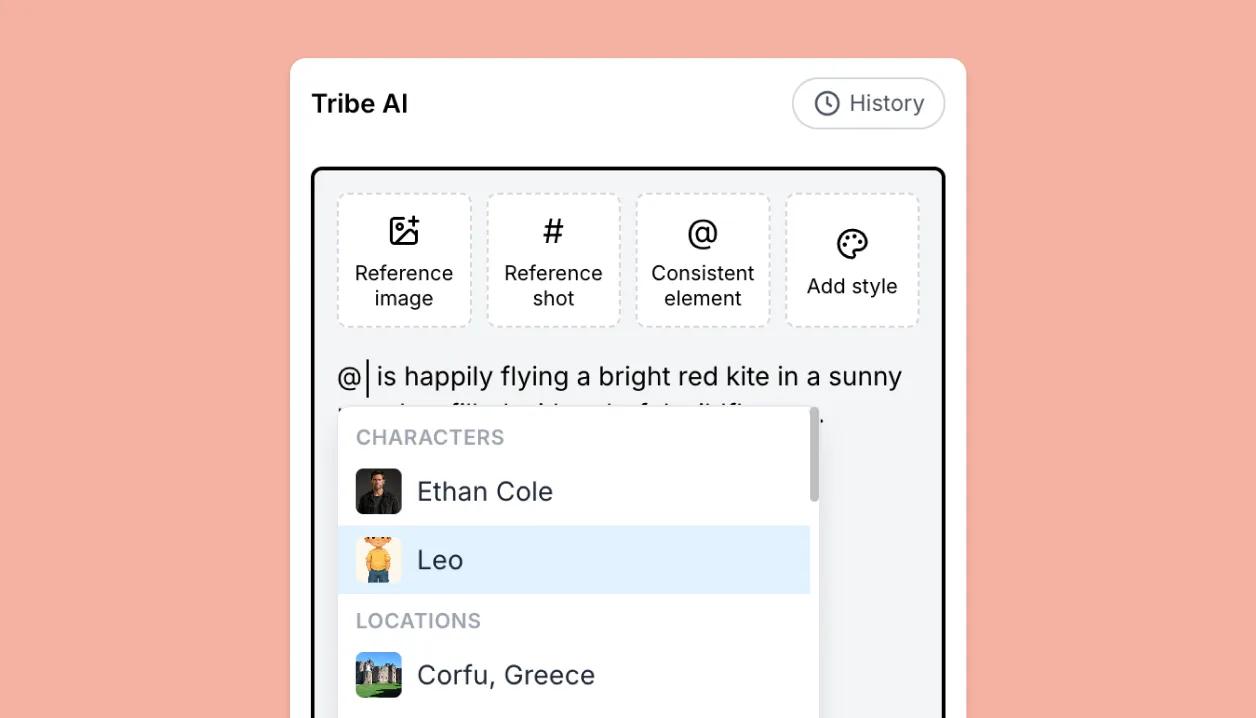
Tag characters, locations and props with @
Type @ in a Tribe AI prompt to lock the generation to your character, location or prop. The same @ works in the script and in the shot table. Every mention sticks to its shot, so you can search by it: filter the board to every shot a character appears in.
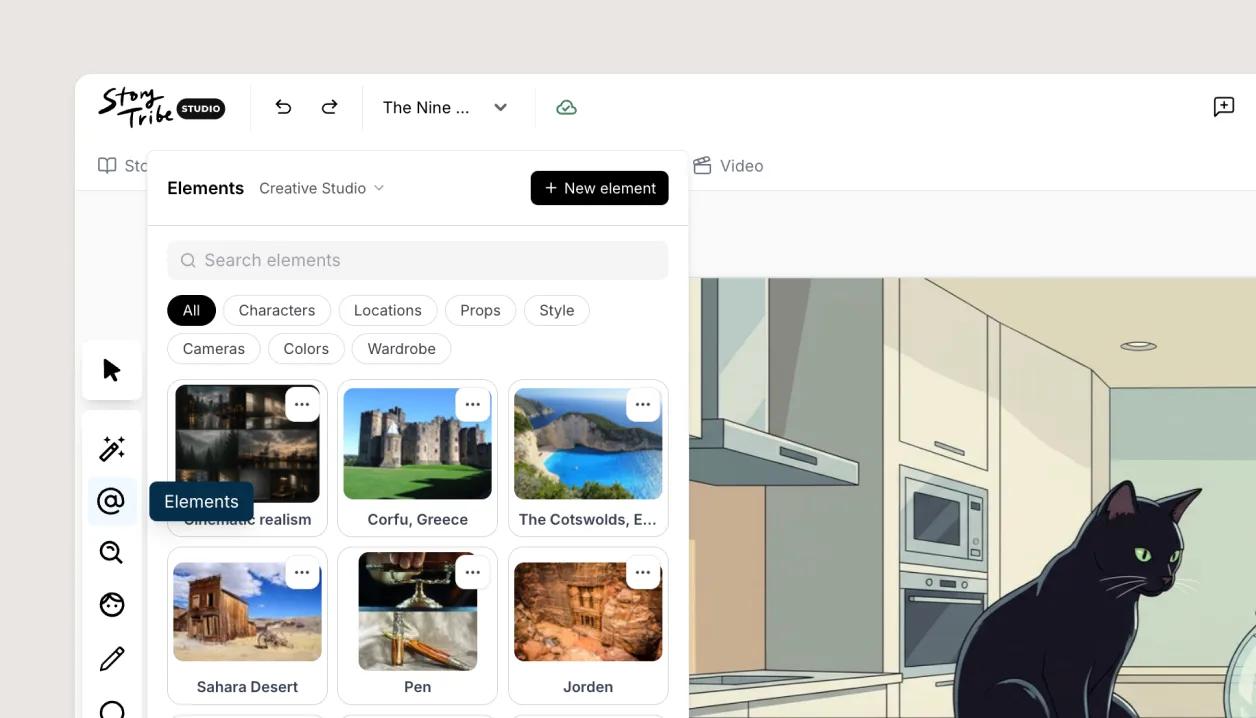
One shared library for the team
In a Studio workspace the library is shared. Save a character once and everyone on the project can use it.