Board
Plan every shot in a spreadsheet-style shot list
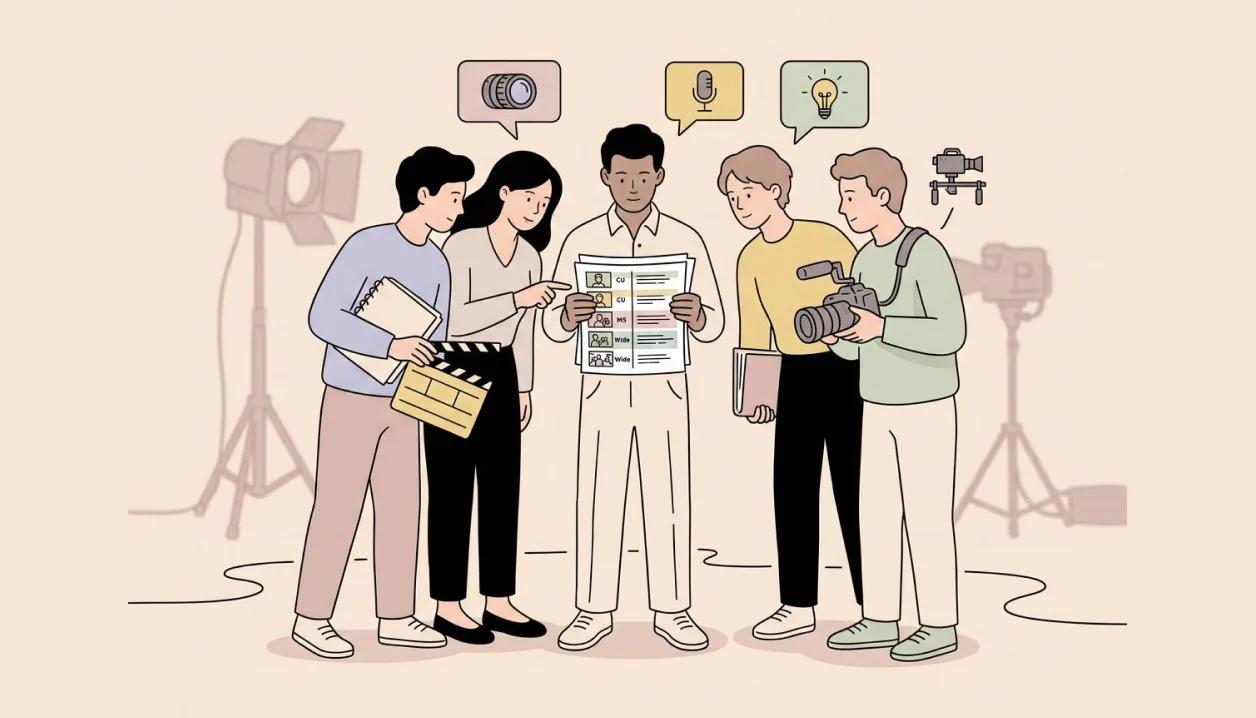
Organize your project into scenes and shots, then work the whole shot list as a table. Add the fields you plan by, shot size, angle, cast, location, status, and see every shot at a glance.
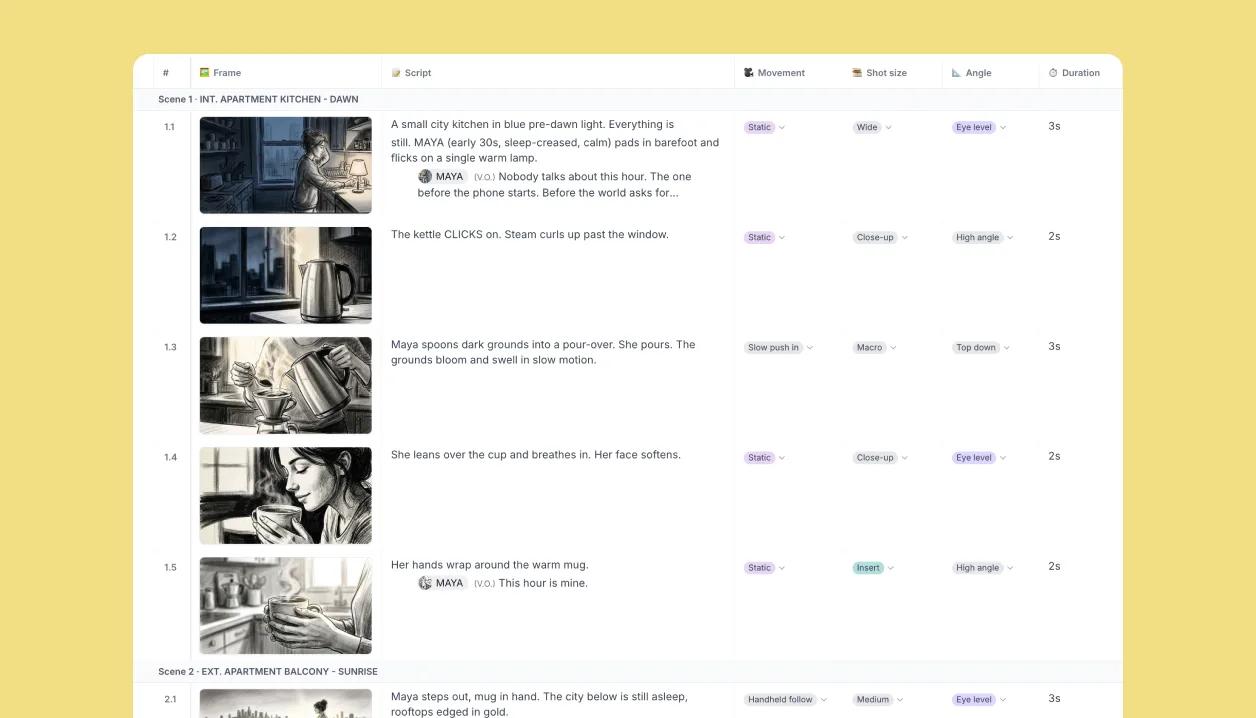
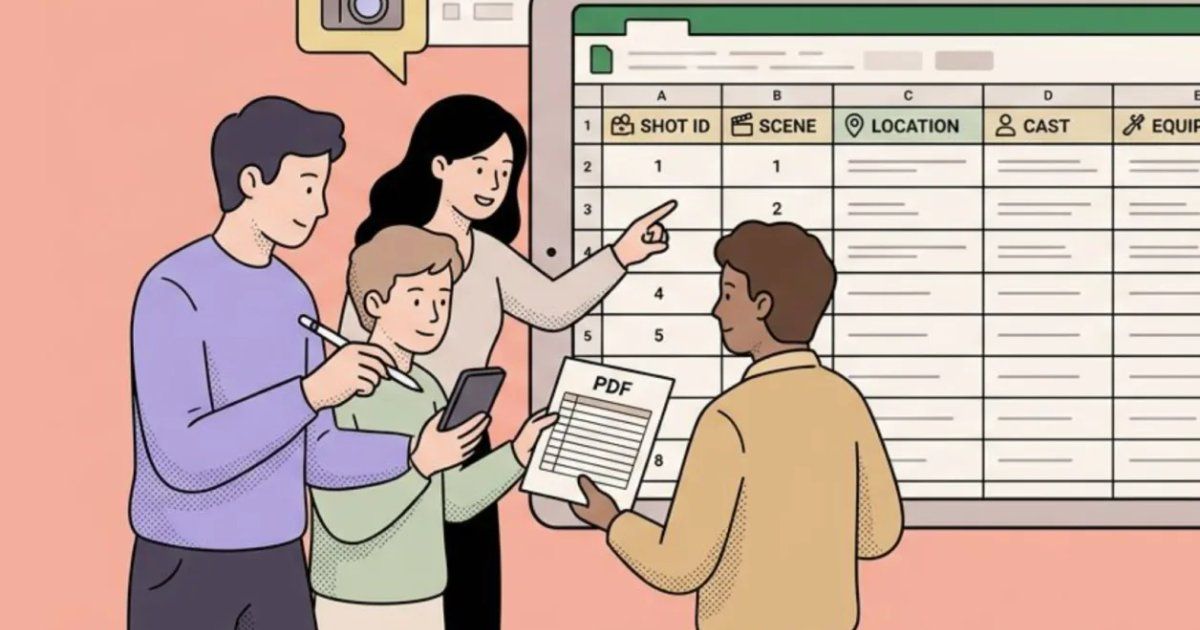
Table view: the whole board as rows
Switch to Table view and every shot becomes a row with its image, script and properties side by side. Edit a cell and the board updates; reorder a row and the numbering follows.
Built-in properties, plus your own
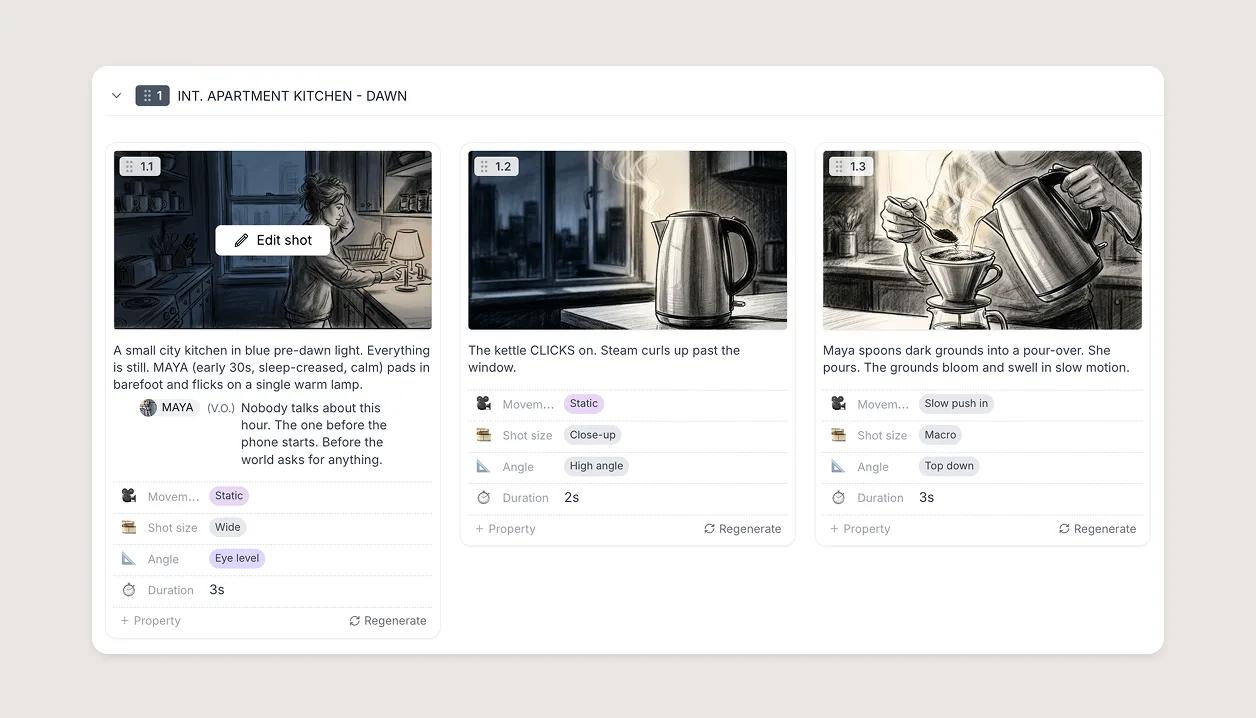
Shot size, angle, cast, location and status come built in. Add custom properties for whatever your production plans by, and they show on every shot.

Number scenes and shots your way
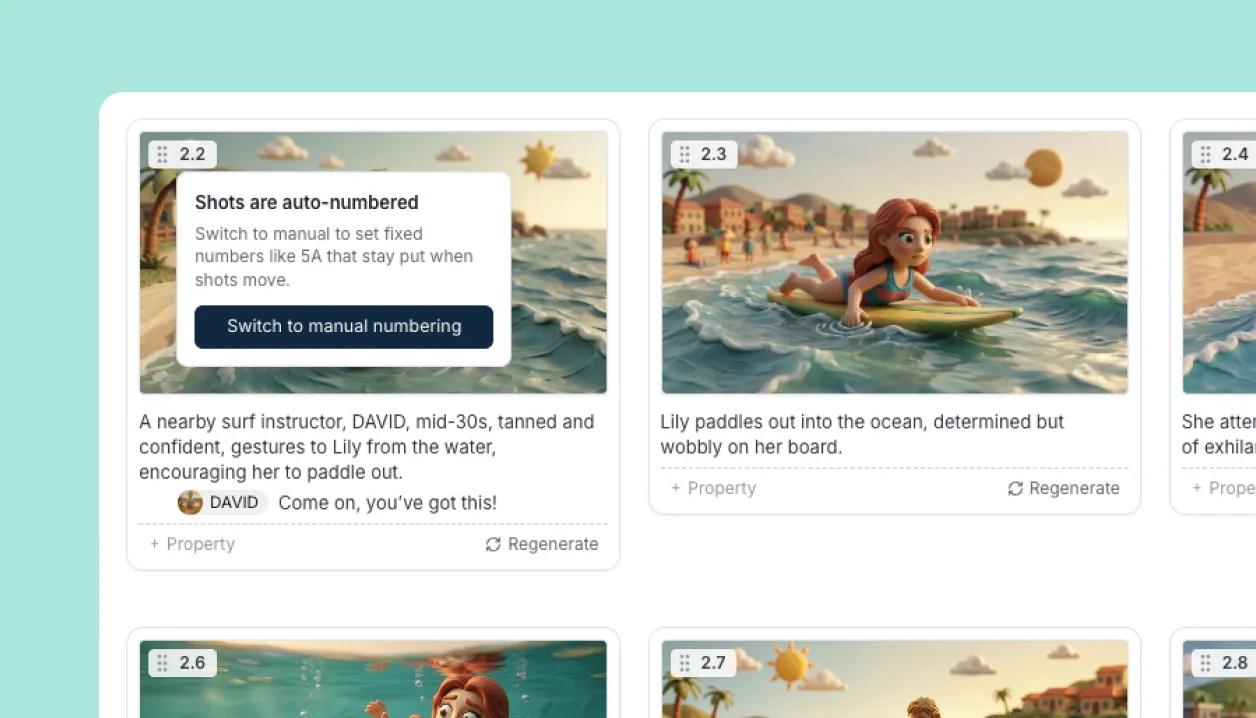
Automatic numbering follows the order of the board. Switch to manual when a script is locked and the numbers must not move.
Export the shot list for the crew
Send the table out as CSV, Excel or PDF, with the columns you chose.
Learn how
Table view (desktop and tablet)The Table is your shot list: one row per shot under a banner for each scene, with a column for the frame, the script and every property. Edit in place, reorder columns and rows, and export it.OverviewWhat shot properties are and where to edit themA property is a typed detail every shot can carry: Shot size, Angle, Movement, Duration, Cast, Location and any custom ones you add. Edit them in the Table, the Canvas side panel or a shot's card. OverviewCustom propertiesType a name in the property picker and choose Create. Pick a type (Text, Number, Date, Time, Duration, Select, Image), add options for a Select, and the property is yours in every project.TaskMore features
Video editorTurn the board into an animatic with timing, voice-over, music and a transition per cut.Learn more →WorkspacesStudioYour team and clients in one workspace: edit together, comment on the shot, share with the right access.Learn more →Canvas EditorCompose each shot from characters, props, backgrounds and your own drawing, every piece its own layer.Learn more →ElementsNewOne library of characters, locations and props, reused across every shot and every project.Learn more →Import and exportNewScripts in from Final Draft, Fountain, Word or text; boards out as PDF, PowerPoint, spreadsheet or video.Learn more →Script editorNewScreenplay formatting that stays in sync with your shots.Learn more →AI imagesNewGenerate a shot from the script or a prompt, split it into layers and keep editing.Learn more →