A canvas where every piece stays editable
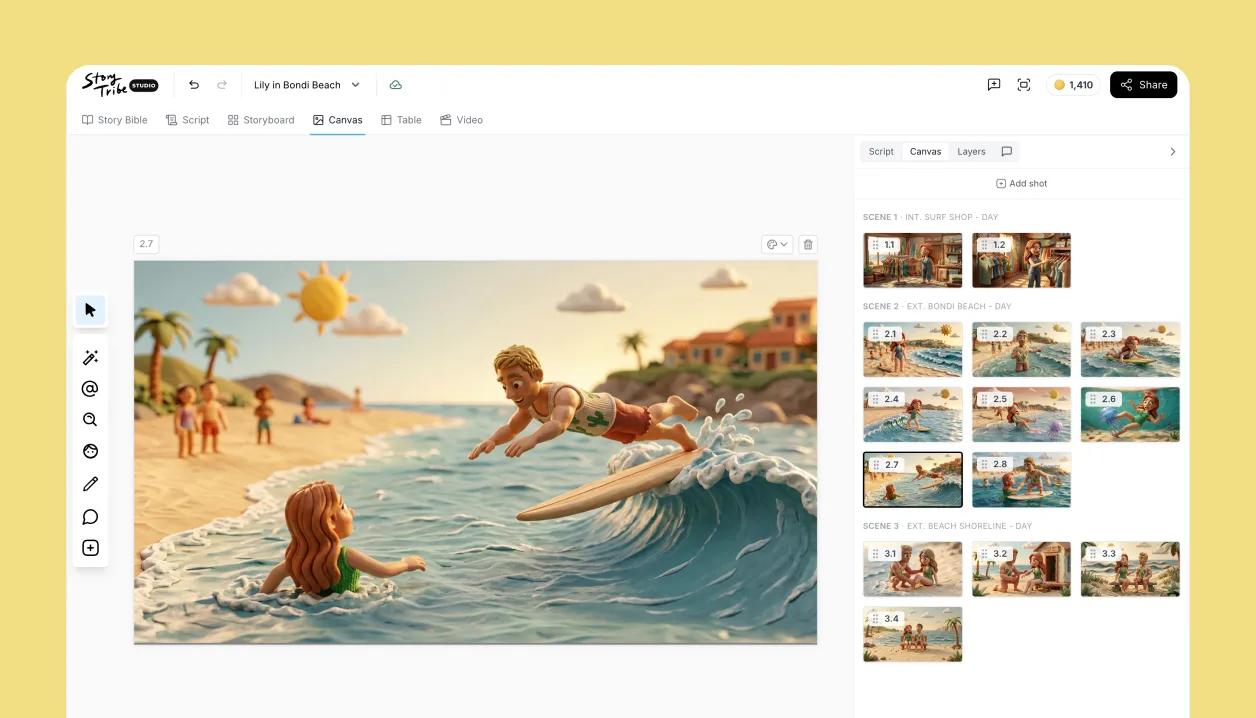
Drop in characters, props and backgrounds, draw over them, and move every object as its own layer. One search finds scene templates, characters, props, icons and stock photos, and everything you place stays editable, so a change is a nudge, not a redraw.
Start the frame with Tribe AI
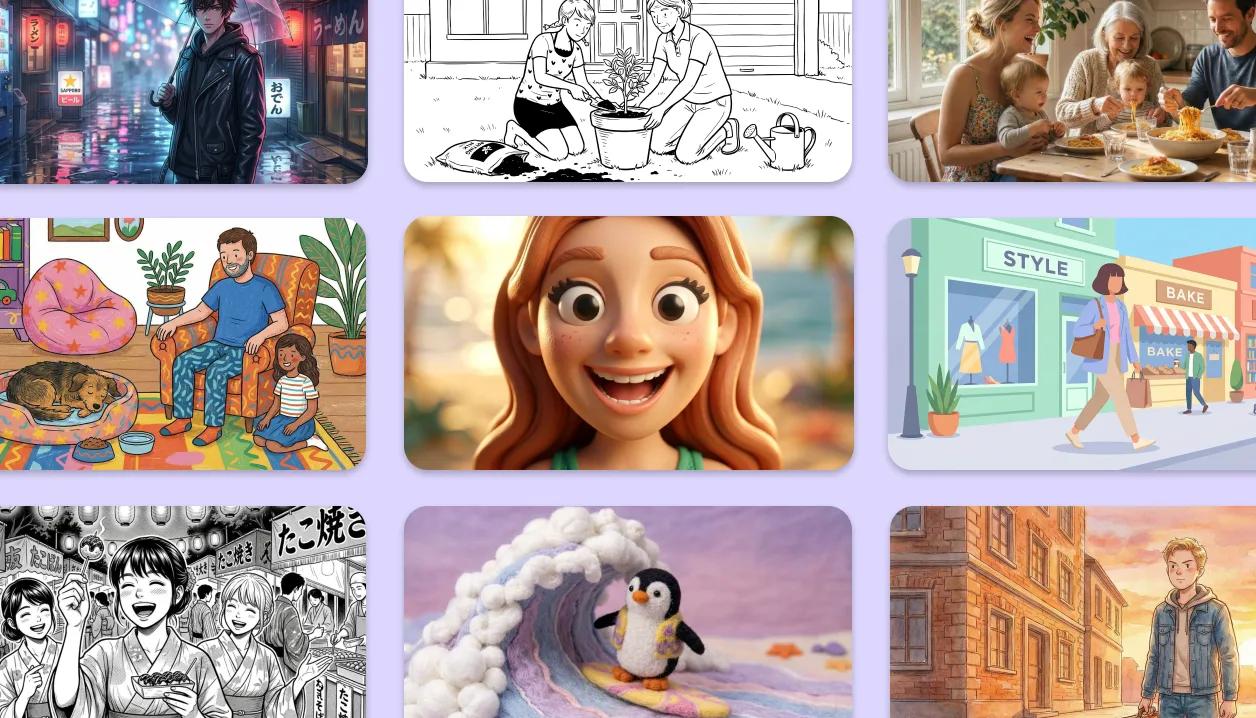
Generate a shot from a prompt or the shot's own script, right on the canvas. Pick the take you like and it lands as an image you can keep working: split it into layers, move what's in frame, and re-block without generating again.
A ready-made library for every scene
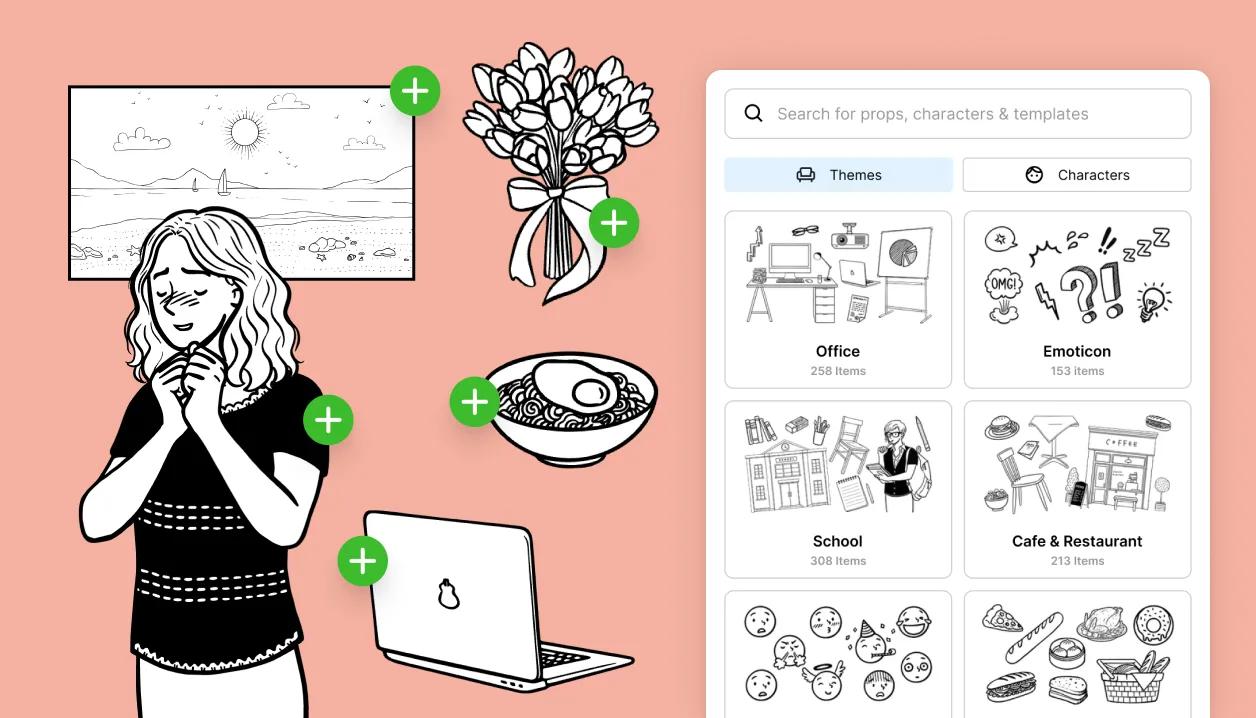
Search one library for scene templates, characters, props, icons and stock photos, right in the canvas toolbar. Click what you need and it lands on the canvas, scaled to your project, with every part still editable. Building a frame is picking, not importing.
Characters you can pose and dress
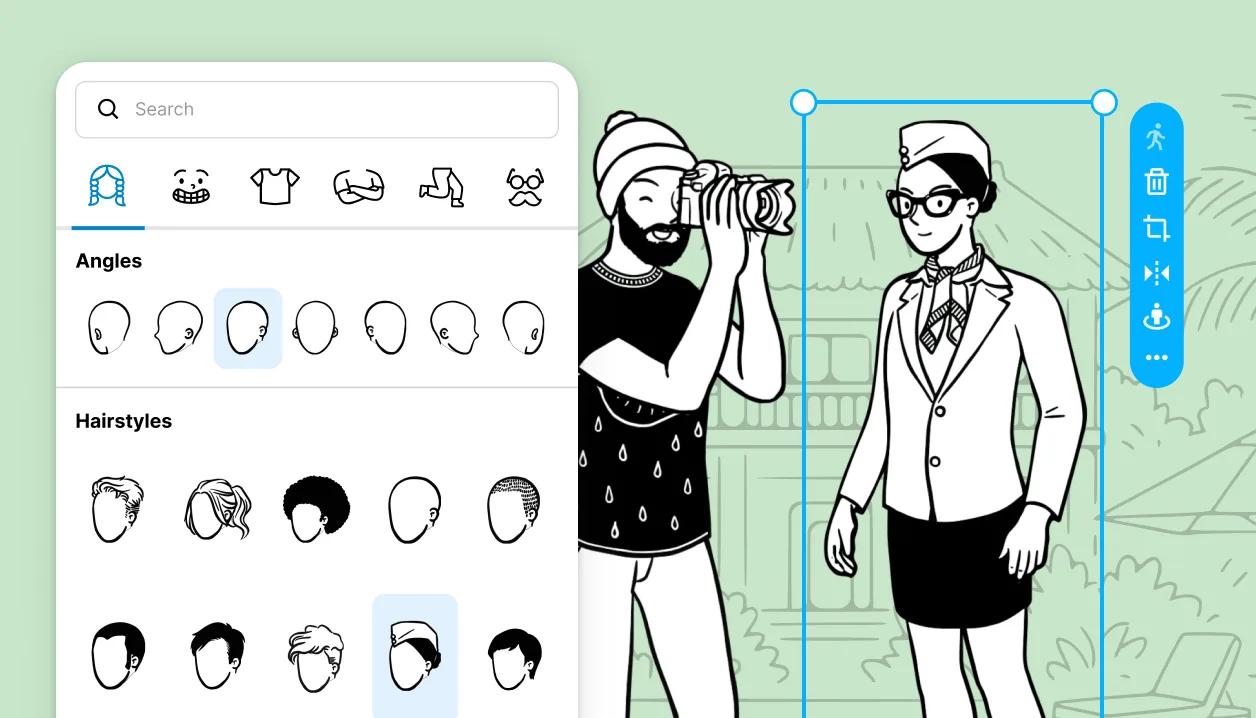
Add a character, open the editor, and swap hairstyle, face, top, arms, legs and extras; turn the head and body to face the action. Favourite the parts you use most and they sort to the front in every project.
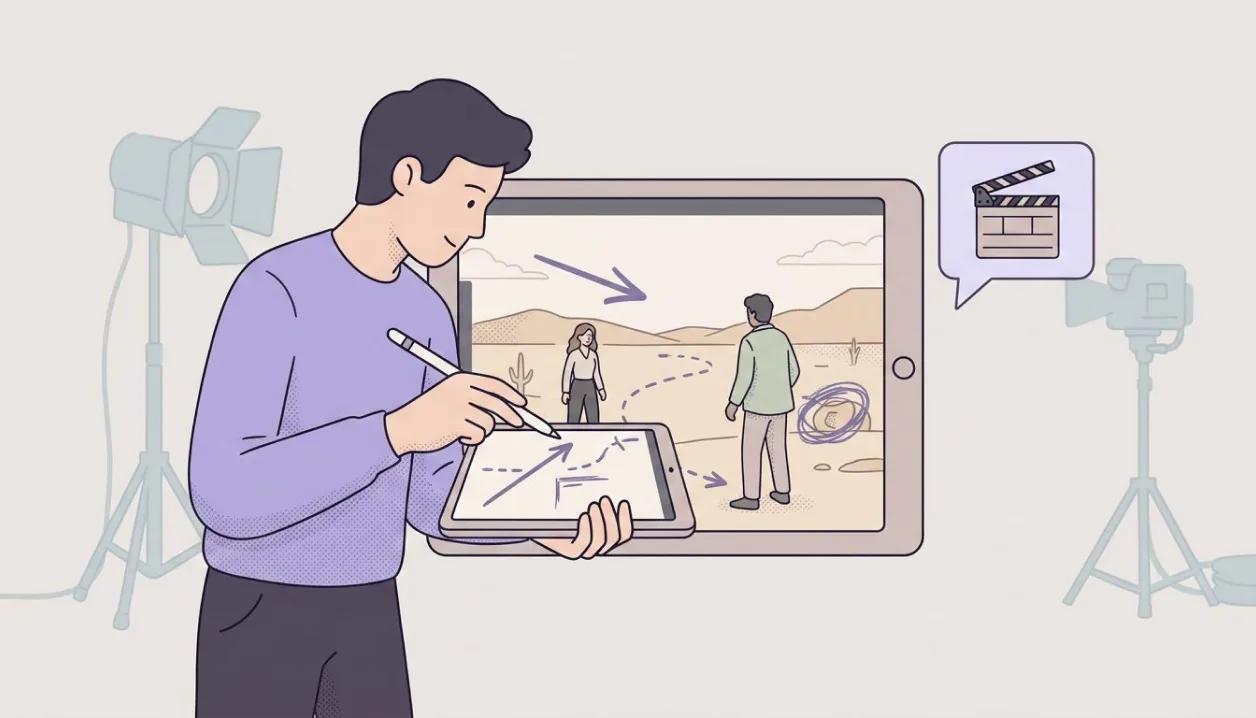
Sketch straight onto the shot
Grab the pen and mark the frame the way a director marks a board: arrows for a push-in or a cross, dashed lines for movement, a rough sketch over anything.
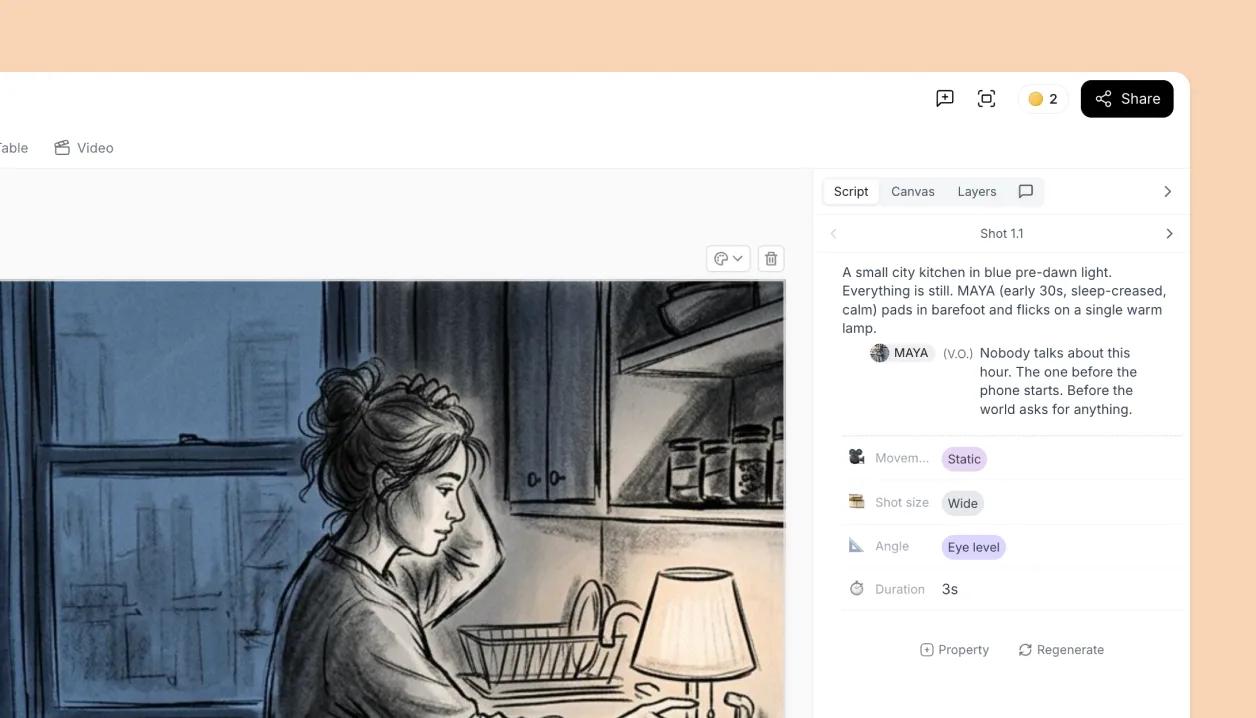
Your script, in the side panel
Open the Script tab and the shot's lines sit next to the canvas, the same script you see in Script view, editable in place. Shot fields like size, angle and notes live in the same panel, so the words and the coverage stay in view while you compose.
Learn how
Using Search: characters, props, templates, icons and images in one placeOne search box in the canvas toolbar finds scene templates, characters, props, icons and stock photos. Click a result to put it on the canvas.OverviewScene templates: what you get when you drop one on the canvasA scene template drops a ready-made set of objects on top of what is already on the canvas. Every piece stays separate and editable, and the whole set is scaled to your project's canvas size.ConceptCustomizing charactersAdd a character with Character in the left toolbar. To edit it, select it, then click it once more. You can change its hair, face, clothes and pose, turn its head and body, and save it as an element to use again.OverviewLayers panelThe Layers tab in the side panel lists every object on the shot, top layer first. Drag to restack, click the padlock or eye to lock or hide, double-click to rename, right-click for more.TaskAlignment snappingAs you move or resize, blue guides appear when an edge or centre lines up with the canvas or another object, and the object snaps to it. Shift constrains movement to straight lines and 45°.ConceptAdding backgroundsSet a background colour from the canvas edge, or place an image (a stock photo, your own upload, or a Tribe AI generation) and send it to the back.TaskTry Canvas Editor on your own project
Free to start. Upgrade when the project needs it.