Turn your storyboard into a video
Play your boards as an animatic, add an AI voiceover and music, set a different transition for every cut, and export the whole thing as an MP4. Your storyboard becomes the first cut.
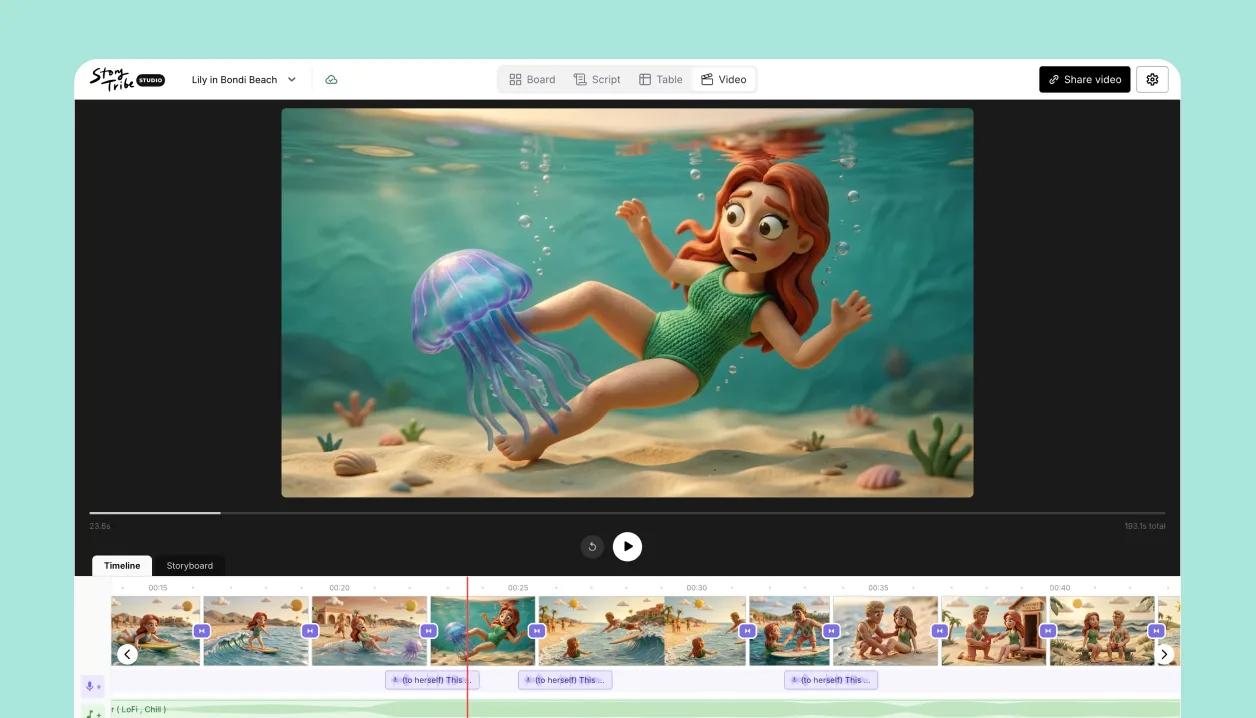
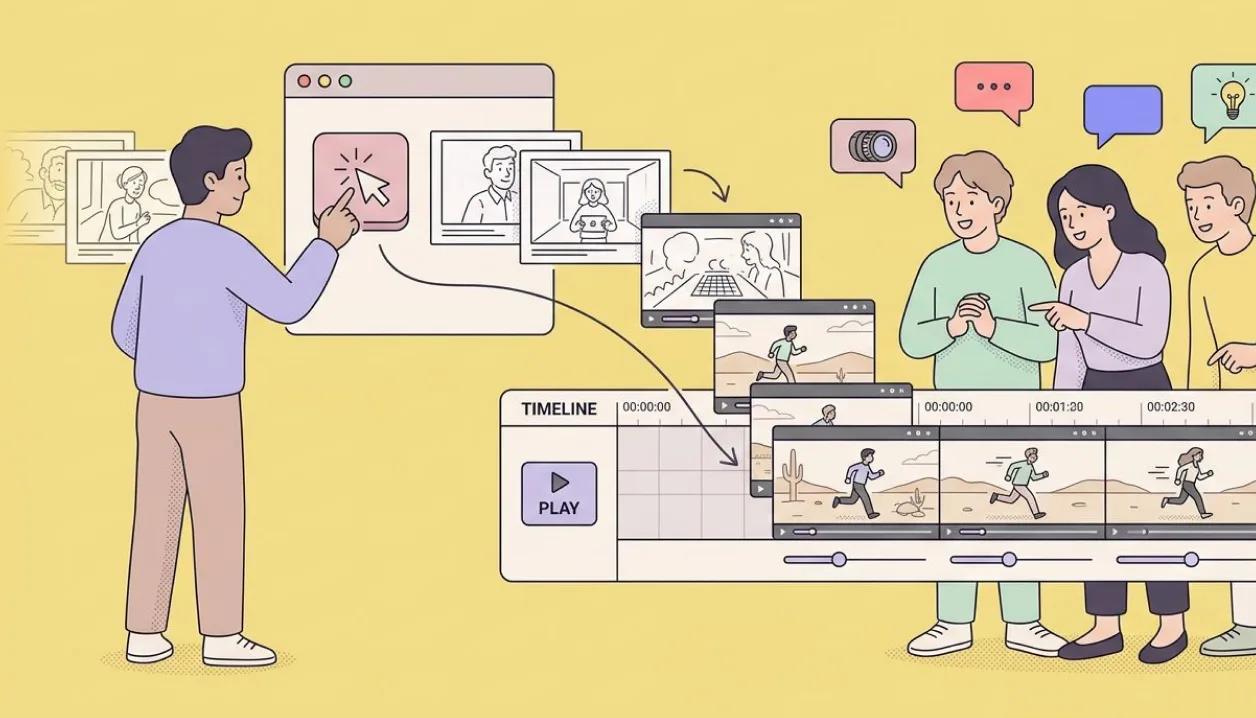
Your storyboard is already a video
One click and the edit builds itself: every shot on the board becomes a clip on the timeline, in storyboard order, nothing to assemble. Set how long each shot holds, press play, and the animatic runs straight from your boards.
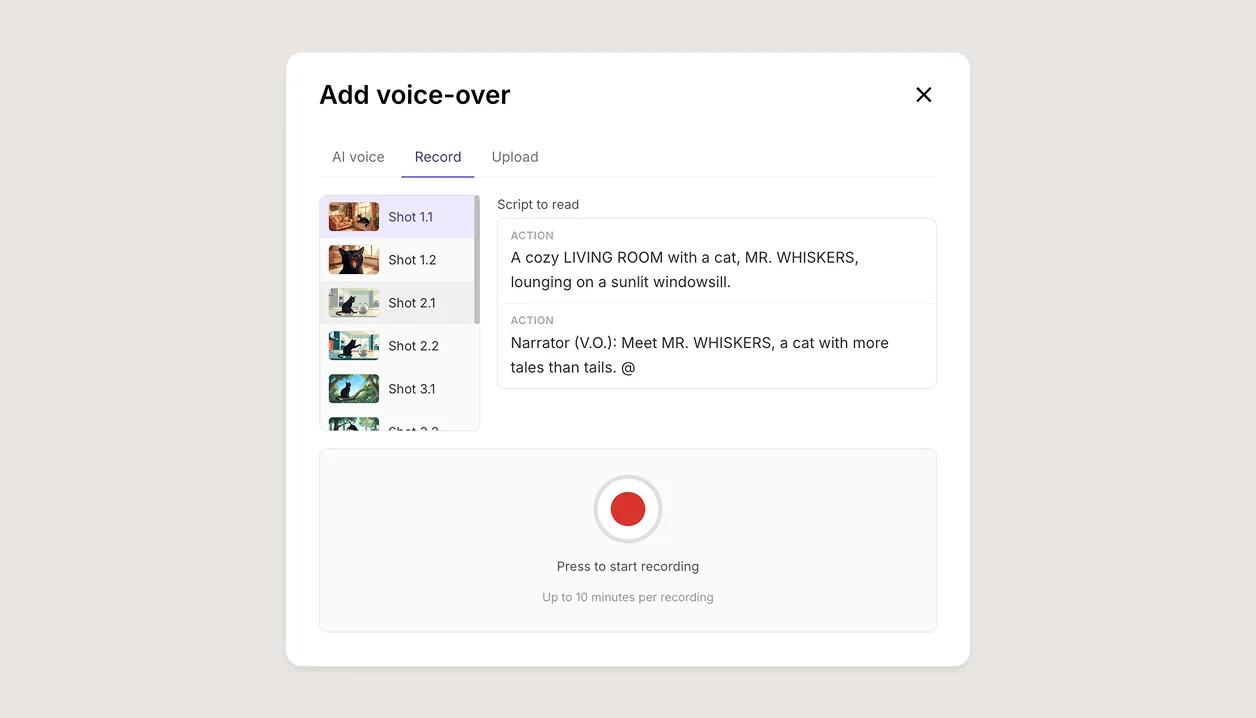
Voice over: record it, upload it, or let AI read it
Lay a voice under the shots three ways: record a scratch track straight into the timeline, upload dialogue or temp audio you already have, or generate an AI voice-over from the script. Add a music track and every clip lines up under the shots it plays over.
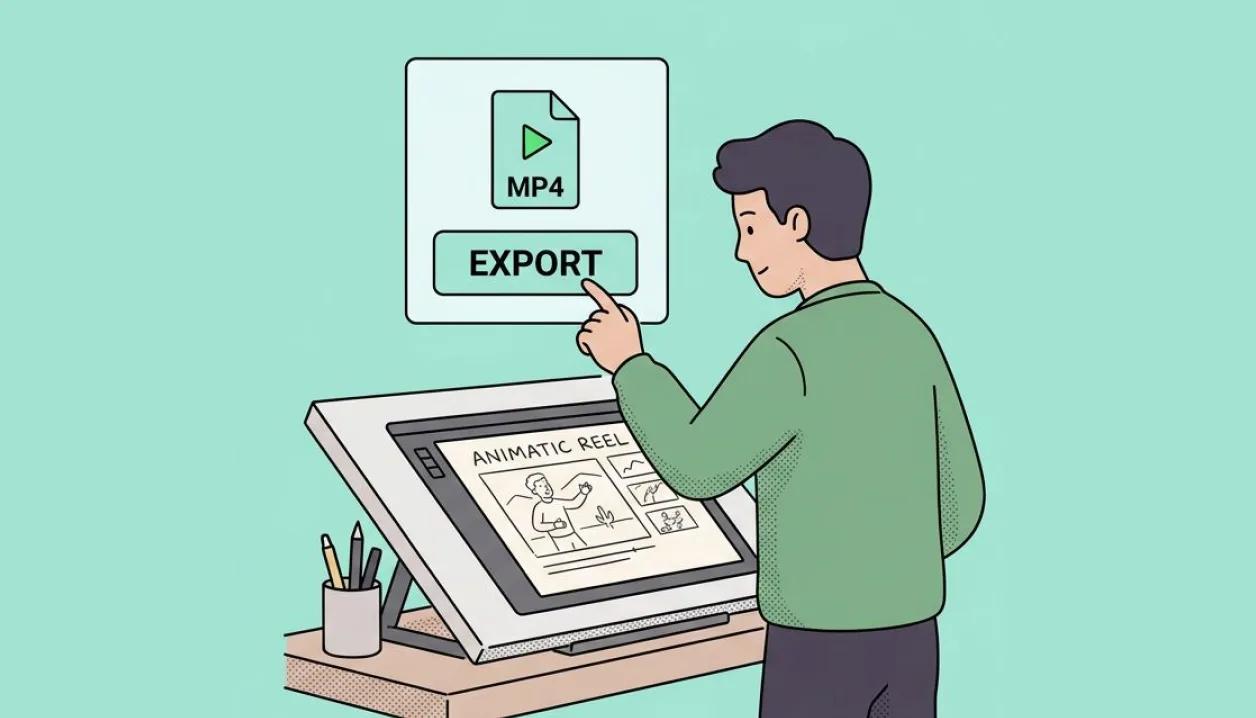
Export as MP4 or share a link
Render the animatic as an MP4 for the edit, or publish it as a video page and send the link.
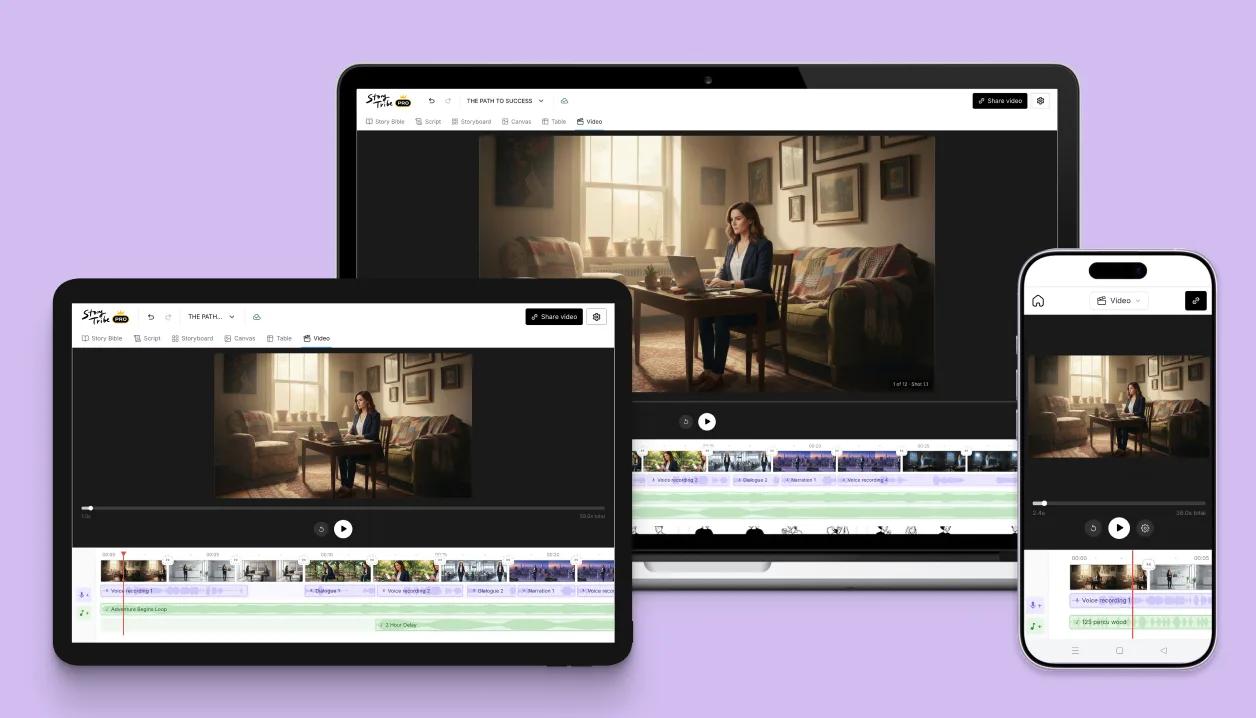
Edit on desktop, tablet, even your phone
The video editor runs on desktop, tablet and phone, with the timeline shaped for each screen and audio tuned per device. Start the cut at your desk and keep adjusting wherever the note finds you. One project, open on all of them.
Learn how
Turn a storyboard into a videoOpen the Video view and click Create video. Every shot becomes a clip in storyboard order; set timing and transitions, add music and voice-over, then share a link or download the MP4 on a paid plan.OverviewAI voice-oversIn the Timeline, click the voice-over row, choose lines from your script or write your own, pick a voice, and click Generate. The narration lands as a clip you can move, trim, split or regenerate with a different voice.TaskMusic tracksIn the Video view, click the music row to add a track from the library or a file of your own. Drag it to move it, drag its ends to trim it, and click it for volume, loop and fades. Three can overlap.OverviewTransitionsClick the small button between two shots to choose None, Fade, Slide or Zoom and set its length (0.1 to 3 seconds). To set a default for every cut, use Video settings.TaskShare a video linkShare video › Get a shareable link publishes the project as a Video page, Public or Unlisted, on its own short link.TaskTry Video editor on your own project
Free to start. Upgrade when the project needs it.