AI images you can still edit, layer by layer
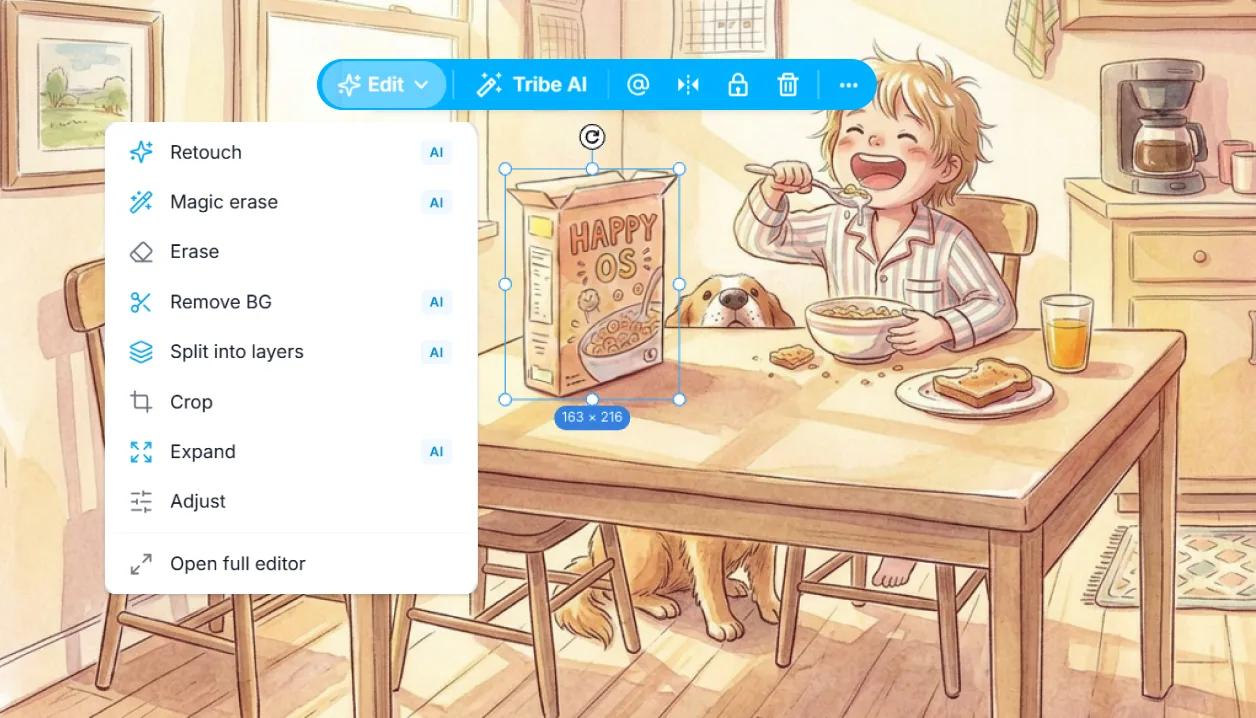
Tribe AI builds your scenes as editable, layered images, not flat pictures. Generate a frame from the shot's script or a prompt, then remove the background, expand the frame, split it into layers, retouch or relight, all after the AI has done its part.
Free plan includes 100 AI credits a month.
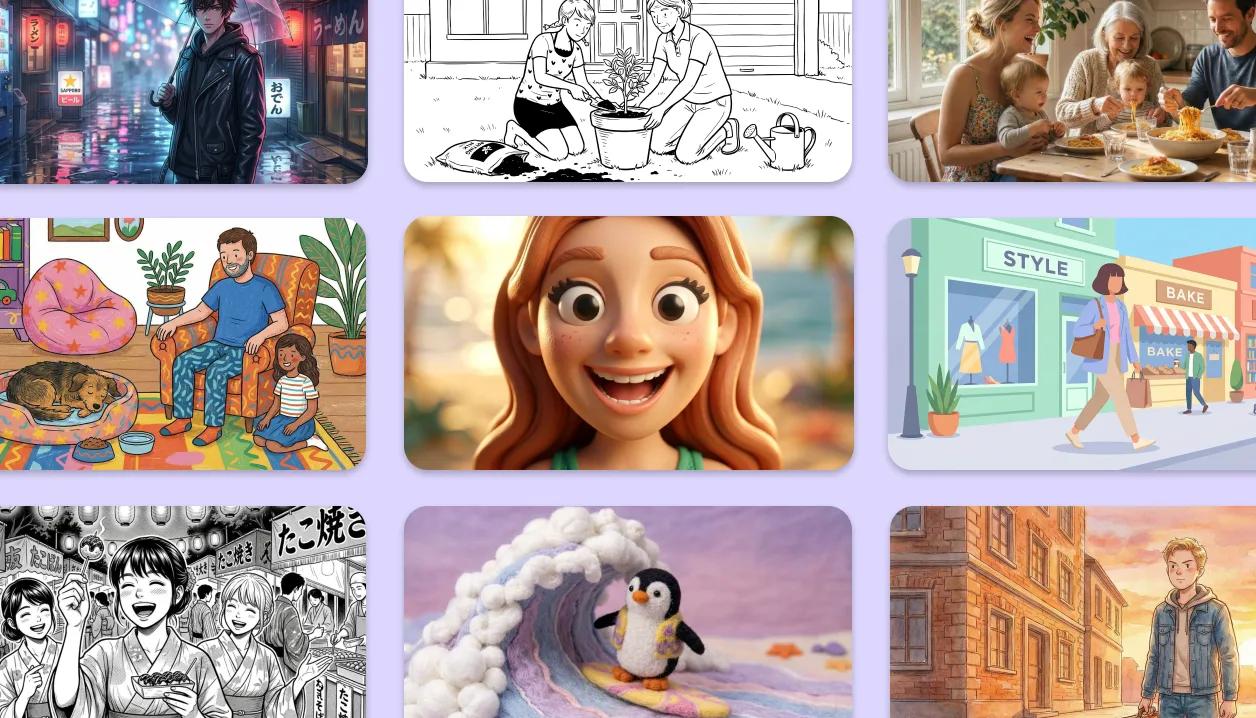
Choose a style, or create your own
Every generation starts from a look you choose. Pick from the built-in styles, there are plenty, or create your own and save it as a Style. Apply the same one shot after shot and the whole board reads like one artist drew it.
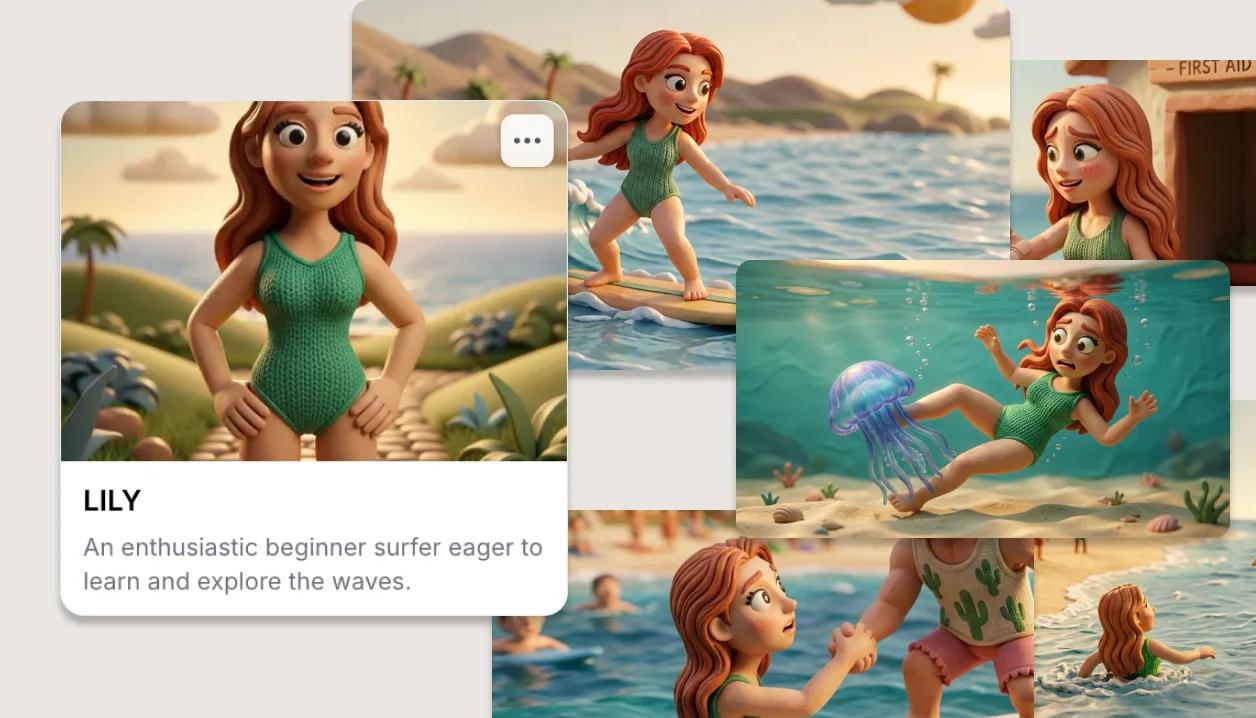
Reference it once, keep it consistent
Point Tribe AI at what already exists: a character or location from your Elements, another shot from the board, or a reference image you add. Generations follow what you reference, so faces, wardrobe and sets hold across the whole sequence.
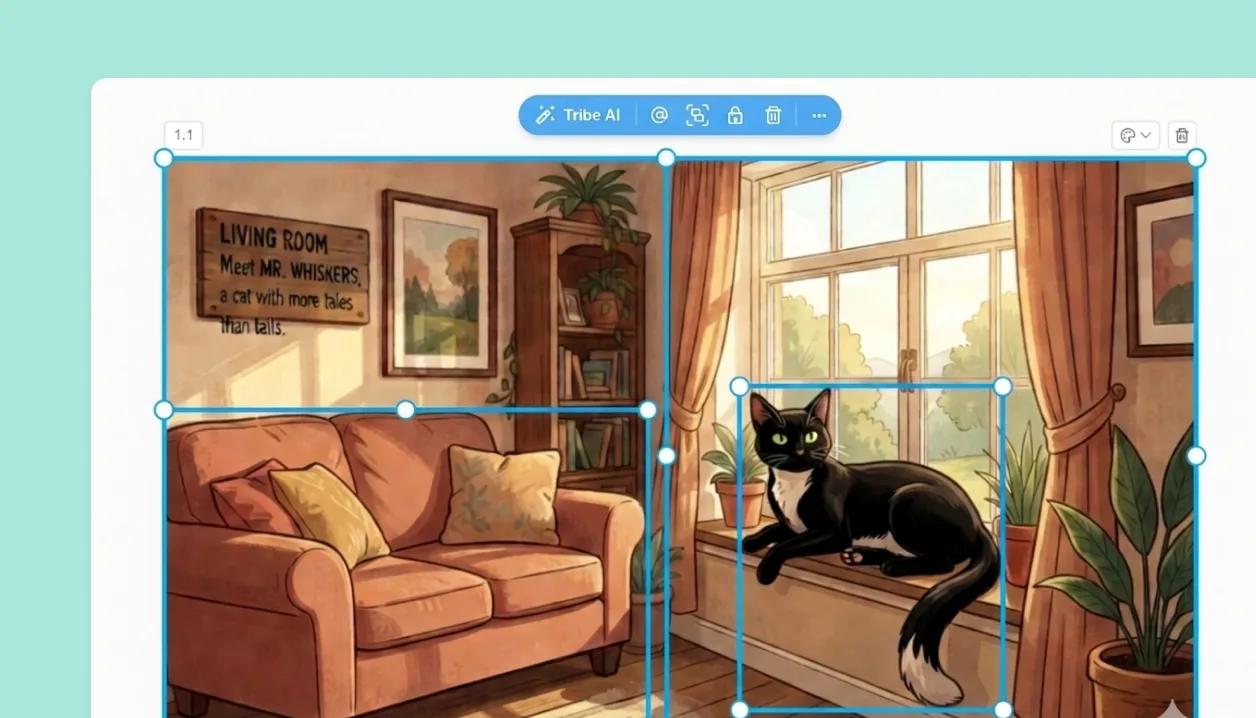
Objects and layers, not flat pictures
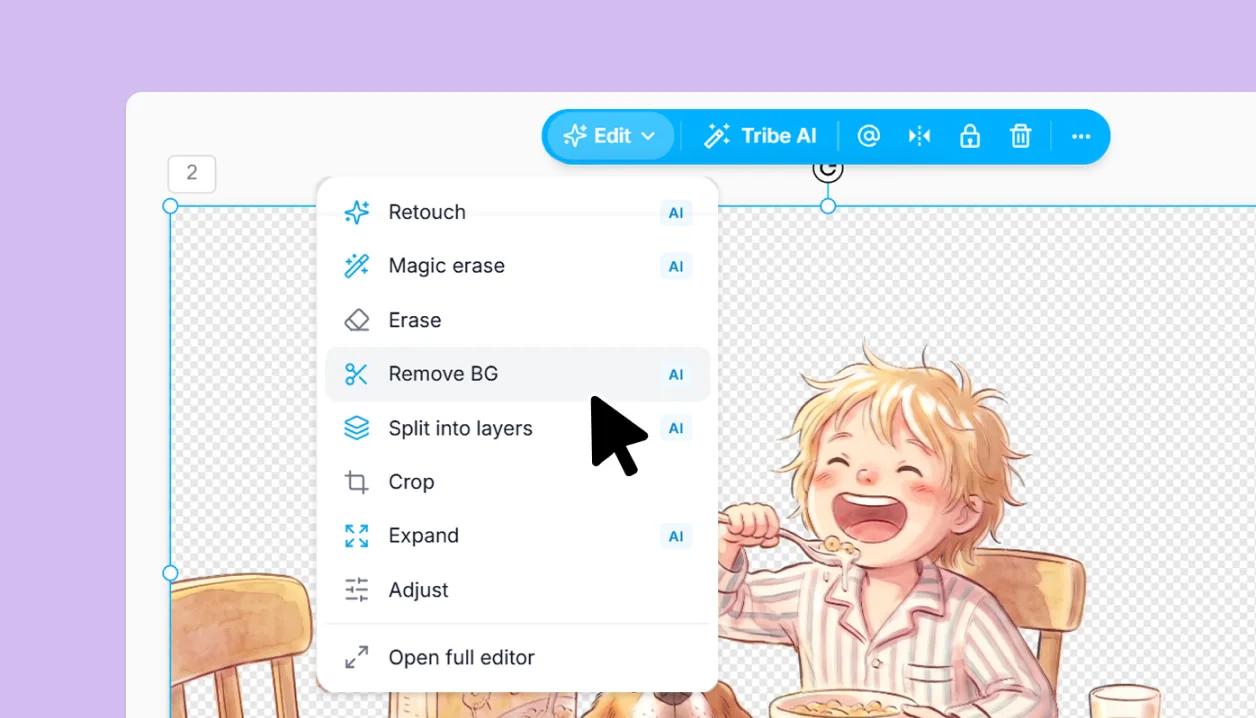
Turn No background on and a character or prop arrives as a clean cut-out, an object on its own, ready to drop into any scene. Generated a full frame instead? Split it into its parts, then move, resize or replace each one with the normal canvas tools. You are arranging objects, not repainting a picture.
Magic Edit: change one thing, keep the rest
Re-angle an approved frame, overhead included. Relight, retouch or erase a region. Remove the background, or expand the frame to a new aspect ratio. Each edit works on the image in place.