AI styles: built-in, custom and saved
A style sets the rendering look of everything Tribe AI generates. Choose one of StoryTribe's, make your own with Create style (a Style element with reference images), or use No style.
Last updated Aug 29, 2026
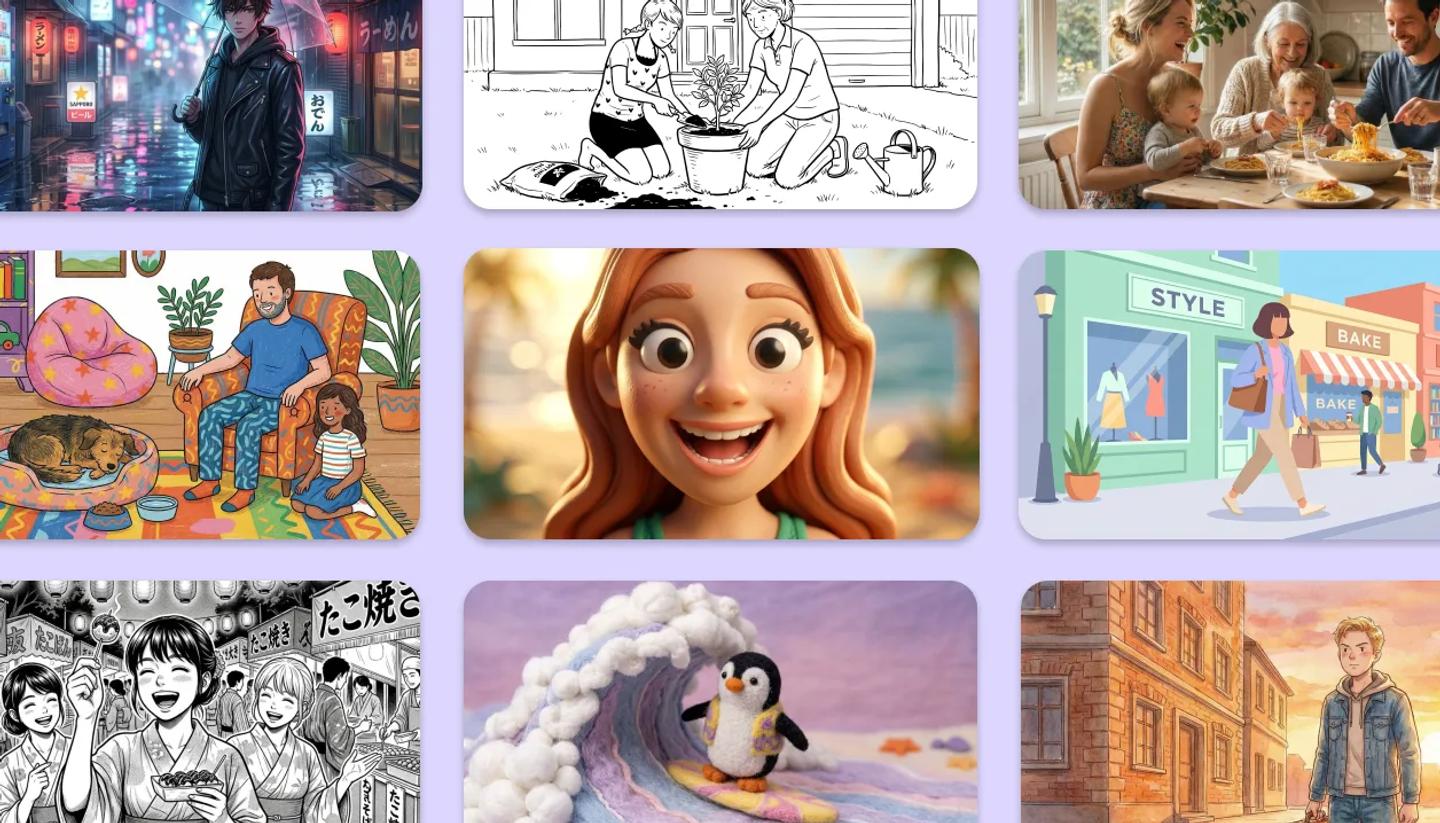
Click Add style in the Tribe AI panel (or the style strip on the Create page) to open Choose AI style. It has a search box and three groups: Your styles, your workspace's styles when you have one, and StoryTribe styles. Pick one and it shows as a thumbnail on the panel with Remove style; No style lets the prompt decide.
Making your own

Click Create style. Give it a name and add a few images that show the look, such as frames from a film, your own artwork or an earlier generation you liked. Then write a short description of the look, for example: "loose ink lines, muted watercolor, paper texture." Your style is saved as an element in the Style category. It appears under Your styles in every project. If you saved it to a shared library, it also appears under your workspace's styles.
Style vs reference
A style answers "how should it be drawn"; a reference image or Consistent element answers "what should be in it". Use both: a Style for the whole board, and elements for the cast.
Need more help?
Send us a message. We reply within 3 days, usually sooner.