AI models
The Model menu in Tribe AI offers seven image models, from 8-credit rough drafts to 90-credit hero frames. Pick by what the shot needs; the credits per image are shown in the menu.
Last updated Aug 29, 2026
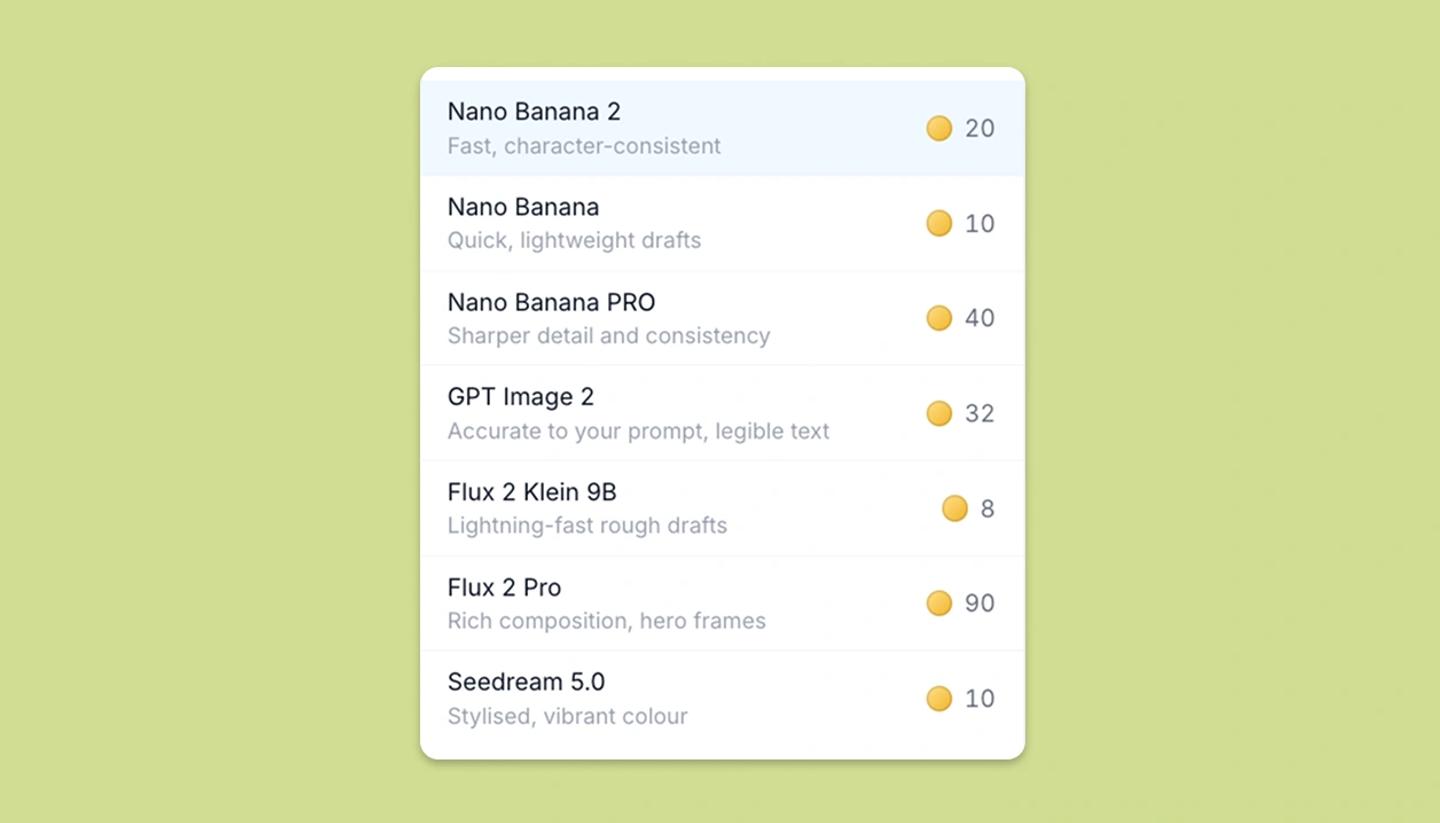
Open the Model menu in the Tribe AI panel (or on the AI start's Step 2 bar). Each row shows the model's name, what it's good at, and a coin with the credits one image costs. Adding No background adds the background-removal cost on top.
The models
- Nano Banana 2, 20 credits. Fast and character-consistent; first in the menu and the one to reach for most of the time. Up to 4K output.
- Nano Banana, 10 credits. Quick, lightweight drafts. 1K output.
- Nano Banana Pro, 40 credits. Sharper detail and consistency, for frames that will be looked at closely. 1K output.
- GPT Image 2, 32 credits. Accurate to your prompt and renders legible text, so use it for signs, screens and titles in frame. 1K output.
- Flux 2 Klein 9B, 8 credits. Lightning-fast rough drafts and the cheapest option, good for blocking a whole board. 1K output.
- Flux 2 Pro, 90 credits. Rich composition for hero frames and pitch images.
- Seedream 5.0, 10 credits. Stylised, vibrant colour. 2K output.
Magic Edit operations (remove background, change angle, expand, split into layers) use their own fixed models and costs.
Which model for which shot
- Blocking and rough frames: Flux 2 Klein or Nano Banana, then regenerate the keepers with a better model.
- The same character across many shots: Nano Banana 2 or Nano Banana Pro with the character's reference images attached.
- Words that must read correctly in the image: GPT Image 2.
- One hero frame for a deck or a client: Flux 2 Pro, and accept the cost. A distinct illustrated look: Seedream 5.0.
- Aspect ratios depend on the model; the ratio menu only offers what the chosen model supports.
Common questions
Was this article helpful?
Need more help?
Send us a message. We reply within 3 days, usually sooner.