Split into layers
Split into layers separates a flat image into its parts (a person, the furniture, the background) as individual objects you can move and restack.
Last updated Aug 29, 2026
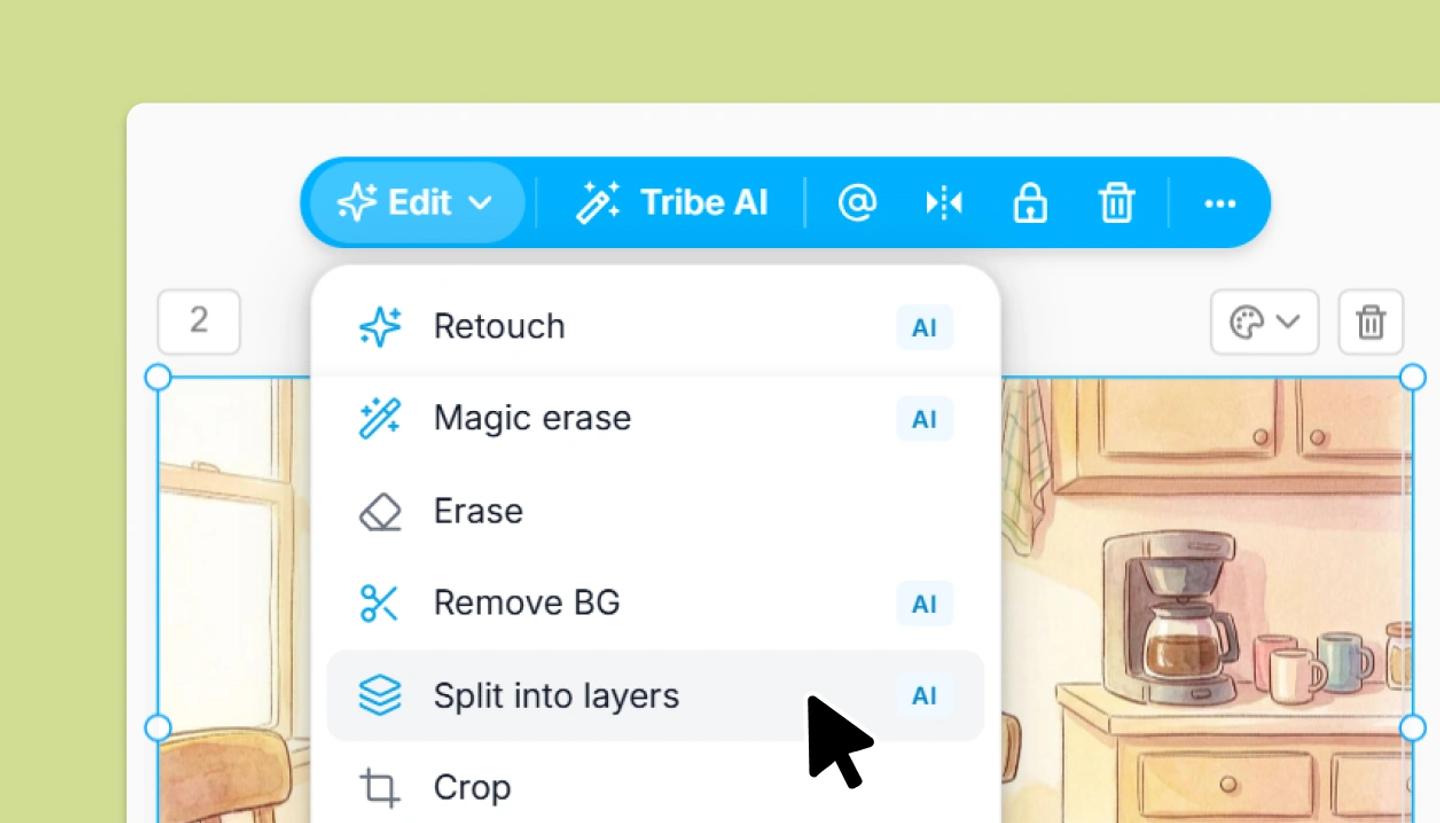
- Select an image and choose
Split into layersfrom its bar or Edit menu. - Wait for
Splitting into layers...to finish. The original is replaced by separate objects, one per part, stacked in the same positions. - Open the Layers panel to see and name them, then move a character forward, swap the backdrop, or delete a part.
Good uses
- A generated frame you like, except one character is in the wrong place.
- Reusing a location photo as a backdrop with its foreground clutter removed.
- Turning one image into two shots: keep the background in both and move the people between them.
Was this article helpful?
Need more help?
Send us a message. We reply within 3 days, usually sooner.