Share a video link
Share video › Get a shareable link publishes the project as a Video page, Public or Unlisted, on its own short link.
Last updated Aug 29, 2026
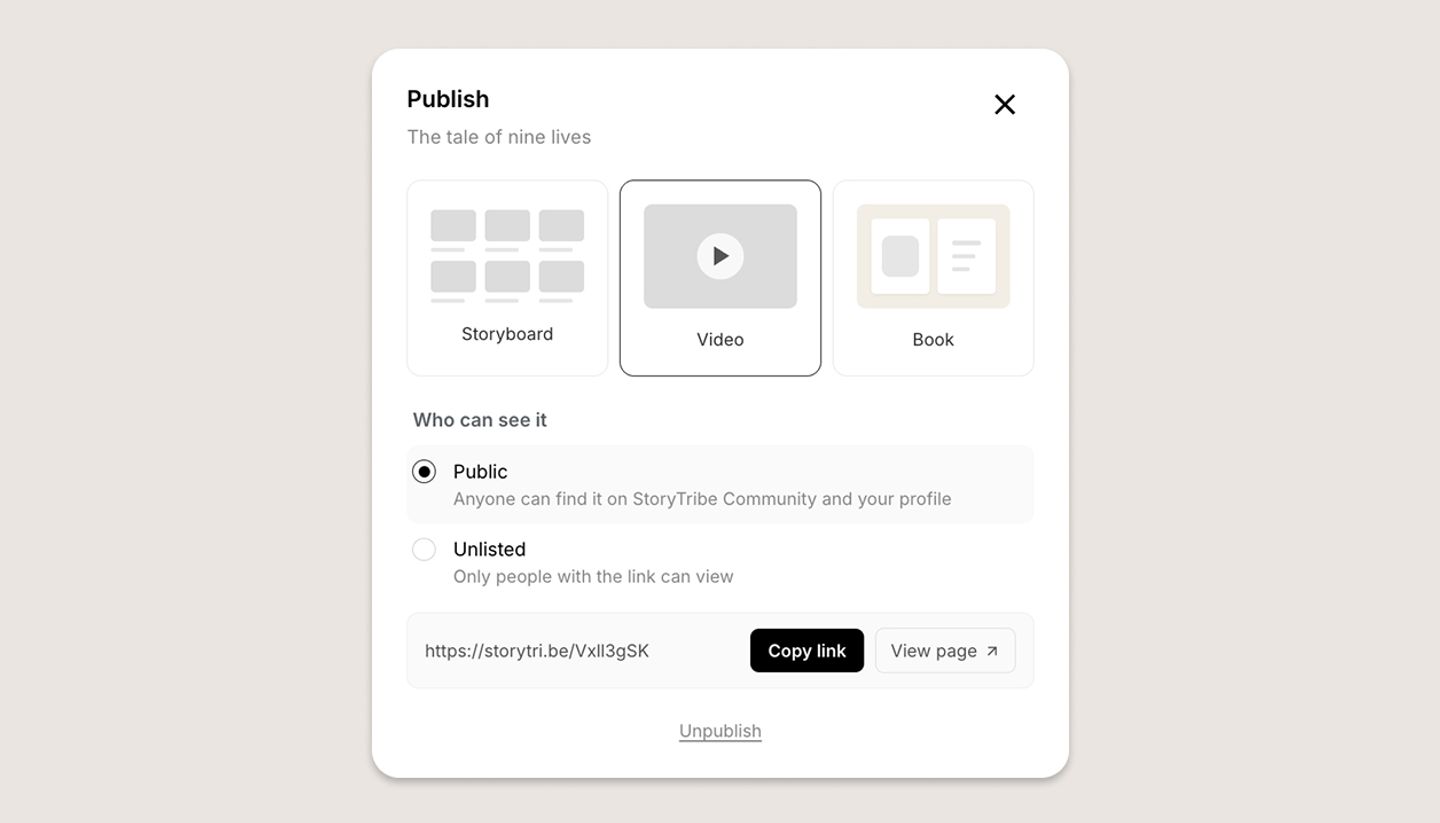
- In the Video view click
Share videoand chooseGet a shareable link. - The Publish dialog opens with
Videoselected (it's greyed with Create a video first until a video exists). UnderWho can see itchoosePublicorUnlistedand clickPublish. - Use
Copy link. The link is a short storytri.be address.
A project has one published page, so publishing the video replaces a published storyboard or book at the same link.
Was this article helpful?
Need more help?
Send us a message. We reply within 3 days, usually sooner.