Manage seats
Workspaces only, and Owner only. The Members page shows Seat usage such as 3 of 5 seats used. Manage seats changes the total. Adding a seat is charged today. Removing one credits your next invoice.
Last updated Sep 12, 2026
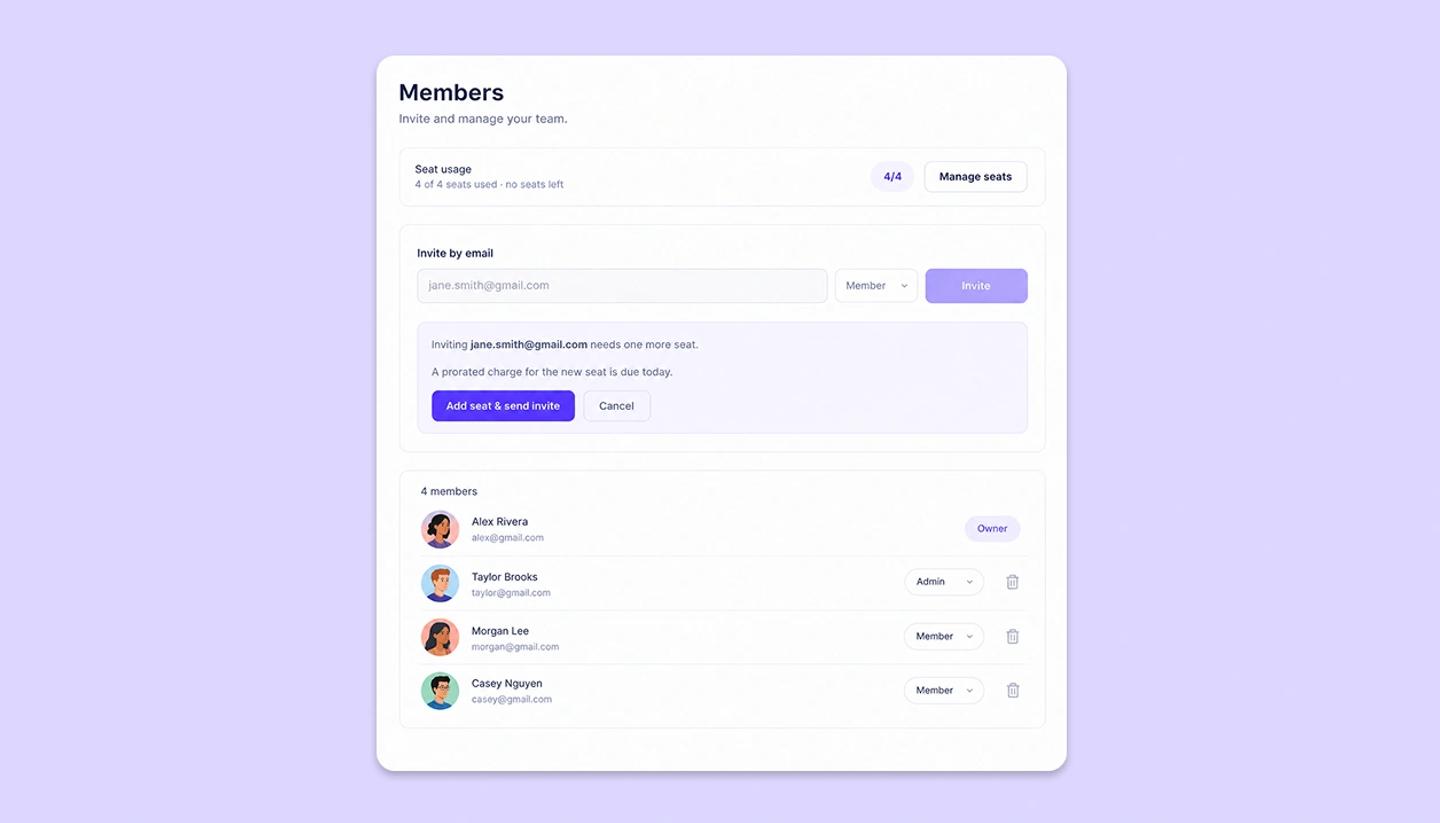
A seat is one teammate in your workspace. Seats are billed on the workspace Owner's Studio subscription, so only the Owner can change the count. Owners and Admins both see the Seat usage card. Only the Owner sees the Manage seats button.
Change the seat count
- Open the workspace's
Memberspage. - Click
Manage seatson the Seat usage card. - Use the plus and minus buttons to set the total you want.
- Read the summary, then click
Confirm & payto add seats, orUpdate seatsto remove them.
What the numbers mean
- Seat usage. Reads like
3 of 5 seats used. Members and pending invites both count toward it. - Due today. What adding seats costs right now, prorated for the rest of the current billing period.
- Credit on next invoice. What removing seats gives back. It lands on your next invoice, not back on your card.
- Then from. The date your recurring charge changes, and the new amount.
The seat count itself changes as soon as you confirm, in both directions. You do not wait for a renewal.
Limits
- You cannot go below the seats in use. The minus button stops there and the dialog tells you to remove a member first.
- The maximum is 100 seats.
When you remove a member
- The Owner removes someone. The paid seat count drops by one on its own, and the unused time becomes a credit on the next invoice.
- An Admin removes someone. The seat is freed for a new invite, but the plan keeps paying for it until the Owner reduces the seat count in their settings.
Spare seats show on the card as an unused seats link, which opens Manage seats.
Seats and credits
Each seat is worth 2,500 AI credits a month in the shared workspace pool, so the pool is your seat count times 2,500. Personal projects do not draw on the pool. They use your own monthly allowance.
Need more help?
Send us a message. We reply within 3 days, usually sooner.