Comments and mentions
Leave a comment on a shot, a field, a run of script or a spot on the canvas. @mention a teammate to notify them, and mark threads resolved when they're done. Guests can comment too.
Last updated Aug 29, 2026
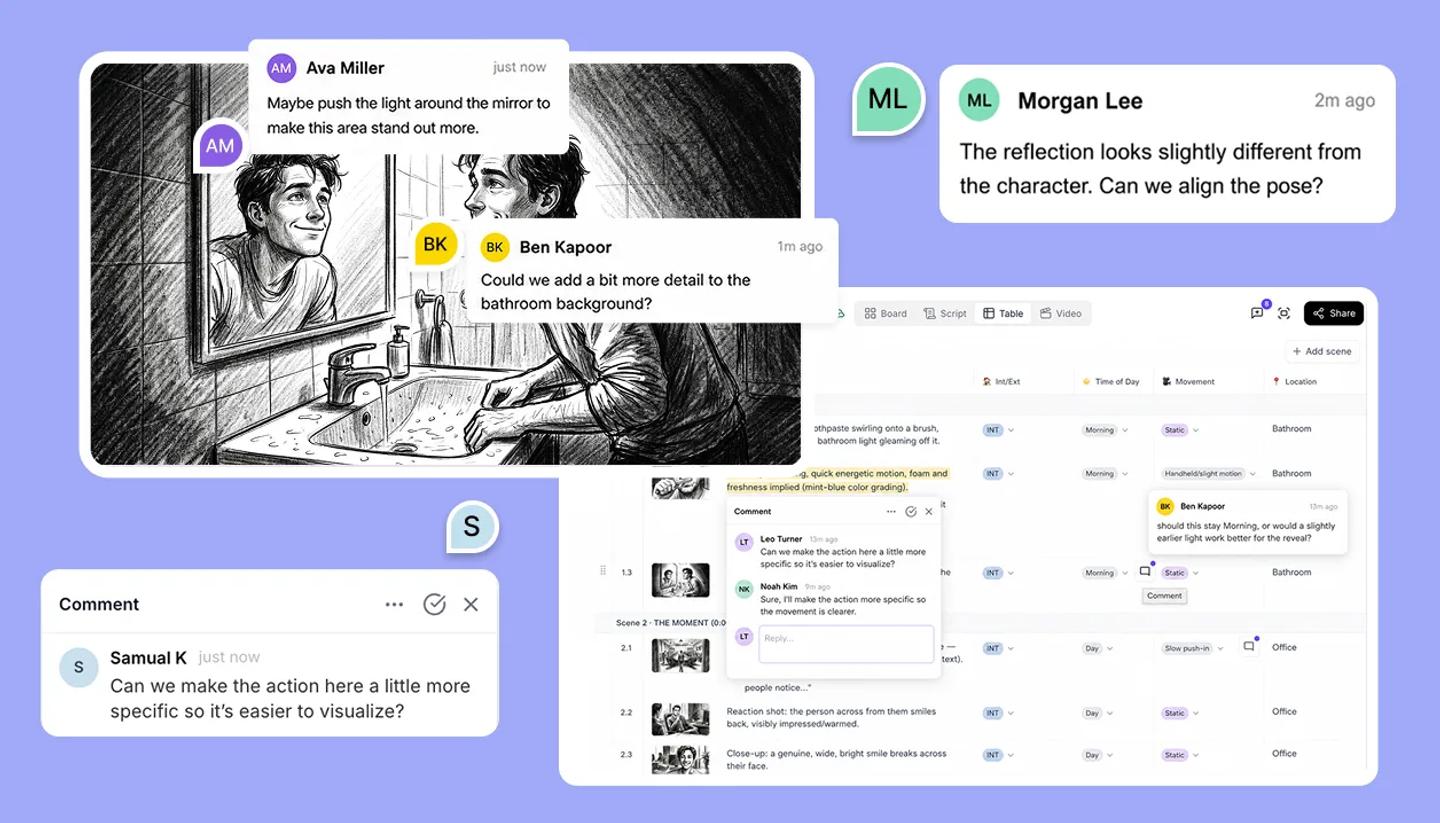
- Open the comments panel from the header. It has two tabs,
OpenandResolved. - Start a thread where the feedback belongs: on a property field, on selected script text, or by clicking a point on the canvas.
- Type @ and a name to mention a teammate; the list shows active workspace members. They get a notification (Ana mentioned you in a comment) that opens the thread.
- Reply in the thread, then
Mark as resolvedwhen it's dealt with. Resolved threads move to their tab and can be reopened withReopen.
Who can comment
Workspace members, and Guests shared into the project with comment or edit access. Commenting requires a free StoryTribe account. Guests can be mentioned; the @ list only offers people with a username.
What happens to comments as you edit
A comment on script text stays attached to that text while you edit around it. A comment on the canvas stays in its spot. A comment on a shot moves with the shot when you reorder it. If you delete a shot, its comments are deleted with it, and they come back if you restore the shot.
Was this article helpful?
Need more help?
Send us a message. We reply within 3 days, usually sooner.