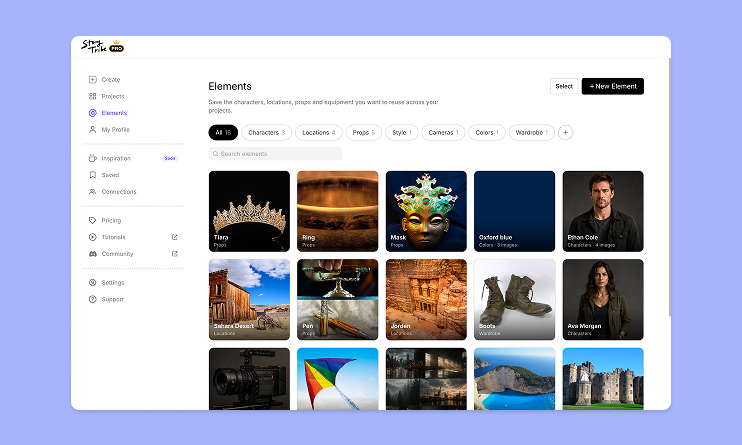
How to use Elements in StoryTribe
Build one reusable library of your characters, locations, props, and styles. Then bring any of them into a script, a storyboard, or an AI prompt with a single @.

StoryTribe
StoryTribe Team
Build one reusable library of your characters, locations, props, and styles. Then bring any of them into a script, a storyboard, or an AI prompt with a single @.
StoryTribe
StoryTribe Team
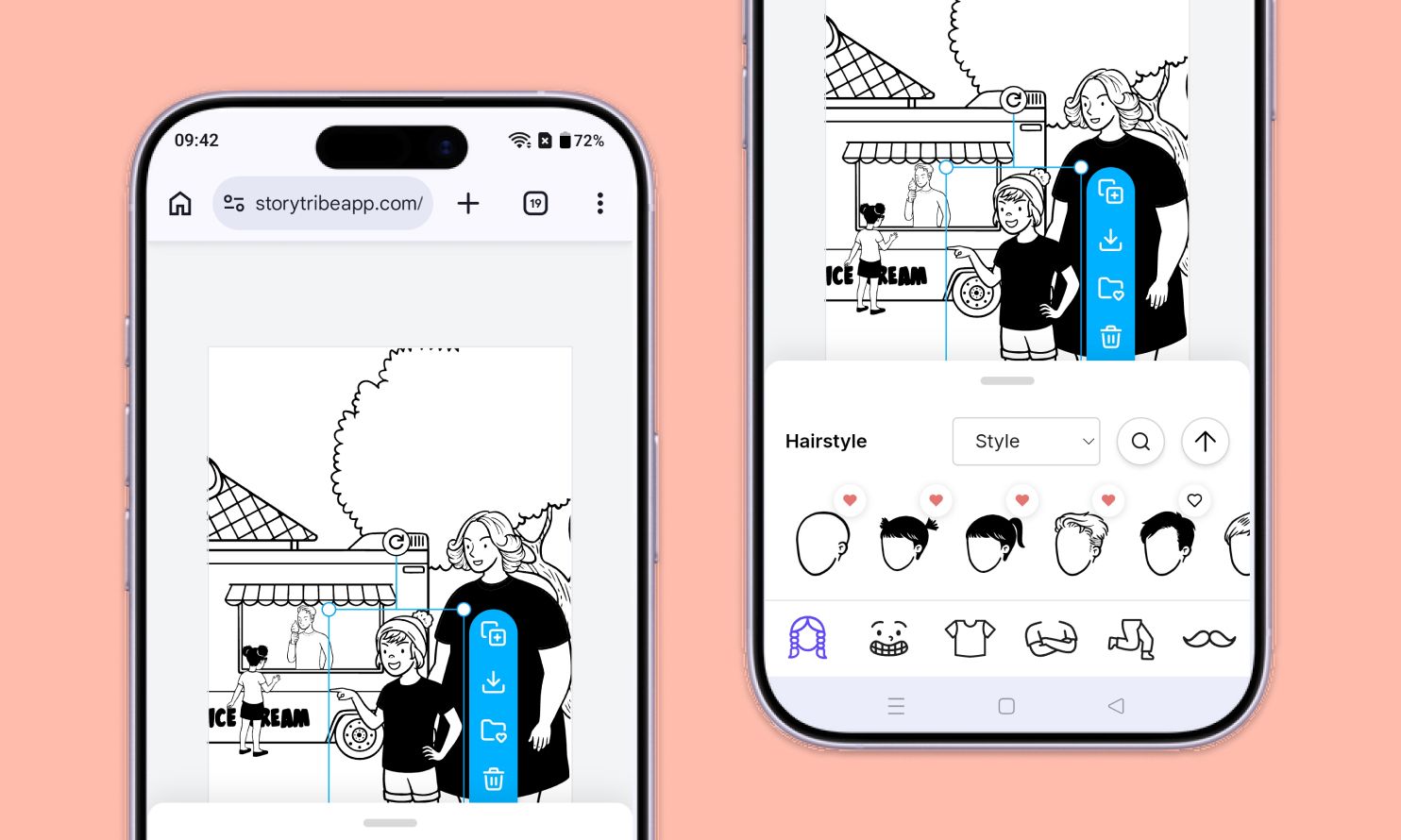
Don't let device-switching break your flow. The full StoryTribe editor now lives on your phone. Build wherever ideas strike.
StoryTribe
StoryTribe Team
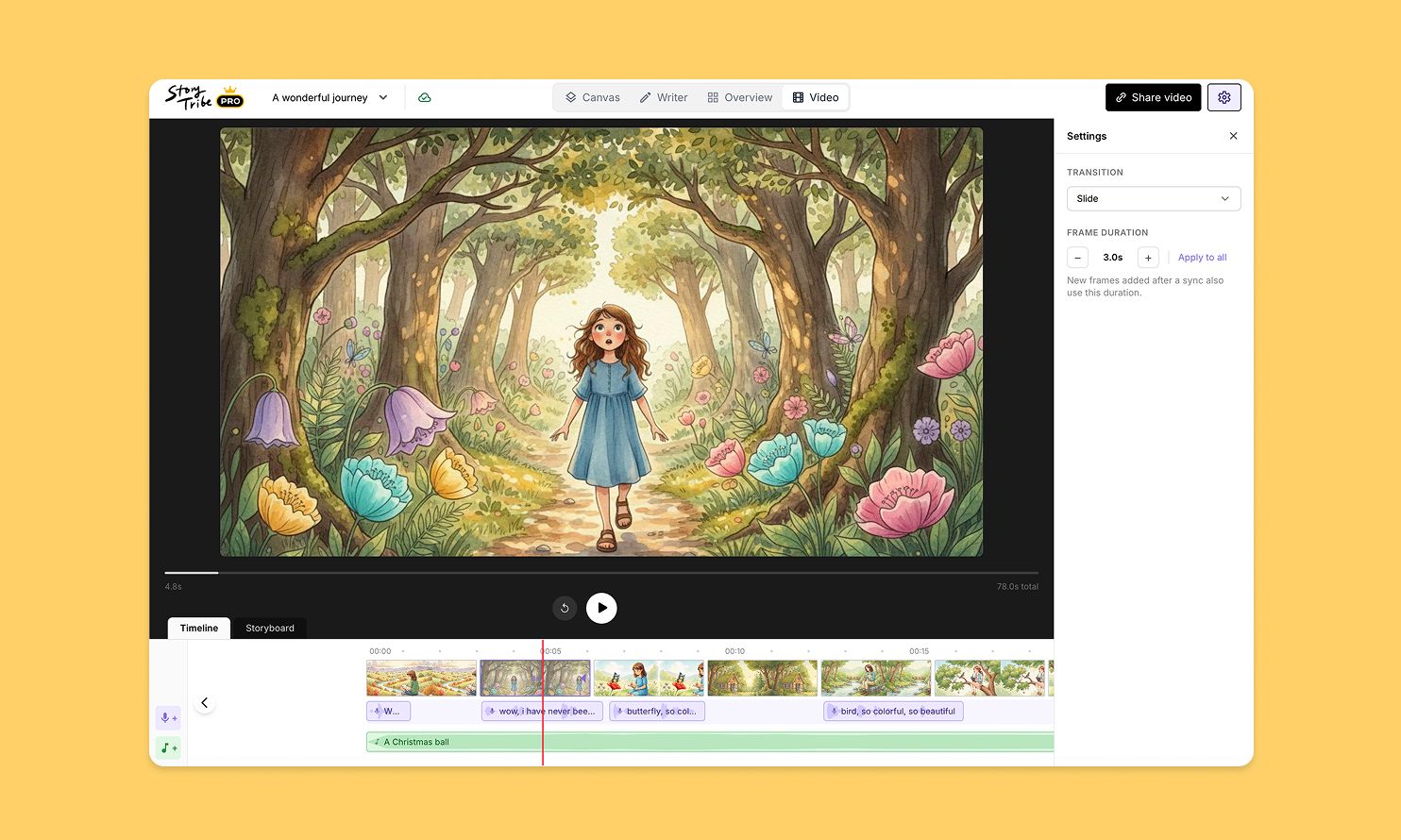
Turn your storyboard into a shareable video — set the timing, add music, and send a link. No extra tools needed.
StoryTribe
StoryTribe Team
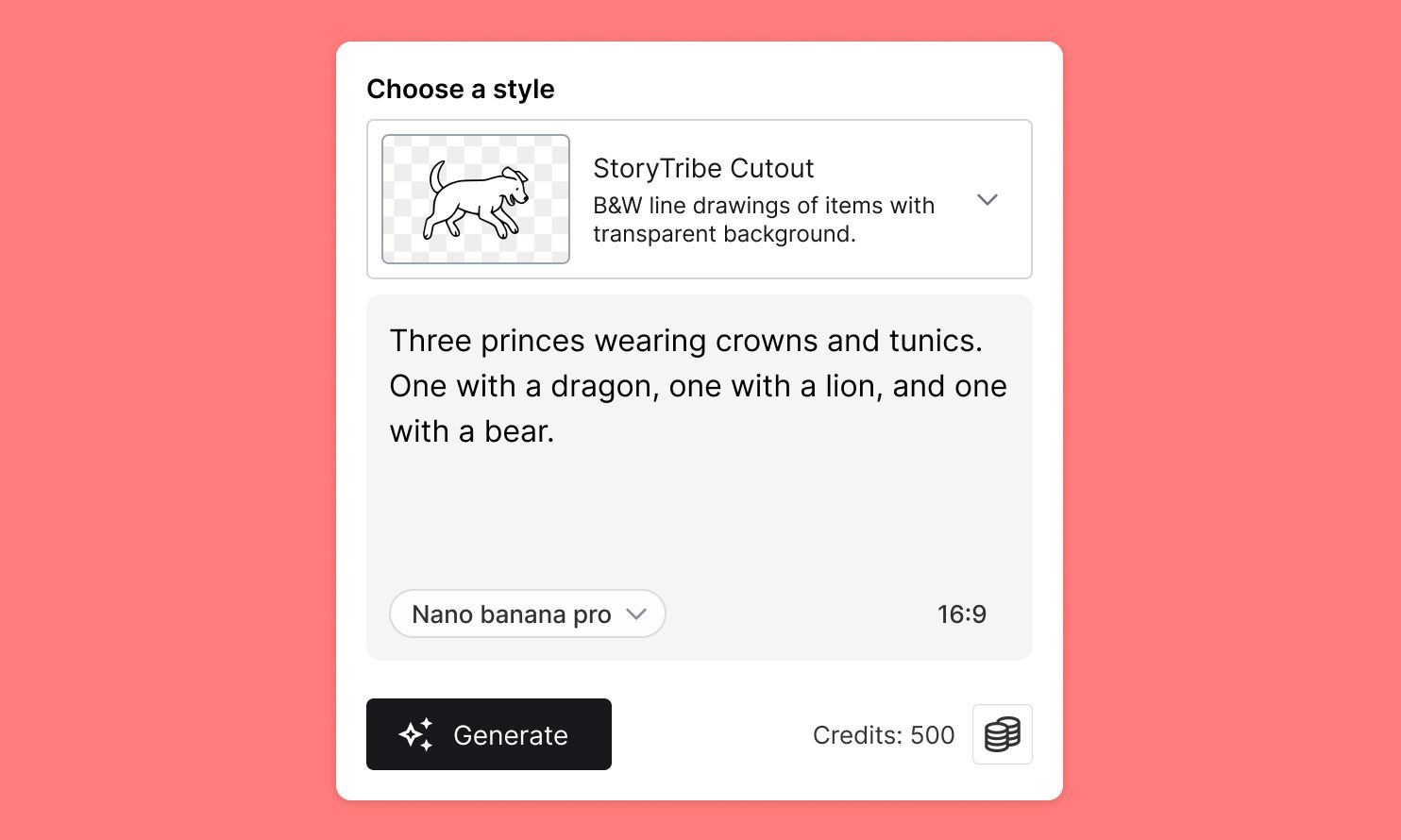
Create faster, iterate visually, and stay consistent — StoryTribe AI is designed for storytelling workflows, not one-off images.
StoryTribe
StoryTribe Team
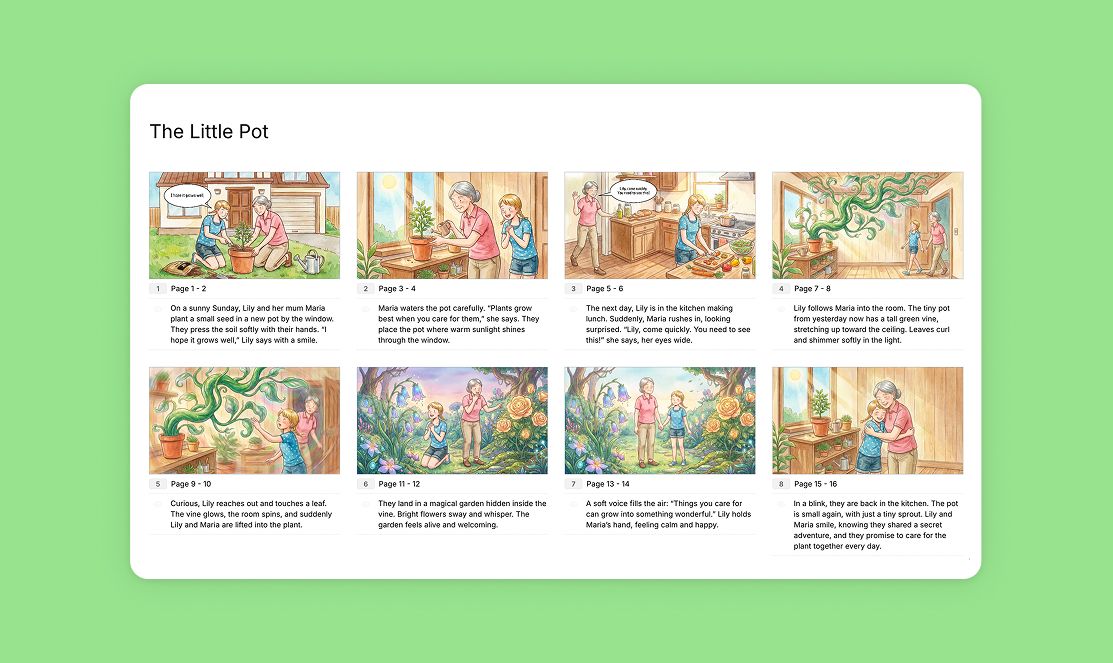
StoryTribe makes it easy to export your work so you can share annotated storyboards with colleagues or students, or print them for review and discussion.
StoryTribe
StoryTribe Team
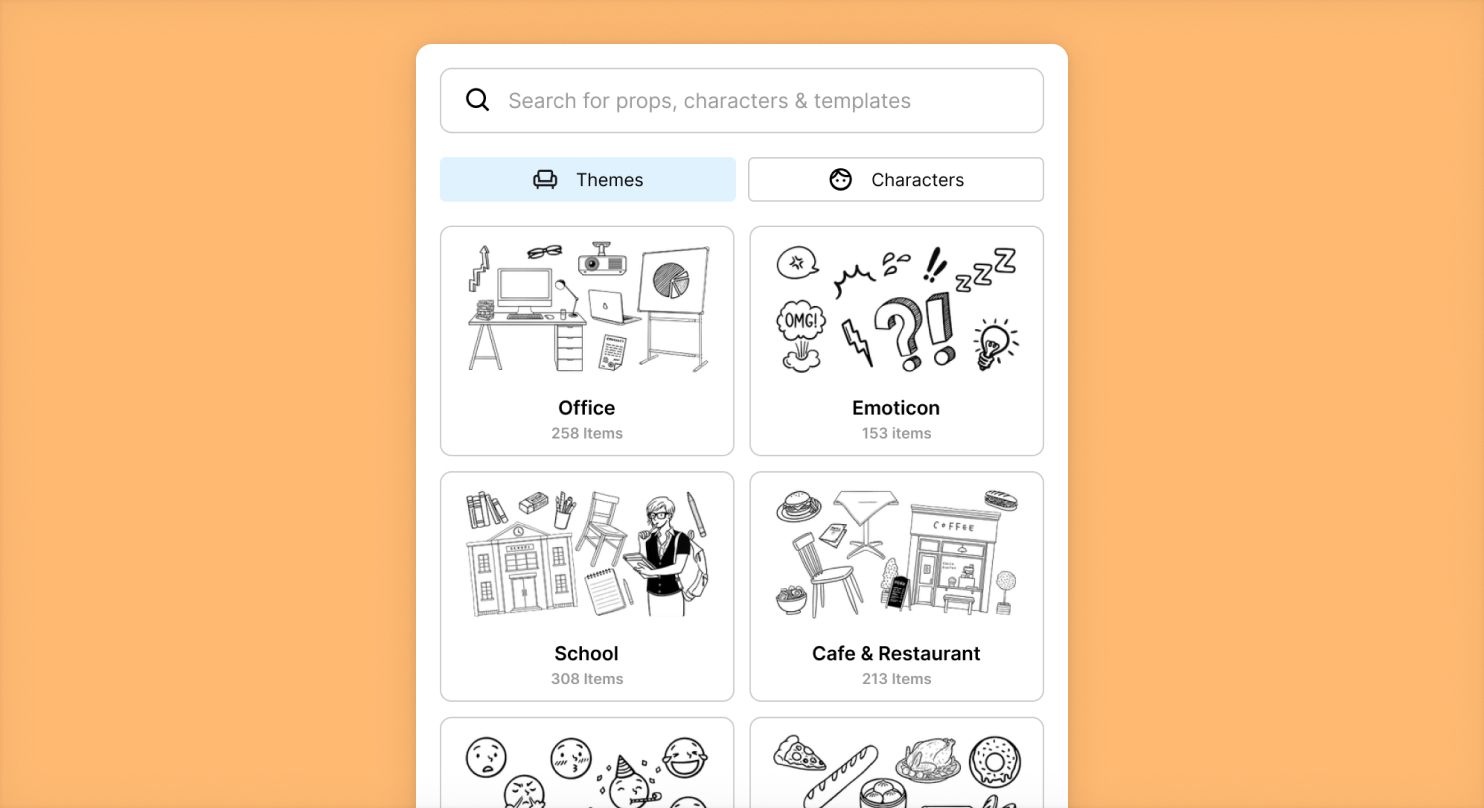
StoryTribe’s Search lets you find everything you need — props, characters, templates, icons, and images — all in one place. This guide shows you how to use Search effectively.
StoryTribe
StoryTribe Team
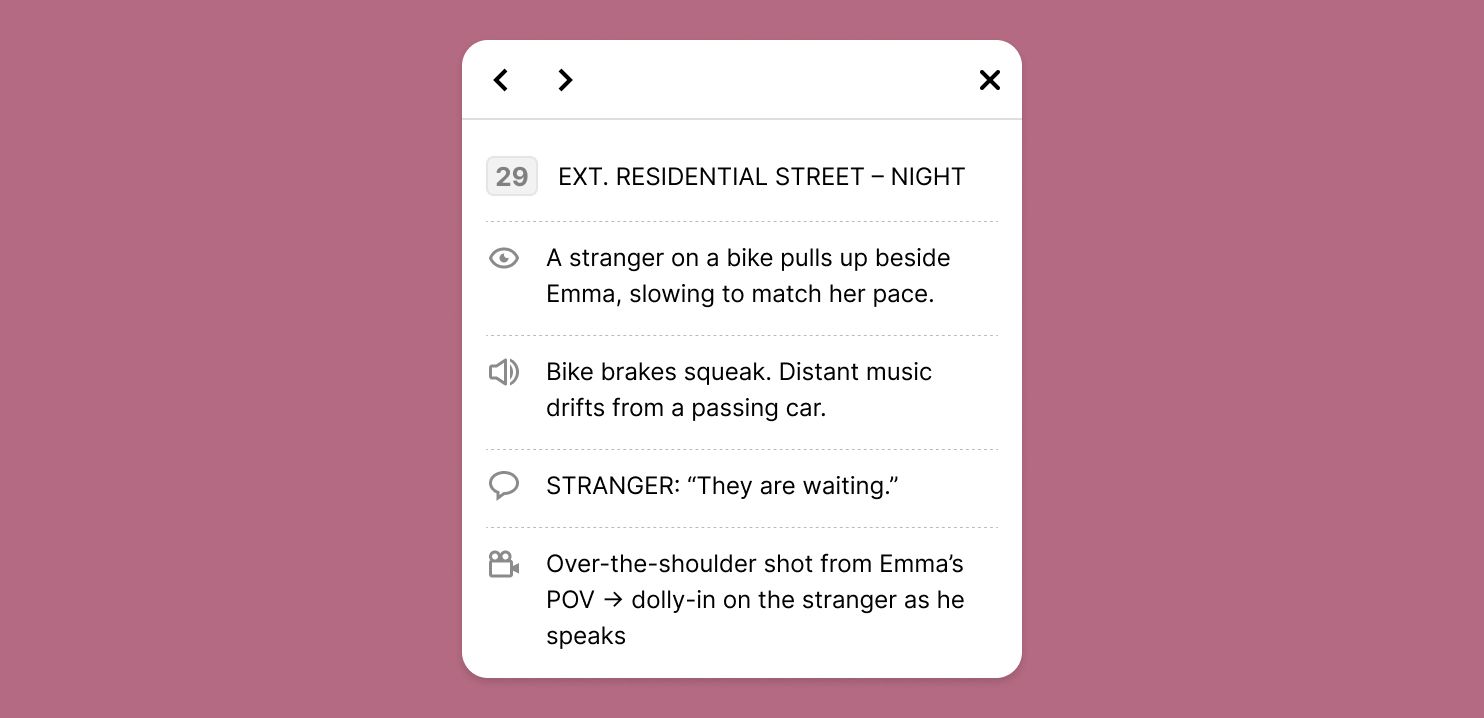
Scripts and annotations help you add context, dialogue, and direction to your storyboard scenes. In StoryTribe, scripts live alongside visuals, so you can write, edit, hide, generate, and export them without breaking your flow.
StoryTribe
StoryTribe Team

Learn how to create engaging storyboard scenes with StoryTribe in just five simple steps. From building your first scene to customising characters and generating AI items, this guide will help you get up and running fast.
StoryTribe
StoryTribe Team

StoryTribe lets you customise characters visually. So instead of endlessly describing people in text prompts, you build them. This makes your storyboards clearer, faster to iterate, and easier to communicate with collaborators (or AI).
StoryTribe
StoryTribe Team