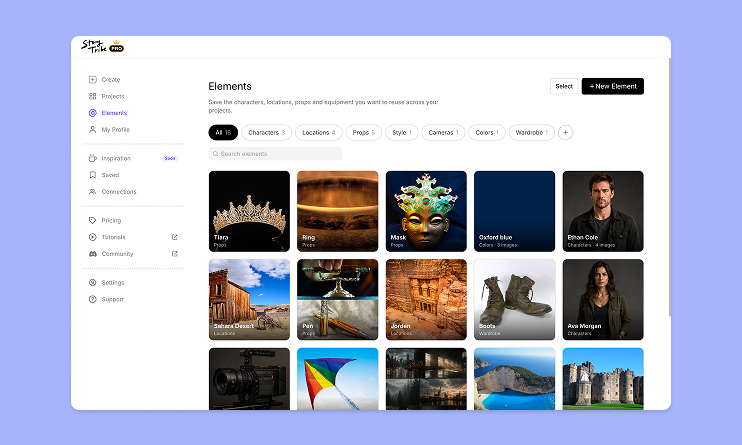
How to use Elements in StoryTribe
Build one reusable library of your characters, locations, props, and styles. Then bring any of them into a script, a storyboard, or an AI prompt with a single @.

StoryTribe
StoryTribe Team
StoryTribe’s Search lets you find everything you need — props, characters, templates, icons, and images — all in one place. This guide shows you how to use Search effectively.
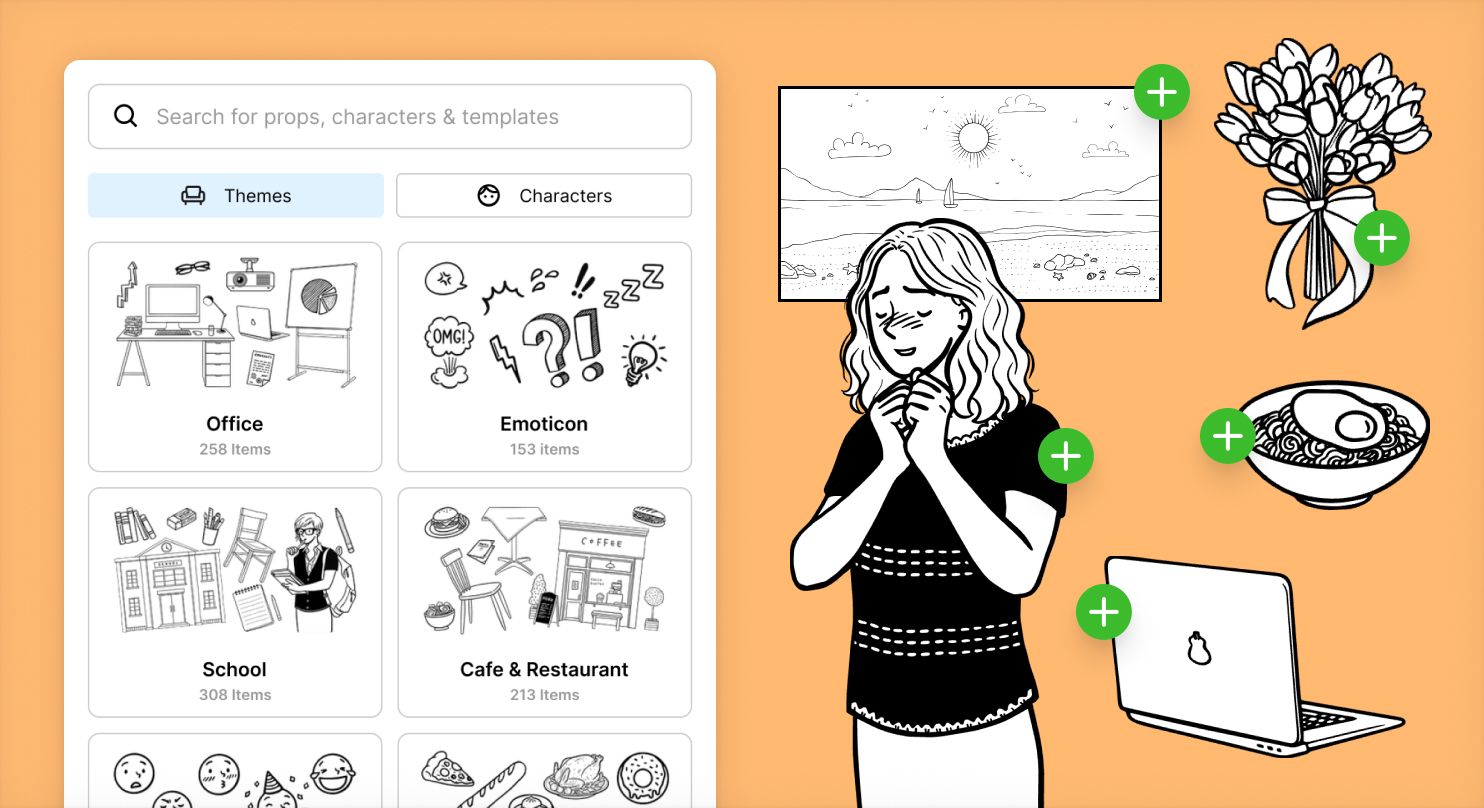
Using Search helps you:
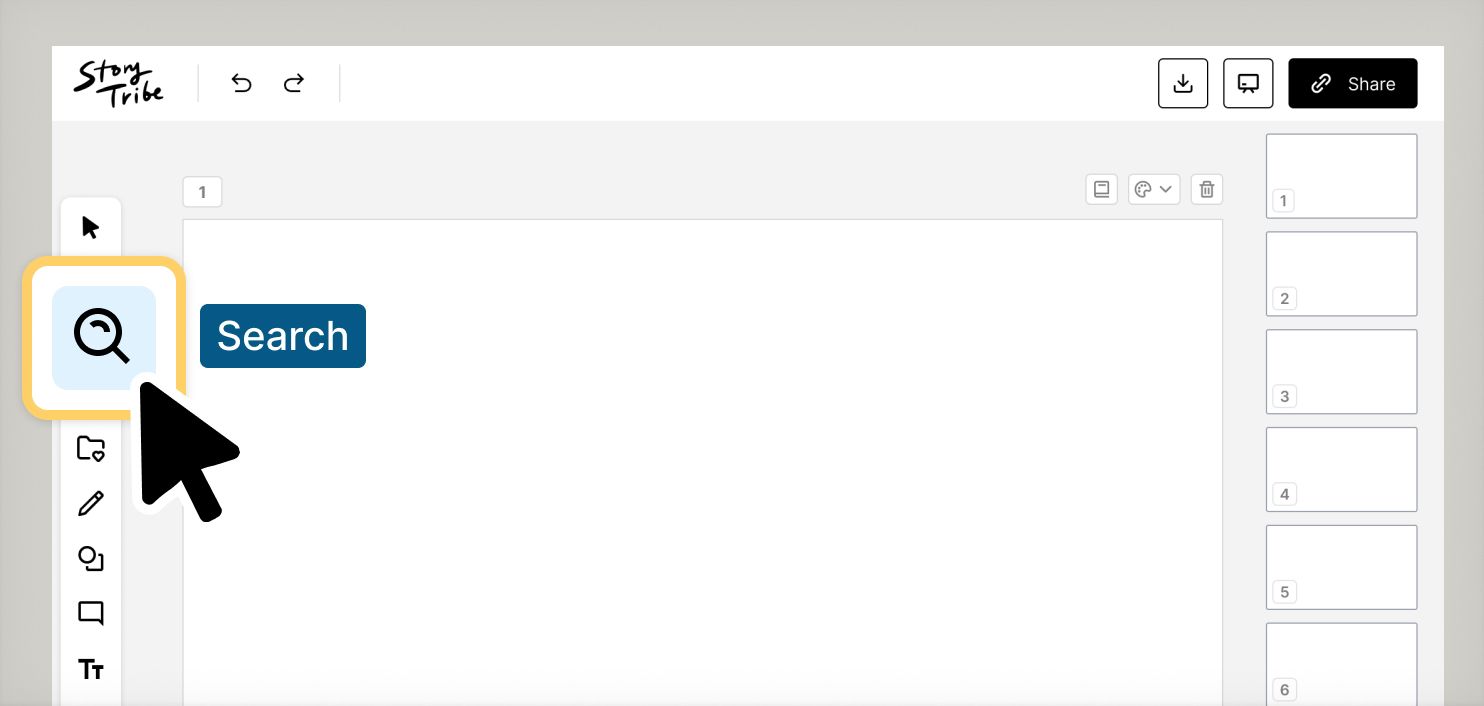
Search lives in the left toolbar of the StoryTribe editor. Click the Search icon to open it.
When you first open Search, you’ll see a browse view with themes such as Office, School, Cafe & Restaurant, Food, Bedroom, and more. These themes help you explore assets visually without typing anything.
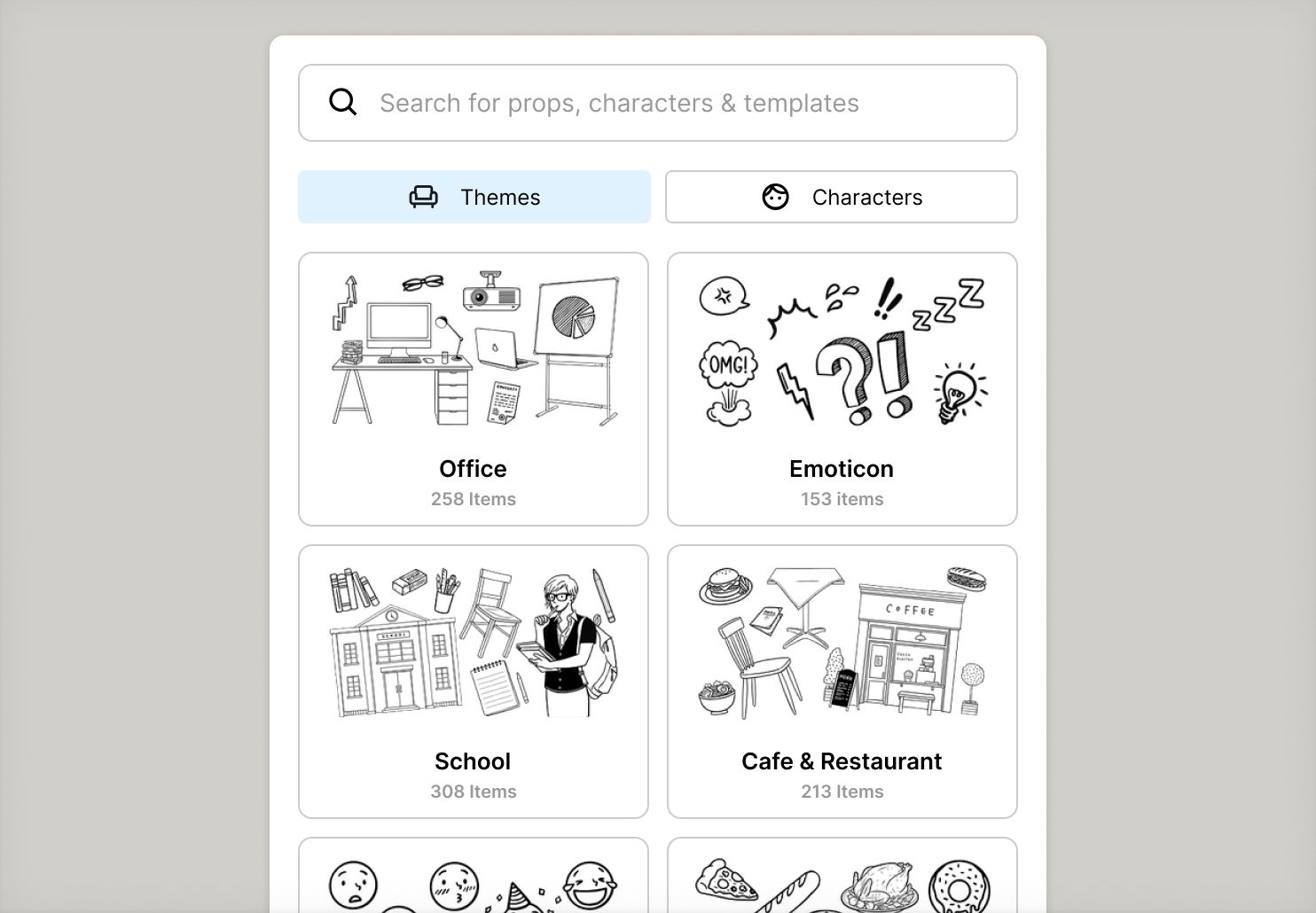
Themes are a great way to discover assets when you’re still exploring ideas.
From the Search panel, you can:
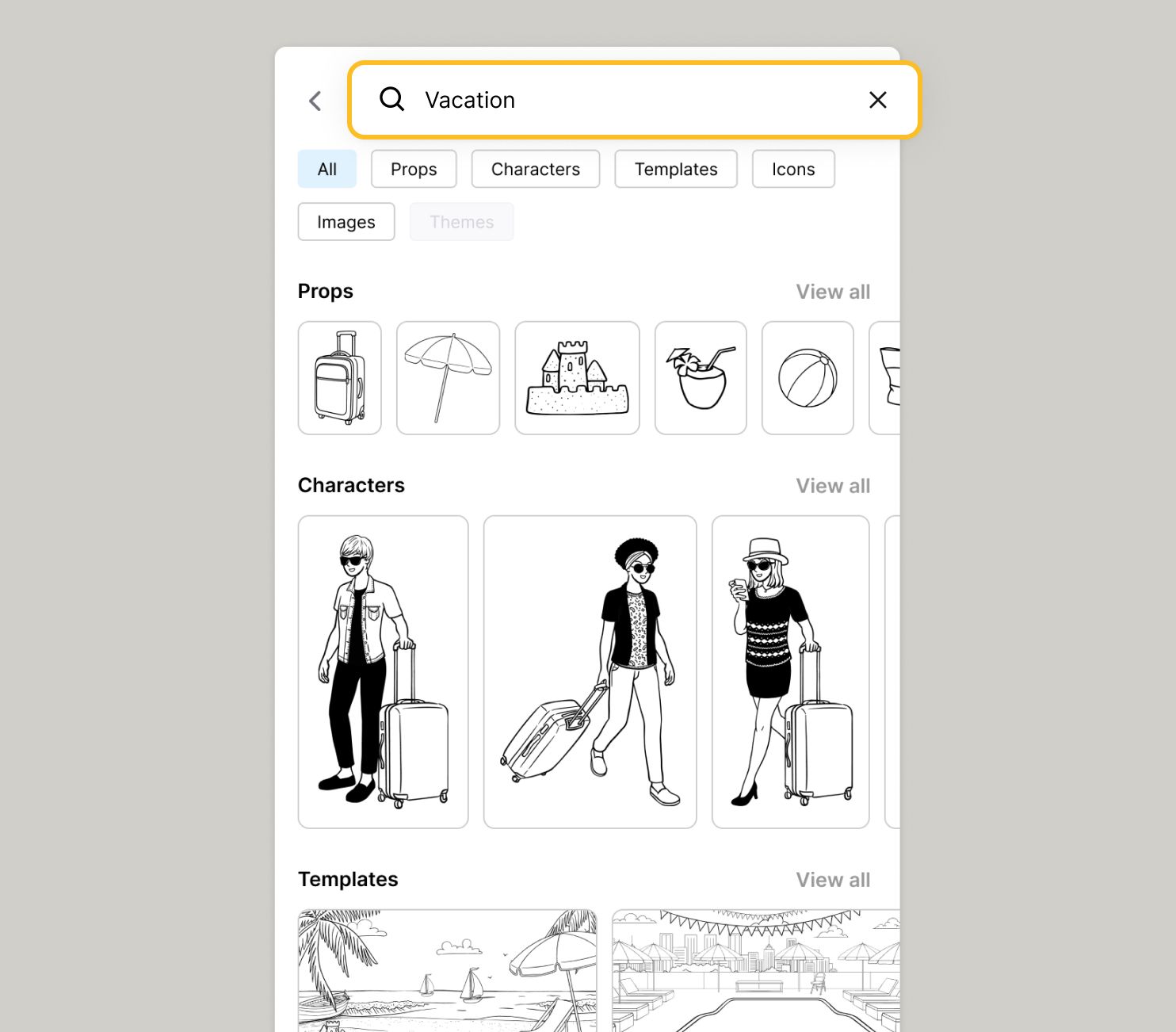
If you know what you’re looking for, use the search bar at the top.
For example, try searching for “Vacation.”
Search returns results across multiple asset types at once, so you can see everything related to your query in a single view.
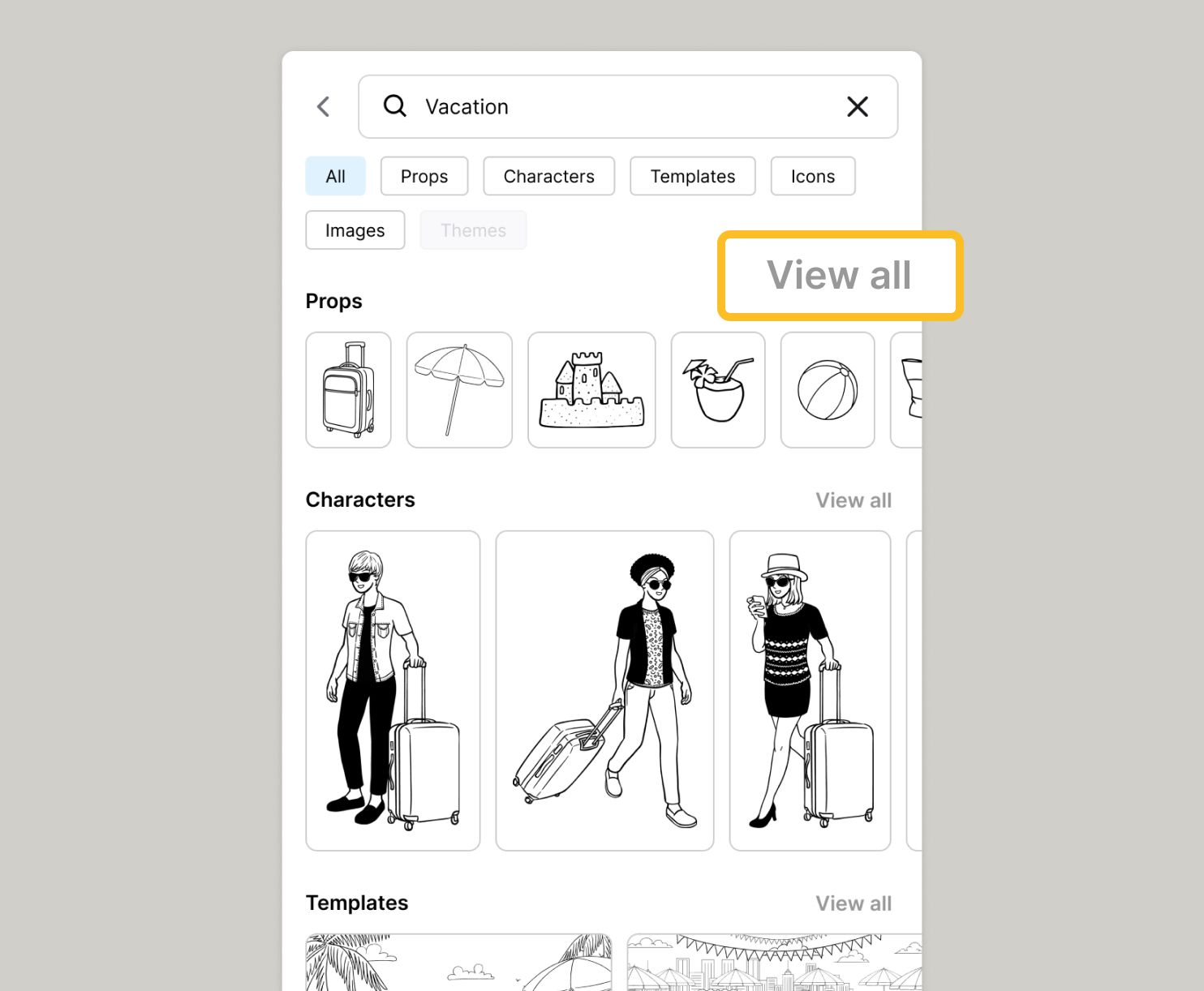
Search results are grouped into rows:
You can scroll through each row to preview items, or click View more to browse the full set within that category.
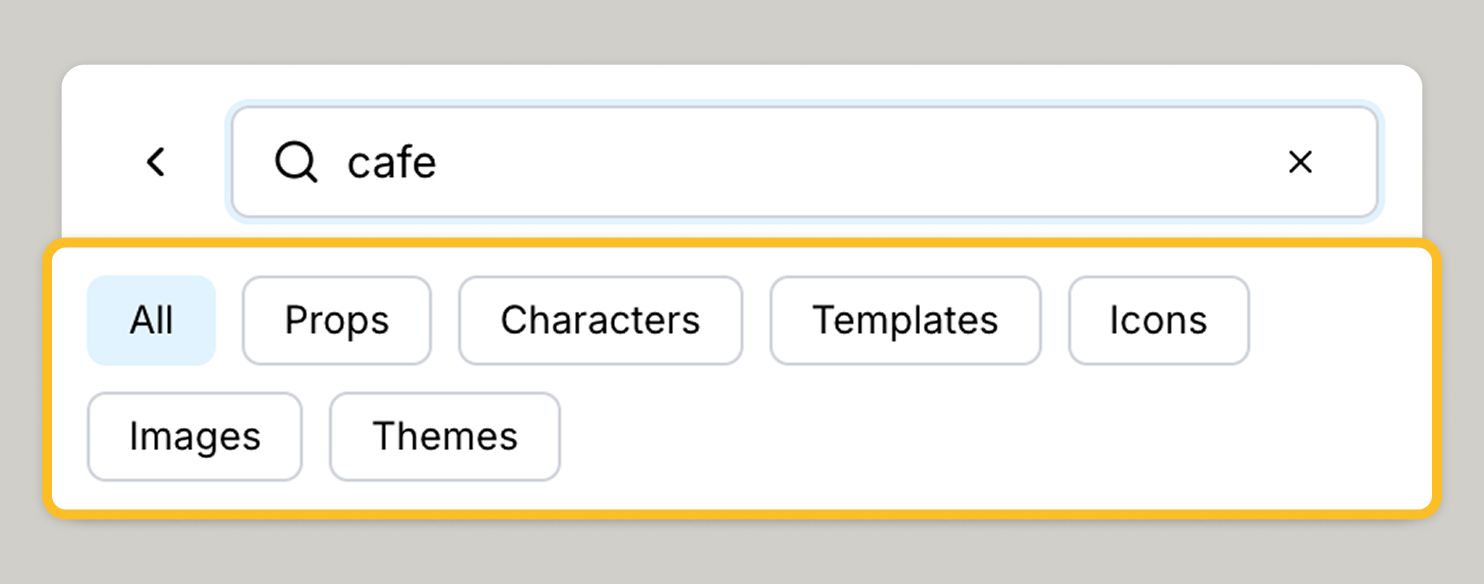
Below the search bar, you’ll see category pills such as:
Click a pill to filter your results or navigate between asset types.
If you notice anything not working as expected, please report it to [email protected]. Including a screenshot or short video recording helps us resolve issues faster.
You can also get help directly in the app by clicking the Help button (question mark icon) at the bottom of the screen, then selecting Help → Contact support to speak with one of our support team.
Build one reusable library of your characters, locations, props, and styles. Then bring any of them into a script, a storyboard, or an AI prompt with a single @.
StoryTribe
StoryTribe Team
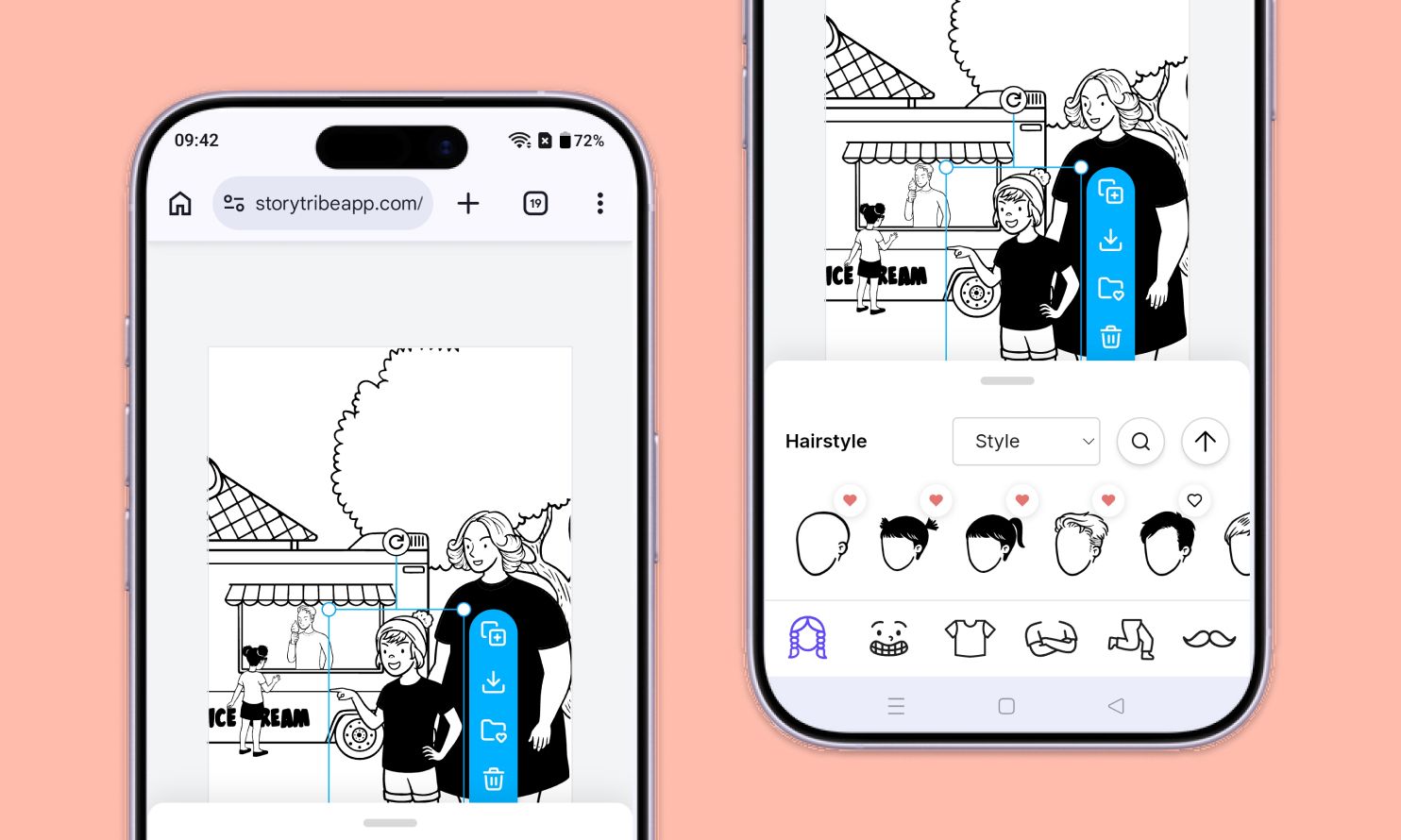
Don't let device-switching break your flow. The full StoryTribe editor now lives on your phone. Build wherever ideas strike.
StoryTribe
StoryTribe Team
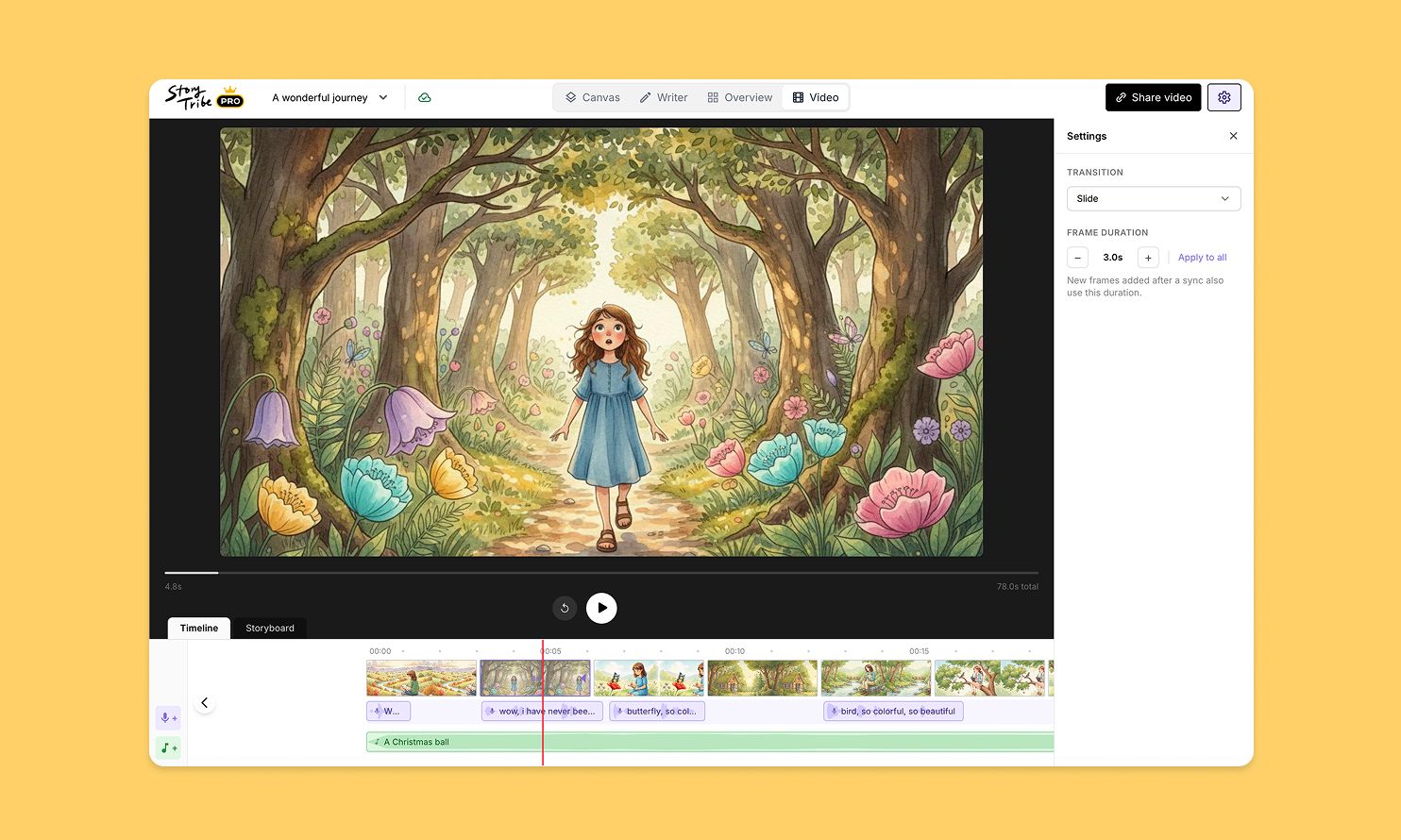
Turn your storyboard into a shareable video — set the timing, add music, and send a link. No extra tools needed.
StoryTribe
StoryTribe Team