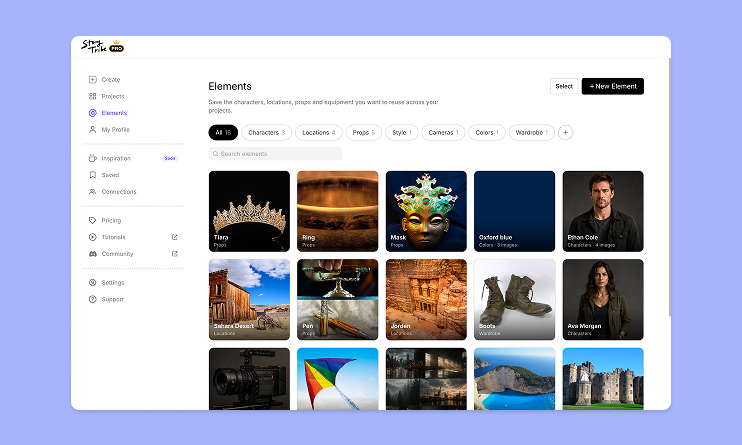
How to use Elements in StoryTribe
Build one reusable library of your characters, locations, props, and styles. Then bring any of them into a script, a storyboard, or an AI prompt with a single @.

StoryTribe
StoryTribe Team
StoryTribe lets you organize frequently used props and characters using favourites and folders. Instead of searching for assets every time, you save and access them quickly, making storyboard creation faster and more efficient.
Favourites and folders let you keep frequently used characters, props, templates, and image files easy to access while working on your storyboard.
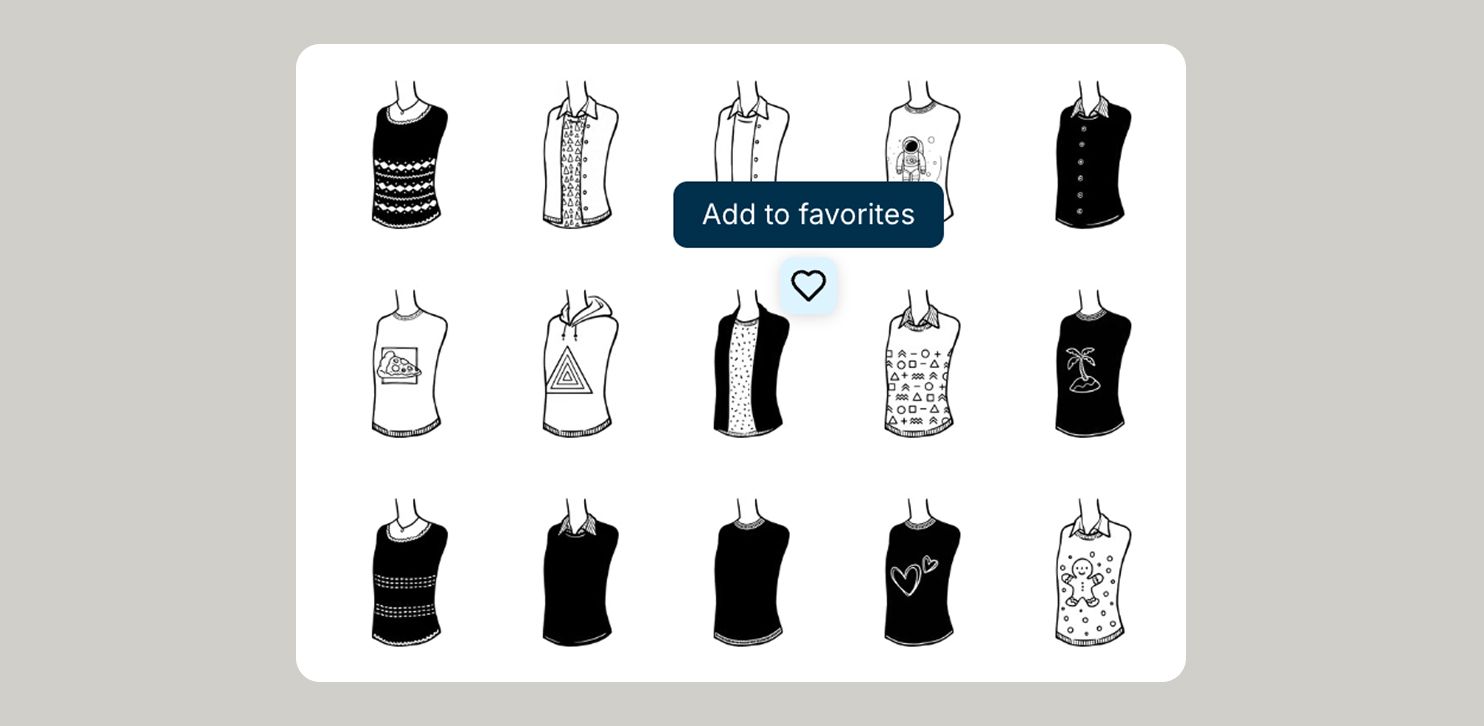
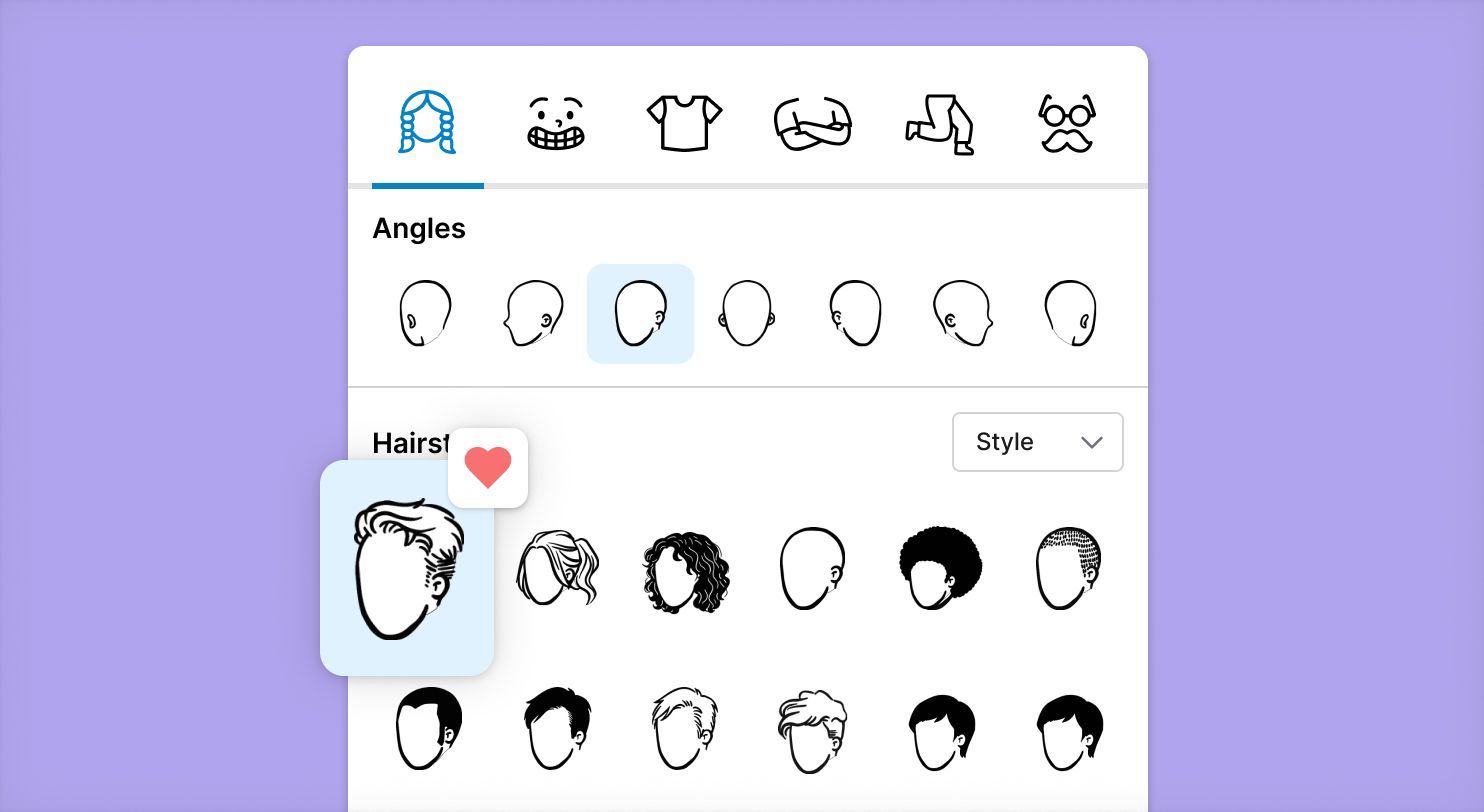
Favourites let you pin individual character components you use often, so they’re always one click away. They’re ideal for saving components from your go-to characters, such as hairstyles or outfits, that you reuse across scenes or projects.
Adding character assets to favourites
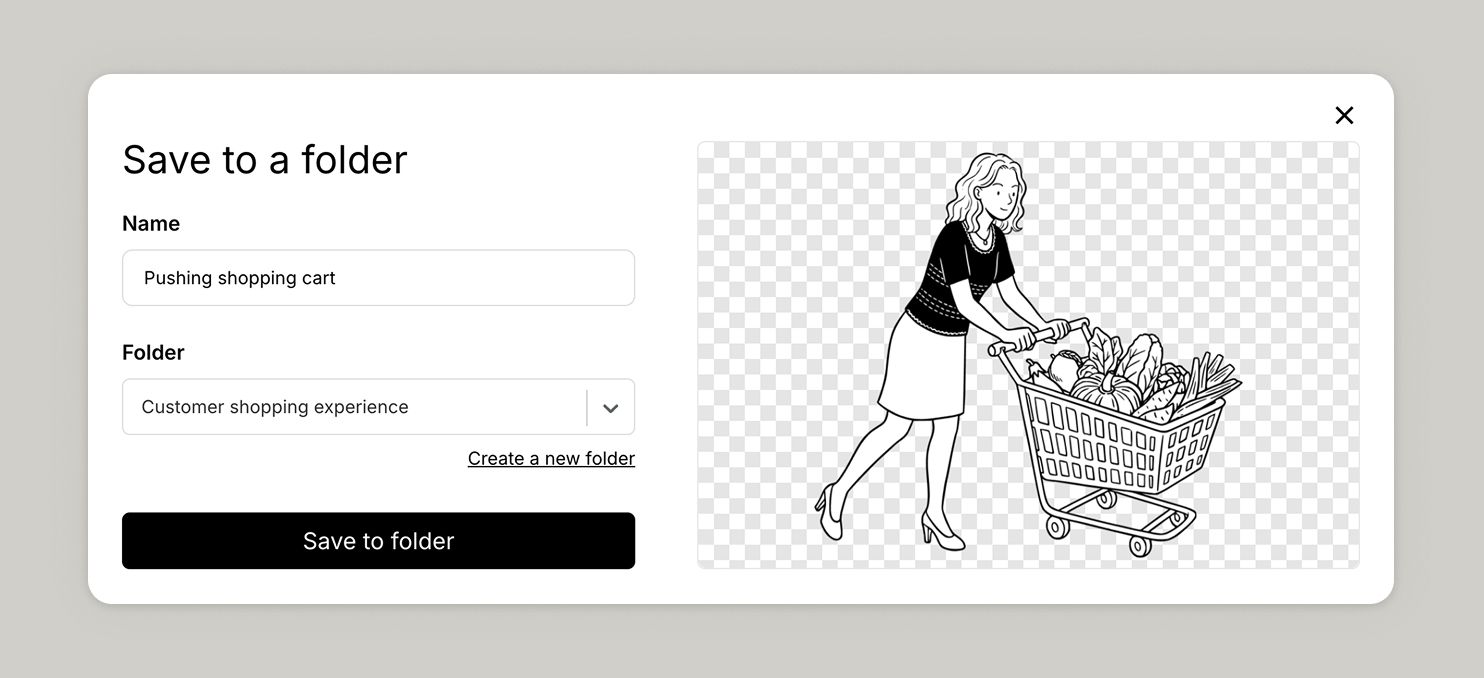
Folders help you group related assets together. You can organise items by project, client, scene type, or any structure that fits your workflow, making it easier to find and reuse assets as your library grows.
How to save an asset to a folder
Accessing and managing folders
Saved assets can be accessed from the folders under Saved Items in the left menu.
In Saved Items, you can manage your folders by:
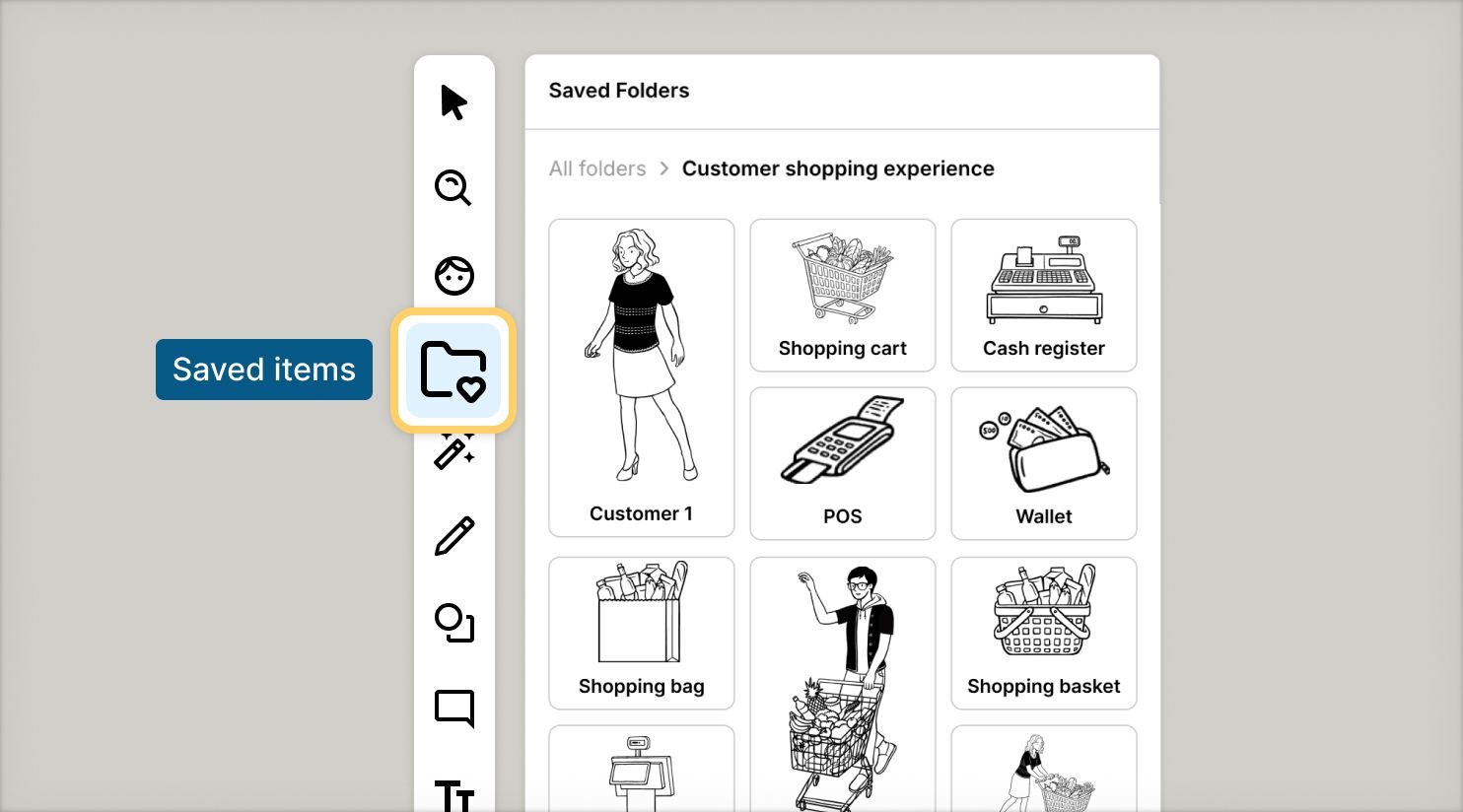
If you notice anything not working as expected, please report it to [email protected]. Including a screenshot or short video recording helps us resolve issues faster.
You can also get help directly in the app by clicking the Help button (question mark icon) at the bottom of the screen, then selecting Help → Contact support to speak with one of our support team.
Build one reusable library of your characters, locations, props, and styles. Then bring any of them into a script, a storyboard, or an AI prompt with a single @.
StoryTribe
StoryTribe Team
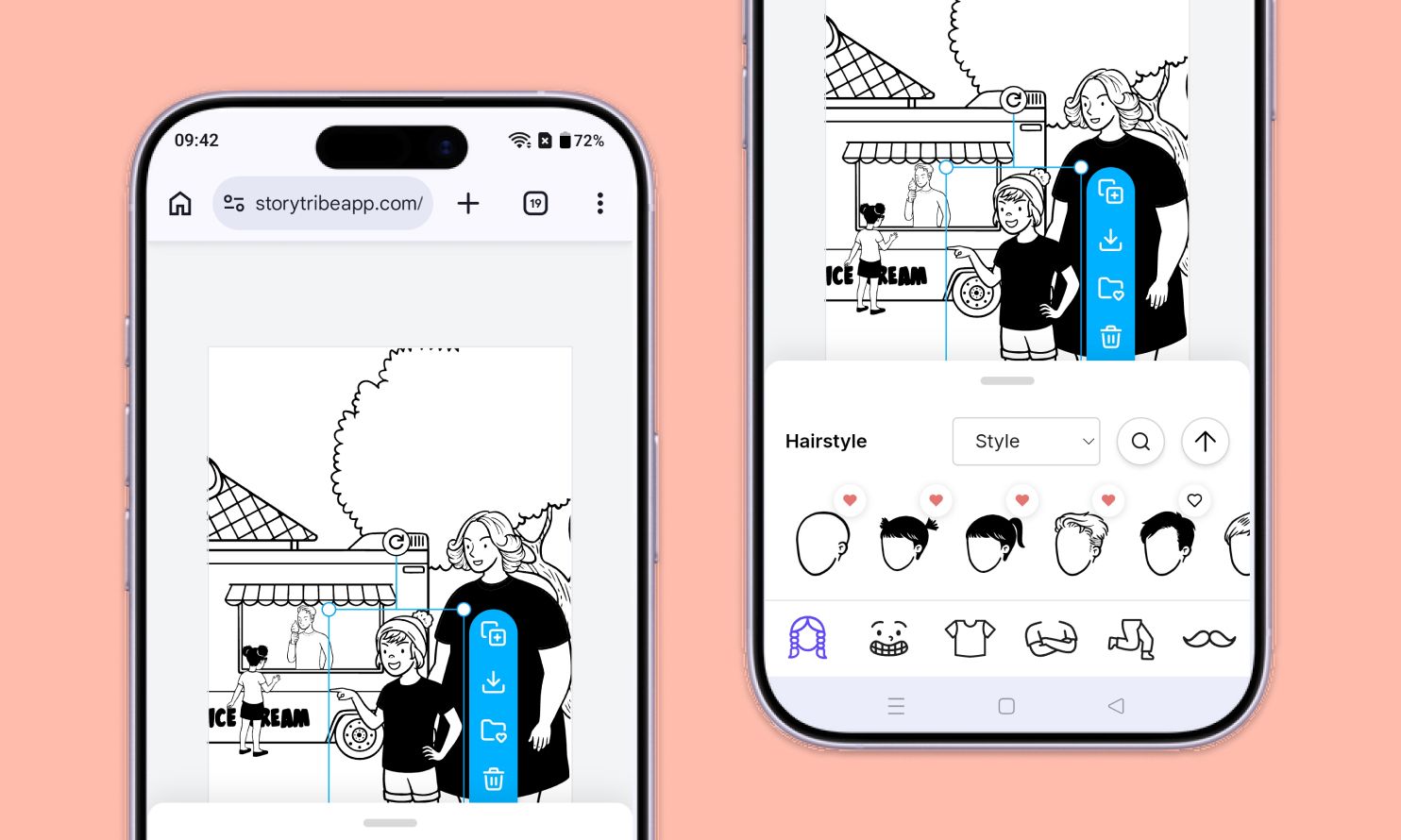
Don't let device-switching break your flow. The full StoryTribe editor now lives on your phone. Build wherever ideas strike.
StoryTribe
StoryTribe Team
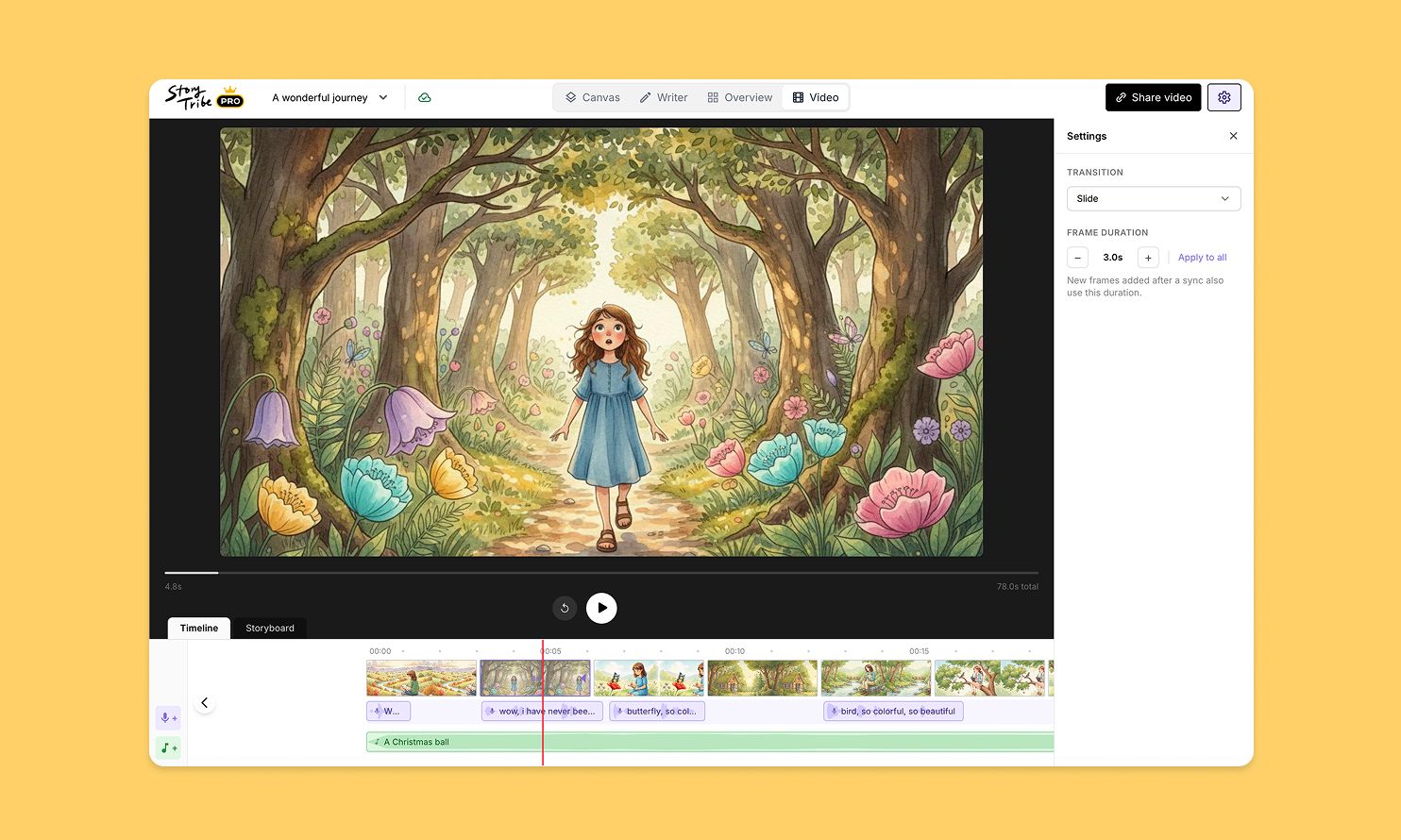
Turn your storyboard into a shareable video — set the timing, add music, and send a link. No extra tools needed.
StoryTribe
StoryTribe Team