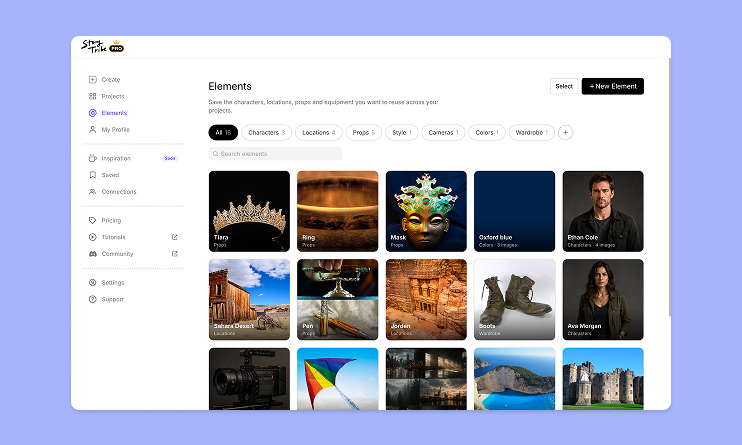
How to use Elements in StoryTribe
Build one reusable library of your characters, locations, props, and styles. Then bring any of them into a script, a storyboard, or an AI prompt with a single @.

StoryTribe
StoryTribe Team
Don't let device-switching break your flow. The full StoryTribe editor now lives on your phone. Build wherever ideas strike.
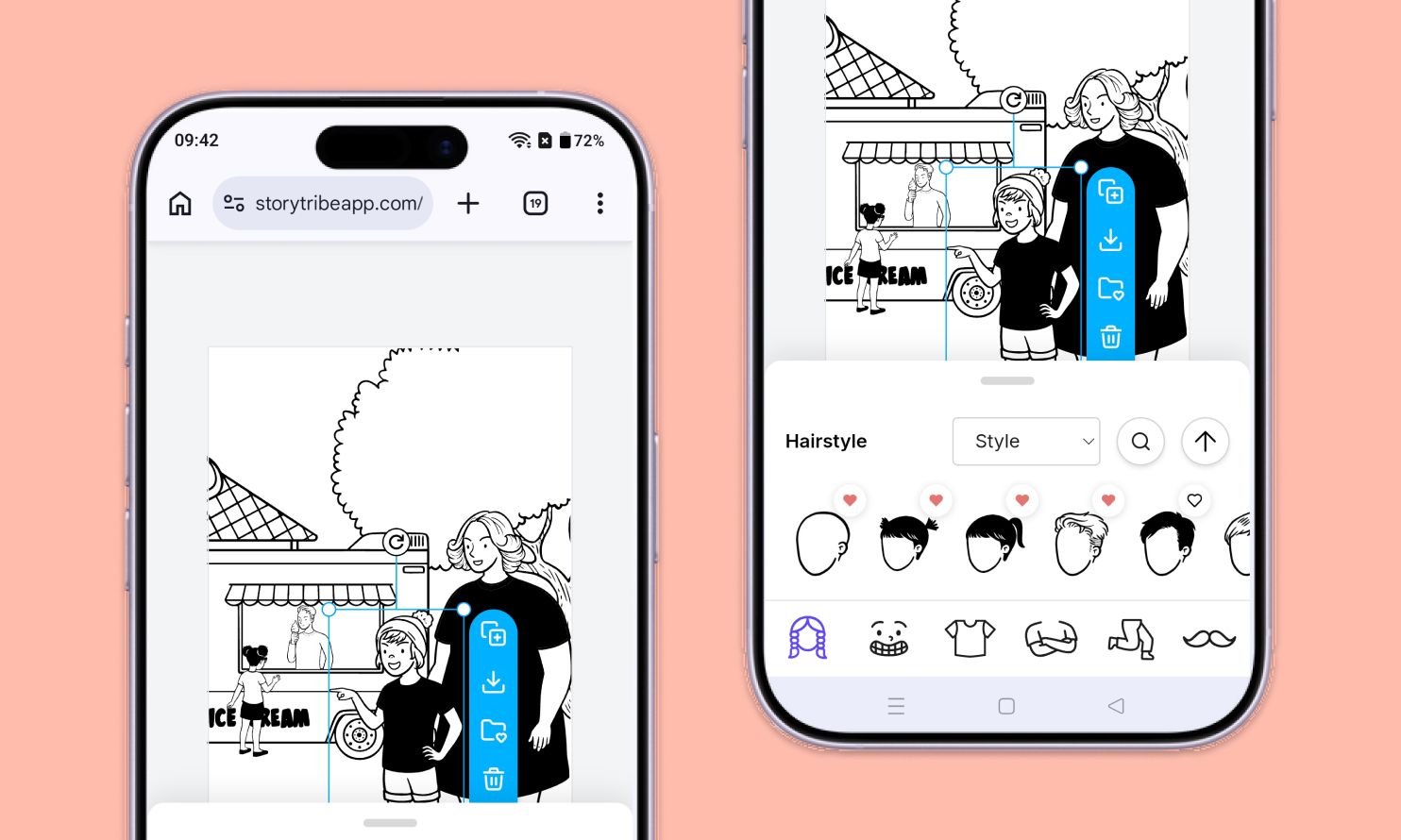
The full StoryTribe editor now runs on your phone. Write scripts, illustrate scenes, reorder your storyboard, and share video links, all without switching to a desktop. If you're used to StoryTribe on desktop, here's what's changed and how to find your way around.
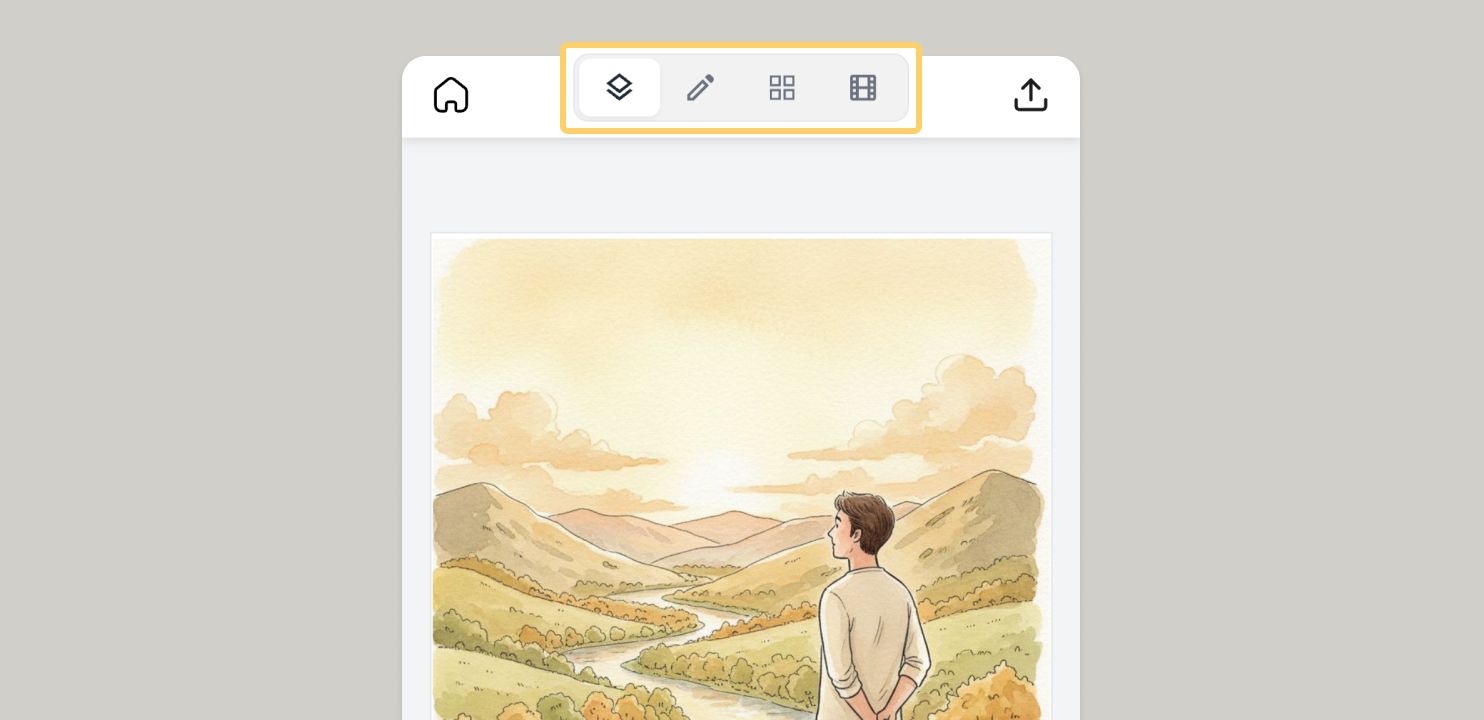
The mobile editor groups your work into four views, toggled from the top toolbar:
You'll move between them freely. A typical flow is to draft scripts in Writer, illustrate each scene in Canvas, check the full story in Overview, then animate it in Video Editor.
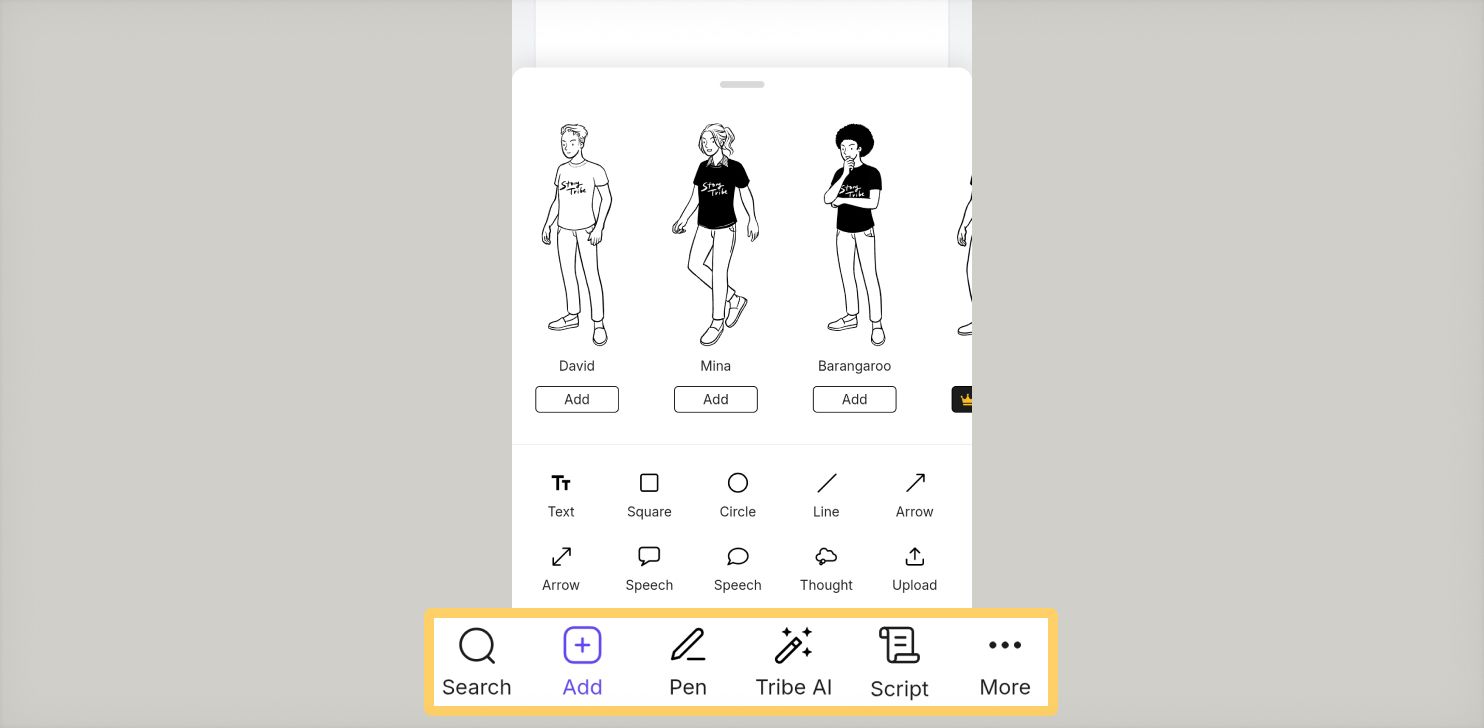
Canvas mode is the visual side of the editor. The canvas takes up most of the screen, with a toolbar at the bottom for your tools.
Common actions:
To check or edit the script for the current scene without leaving Canvas, tap the Script icon in the bottom toolbar. A sheet slides up with that scene's notes.
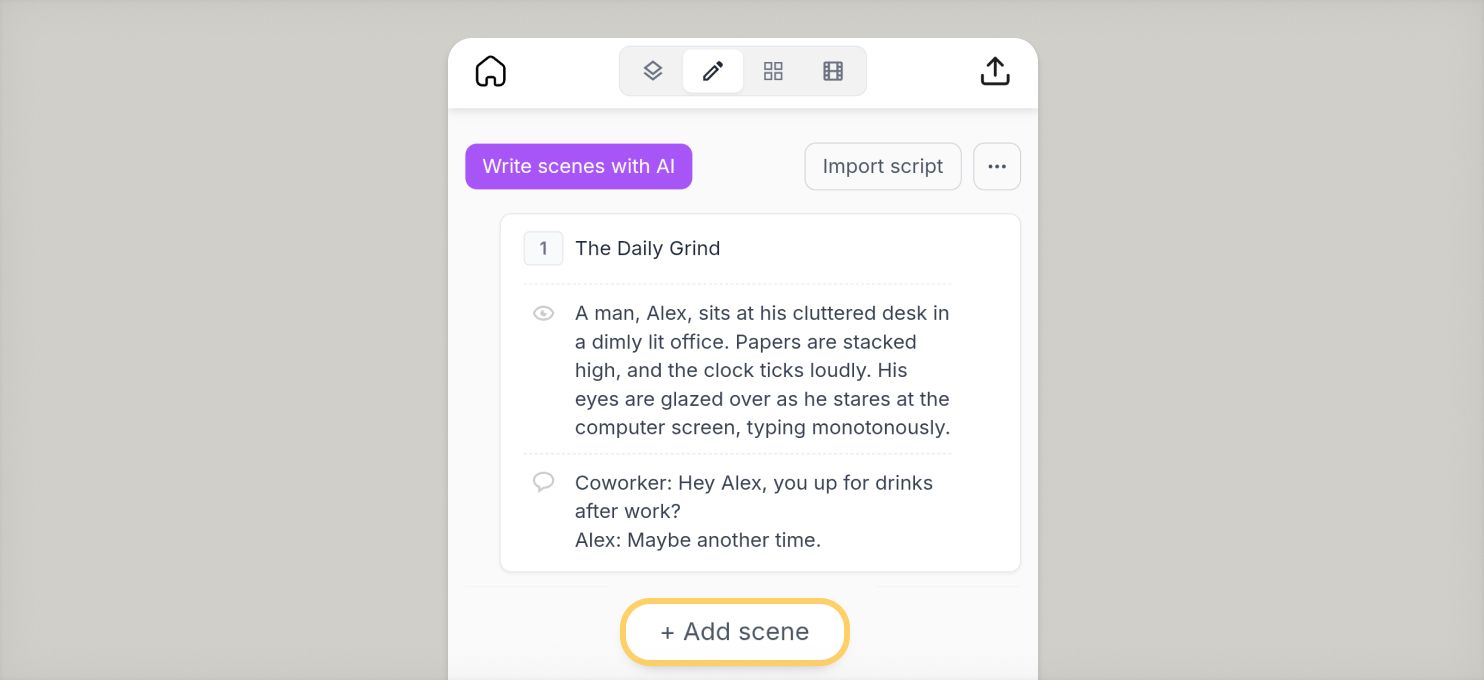
Writer mode shows each scene as a stacked card with a title and your annotation fields: dialogue, action, camera notes, or whichever fields your project uses.
To work with scenes:
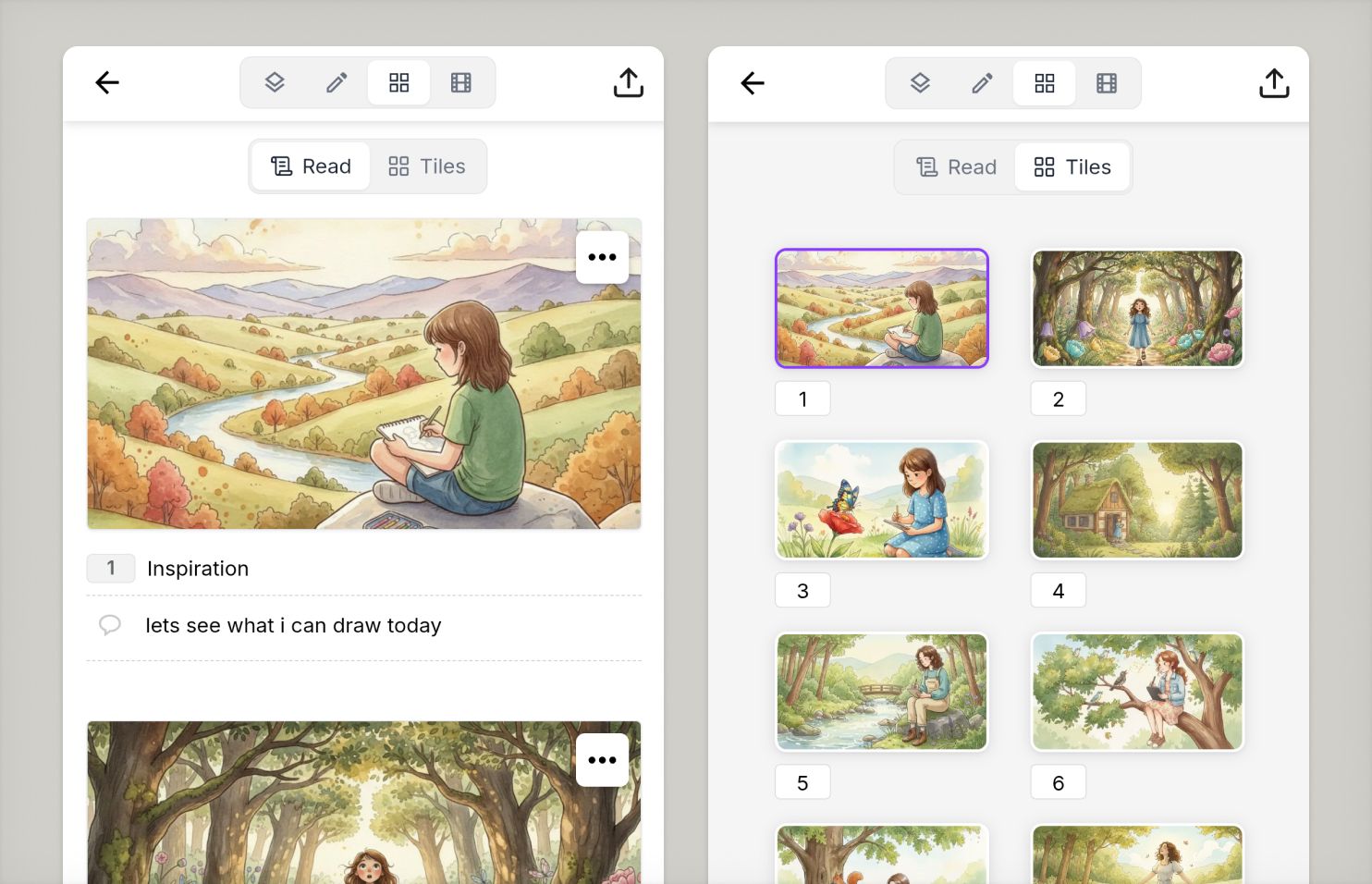
Overview shows every scene in your project at once. Use the sub-toggle at the top to switch between:
Tap any scene to open it directly in Canvas mode.
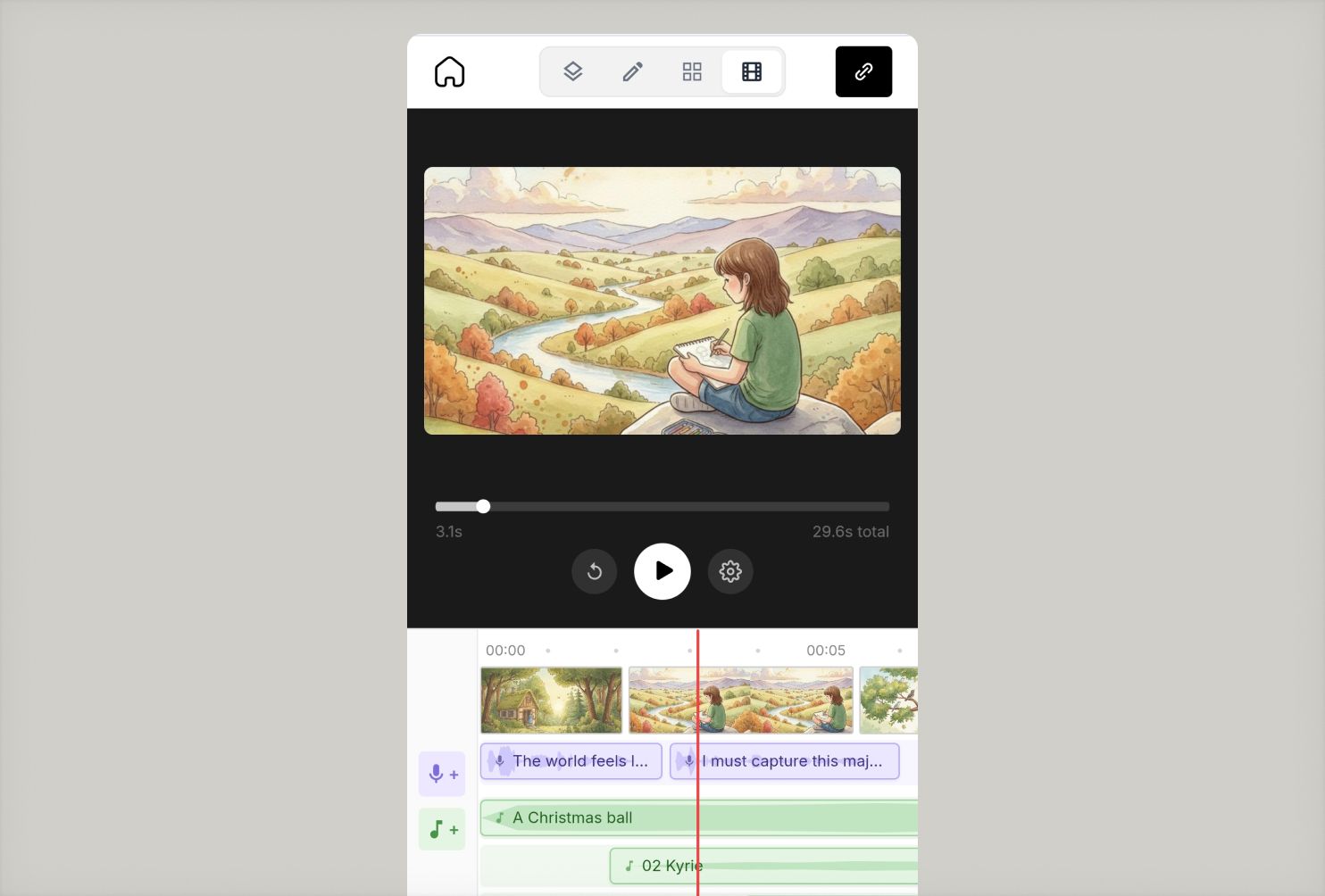
Turn your storyboard into a shareable video. Set the timing, add AI voice-over and music, and send a link. No extra tools needed.
Everything works just like it does on desktop. The layout is simply arranged a little differently for your phone.
Read more on video mode: How to use the Video editor in StoryTribe.
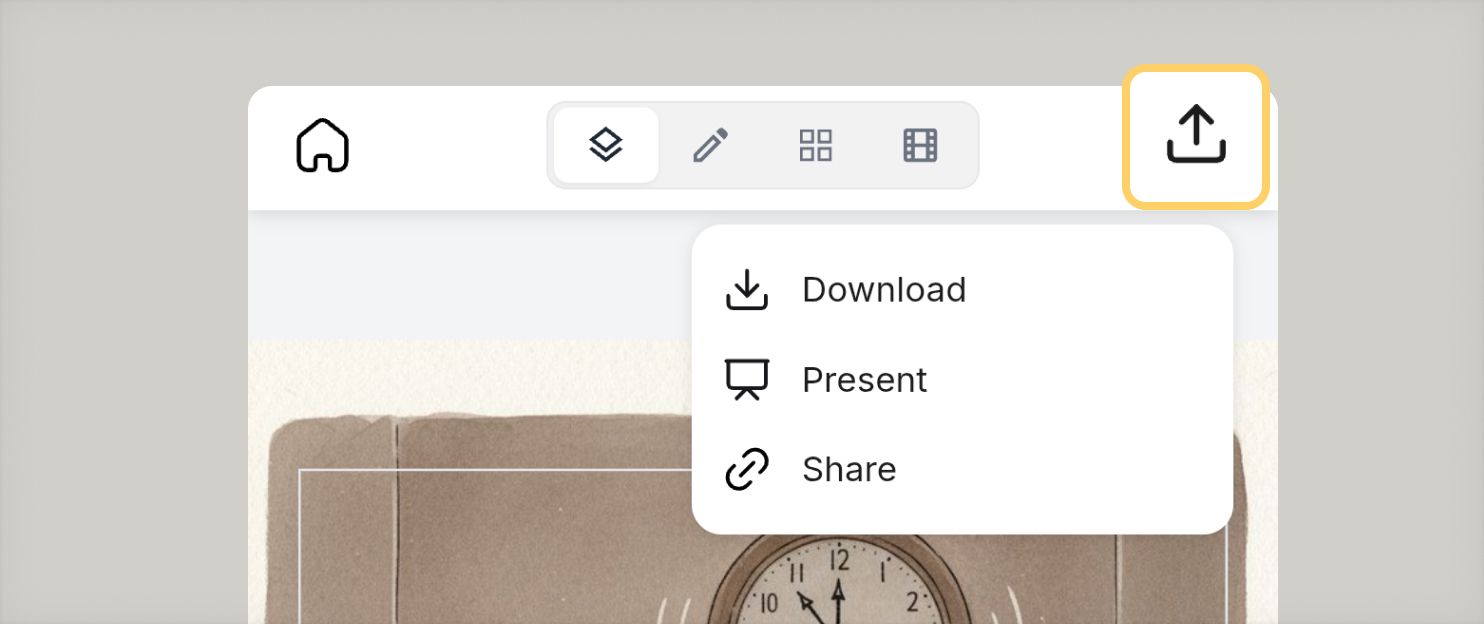
When your storyboard is ready, tap the share icon in the top toolbar. You can share your storyboard or video as a link, or download the project as a PDF to save to your phone or send through the standard iOS or Android share menu.
If you notice anything not working as expected, please report it to [email protected]. Including a screenshot or short video recording helps us resolve issues faster.
You can also get help directly in the app by clicking the Help button (question mark icon) at the bottom of the screen, then selecting Help → Contact support to speak with one of our support team.
Build one reusable library of your characters, locations, props, and styles. Then bring any of them into a script, a storyboard, or an AI prompt with a single @.
StoryTribe
StoryTribe Team
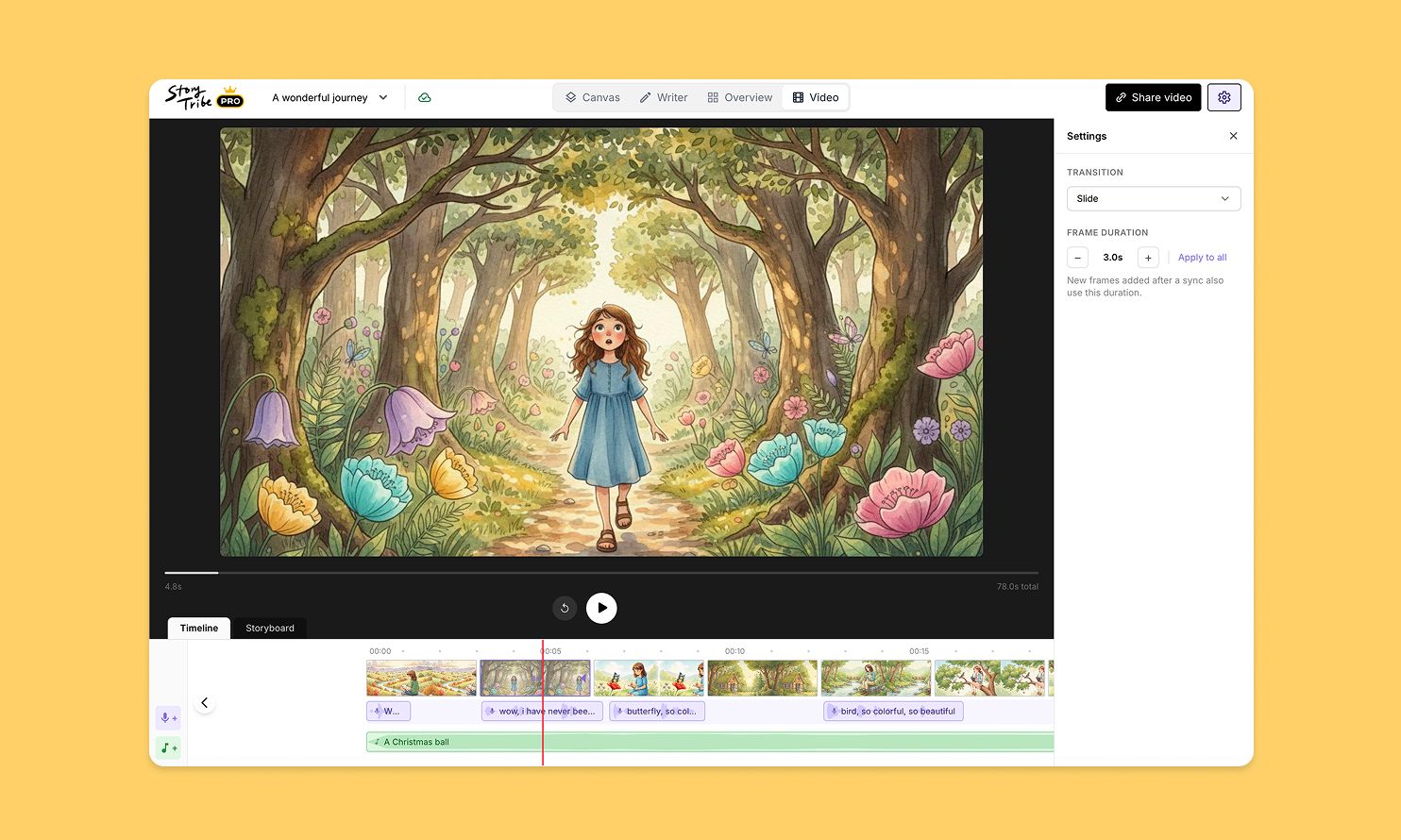
Turn your storyboard into a shareable video — set the timing, add music, and send a link. No extra tools needed.
StoryTribe
StoryTribe Team
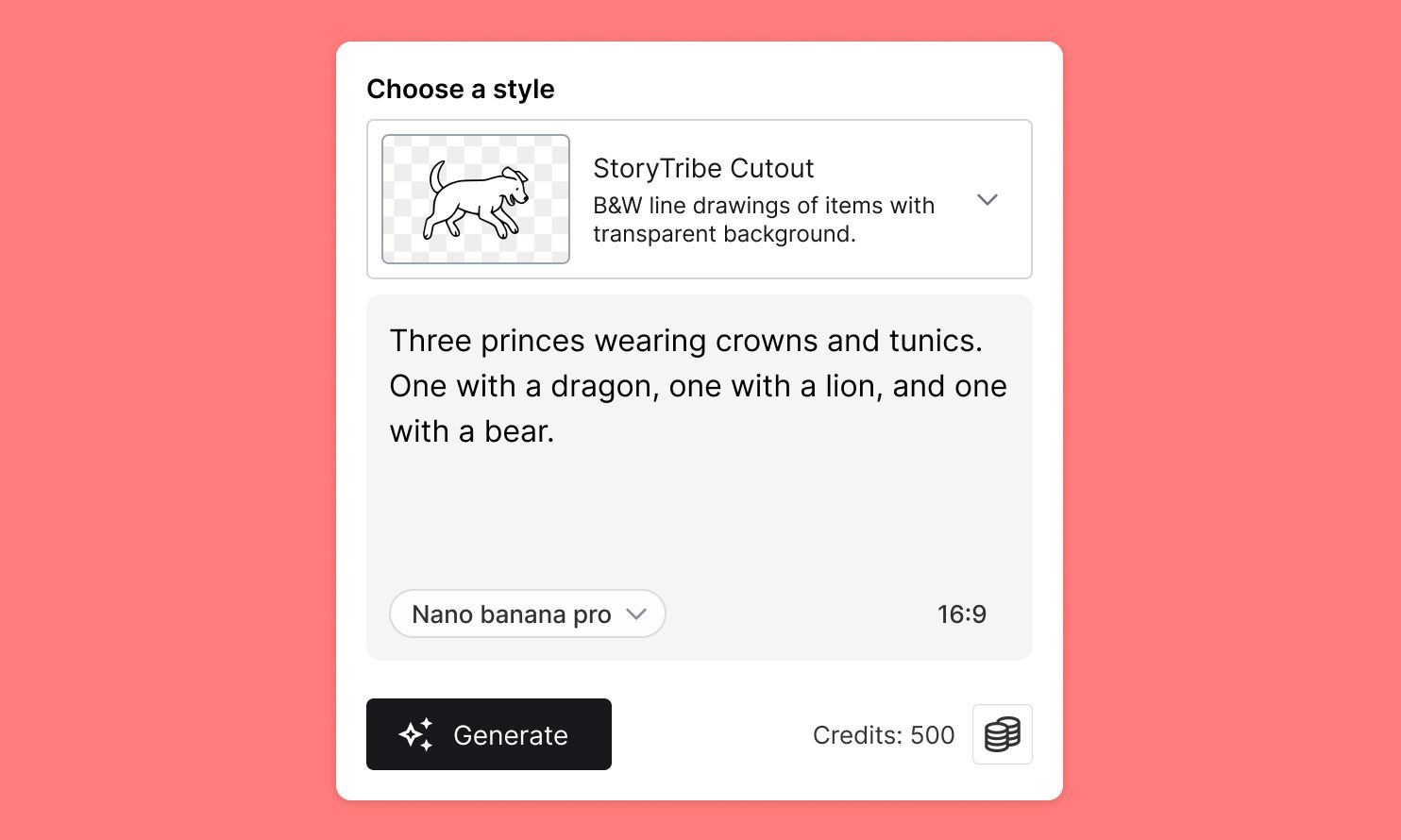
Create faster, iterate visually, and stay consistent — StoryTribe AI is designed for storytelling workflows, not one-off images.
StoryTribe
StoryTribe Team