Roles and permissions
A workspace has one Owner, any number of Admins and Members, and per-project Guests. Owner and Admins manage people; only the Owner touches seats, settings, billing and credit top-ups.
Last updated Sep 9, 2026
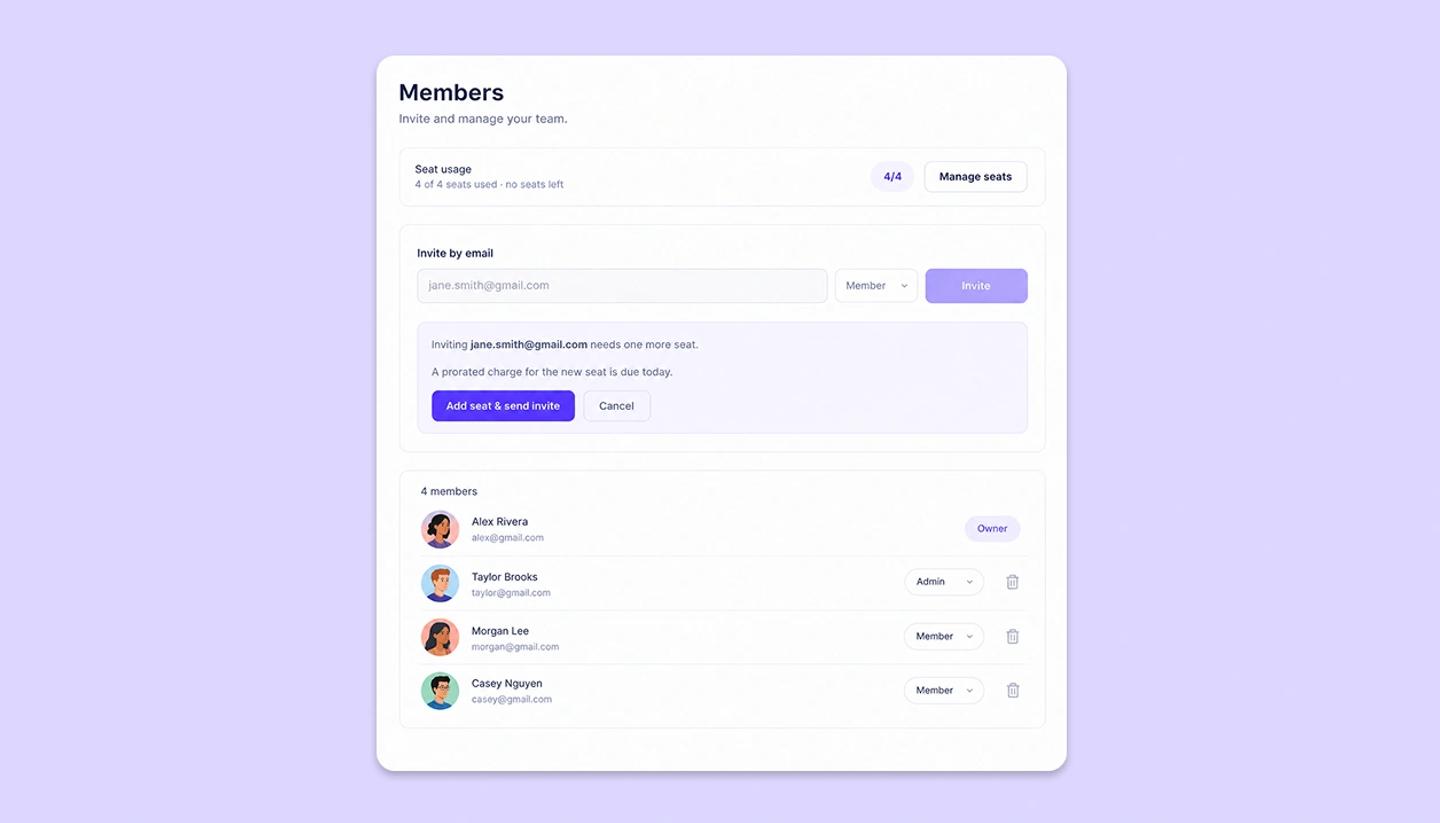
- Owner. The Studio subscriber. Everything an Admin can do, plus seats, workspace settings, billing and credit top-ups. There's exactly one. Transfer ownership sits in the member row's ⋯ menu, and support makes the change.
- Admin. Invites people, changes roles, removes members, and works on every project.
- Member. Works on projects according to the workspace's default access and any per-project overrides; can't manage people.
- Guest. Not a workspace member: someone given access to one project through its Share dialog. Takes no seat and sees only that project.
Role versus project access
Roles are about the workspace. What someone can do inside a given project (view, comment, edit) comes from the project's access settings: the workspace default plus per-person overrides. An Admin can manage members and still be a viewer on a project someone has locked down.
Was this article helpful?
Need more help?
Send us a message. We reply within 3 days, usually sooner.