Manage your subscription, invoices and payment method
Settings › Billing shows your plan, price and renewal date. Manage billing opens the Stripe portal for invoices, receipts and your card.
Last updated Aug 29, 2026
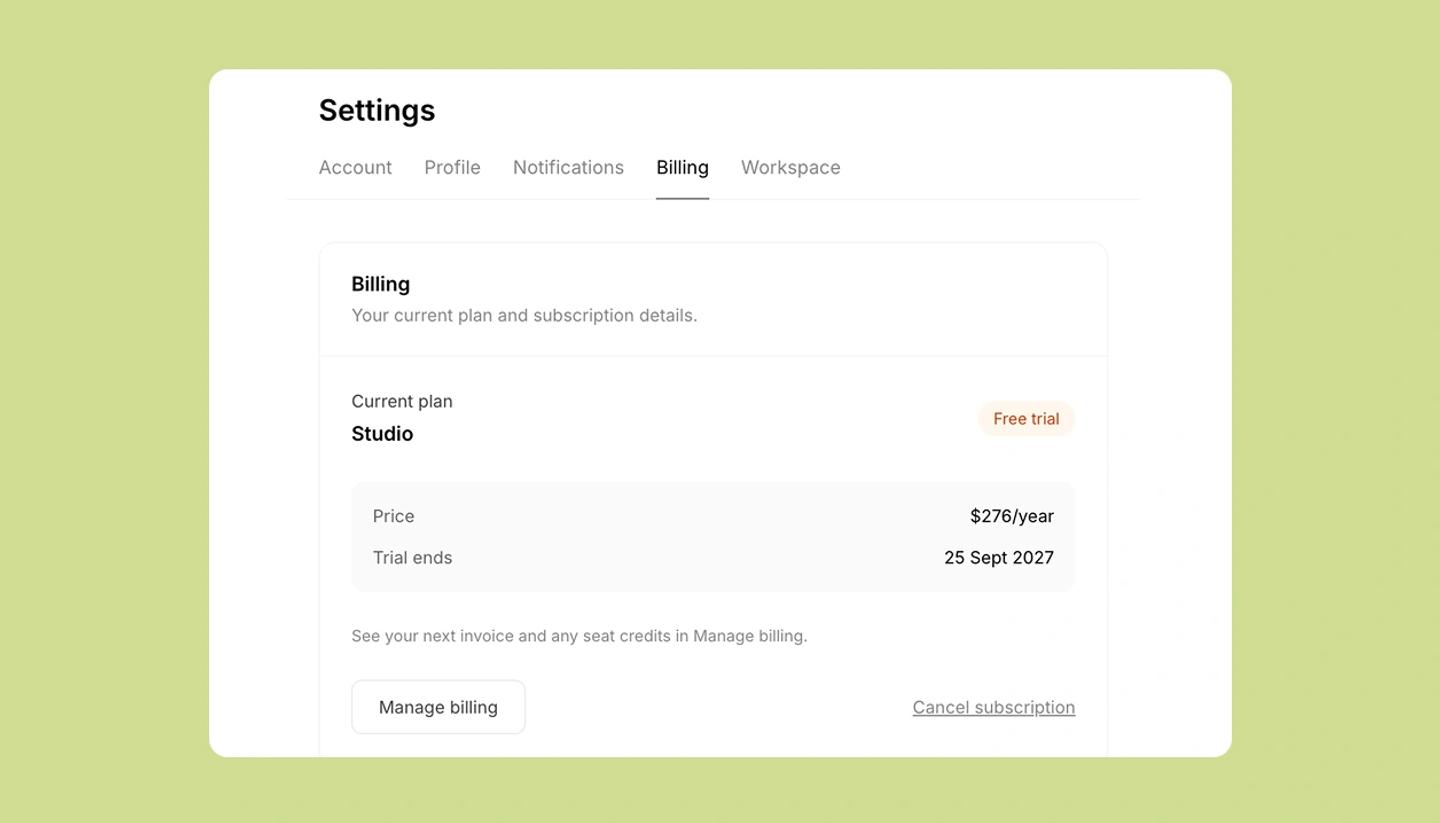
- Open Settings from the left menu ›
Billing. The card showsCurrent plan,PriceandRenews on(or Cancels on, once you've cancelled). - Click
Manage billing. This opens your billing portal (run by Stripe, our payment provider) in a new tab. - In the portal: download any invoice or receipt from the invoice history, update the card on file, and change the billing name, address or tax details printed on invoices.
Good to know
- Invoices are emailed to the address on the account at each renewal; the portal has the full history if you've lost one.
- Yearly plans renew once a year on the date shown; monthly plans each month. Credit top-ups are one-off charges and appear as separate invoices.
- For a Studio workspace, only the owner sees Manage billing; other members see the plan but can't change it.
Common questions
Was this article helpful?
Need more help?
Send us a message. We reply within 3 days, usually sooner.