Upload your own font
Put your own typeface on your boards. On a paid plan you can upload a font file and use it anywhere you set text.
Last updated Oct 1, 2026
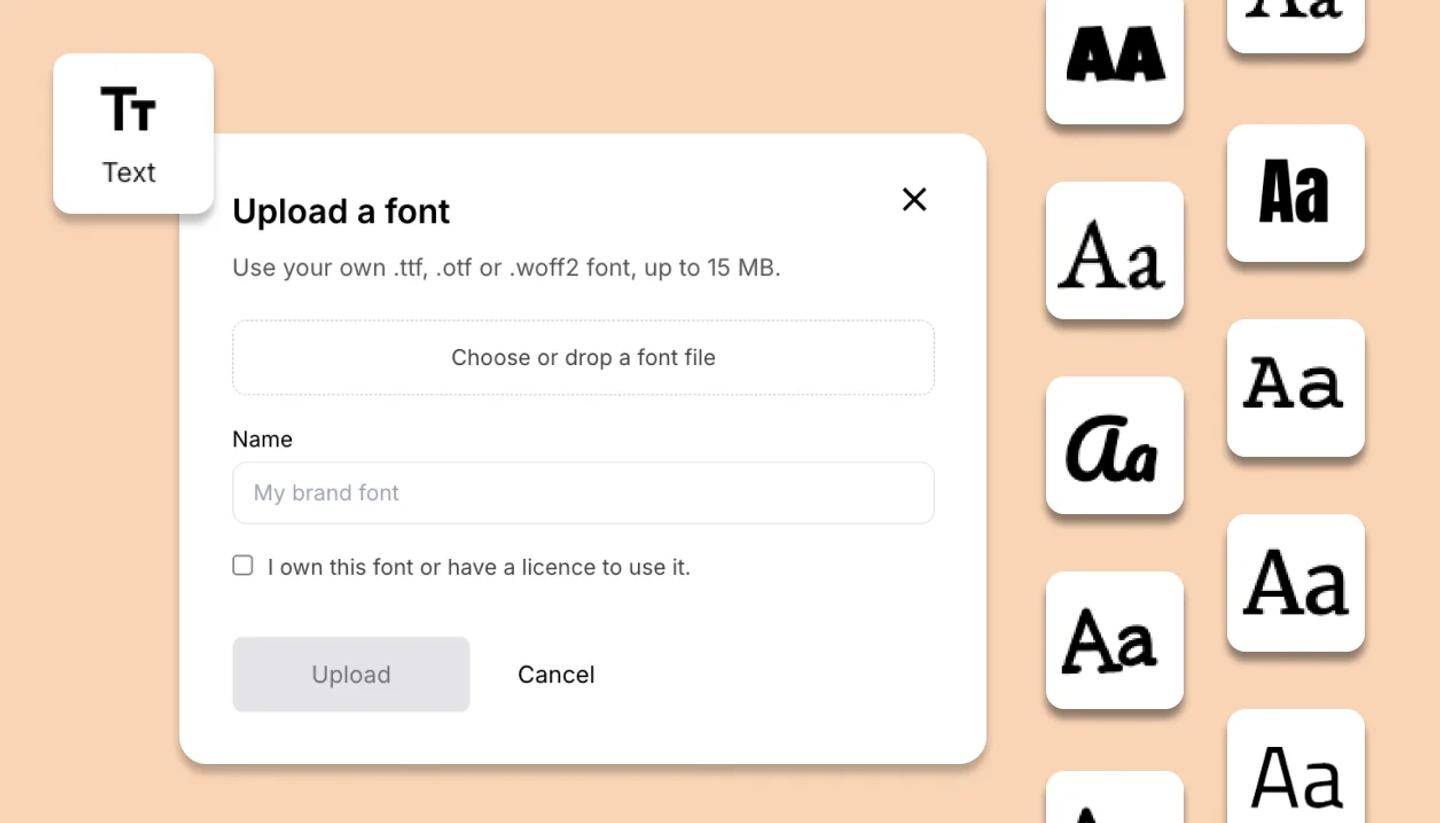
- Select some text on the canvas and open the font menu.
- Choose
+ Upload fontat the top of the list. - Drop your font file in, or click to choose one.
- Give it a name, confirm you have the right to use it, then click
Upload. - Your font appears at the top of every font list, ready to use. A large file can take up to a minute.
Good to know
- File types. .ttf, .otf or .woff2, up to 15 MB each. .woff files and font collections are not accepted.
- One weight per file. Bold and italic in the toolbar are approximations. For a real bold cut, upload that file too and name it so you can tell them apart.
- Your fonts follow you. They are on your account, in all your projects. Teammates cannot pick them, but text you have already set keeps its look for everyone who opens or views the project.
- Exports keep the look. Your font is drawn into the frames in PDF, PowerPoint, images and video.
Was this article helpful?
Need more help?
Send us a message. We reply within 3 days, usually sooner.