Image editing on mobile
On a phone, tap an image or a character and choose Edit for Magic Edit: Retouch, Magic erase, Angle and Lighting. Crop, flip and Adjust sit on the same toolbar.
Last updated Oct 5, 2026
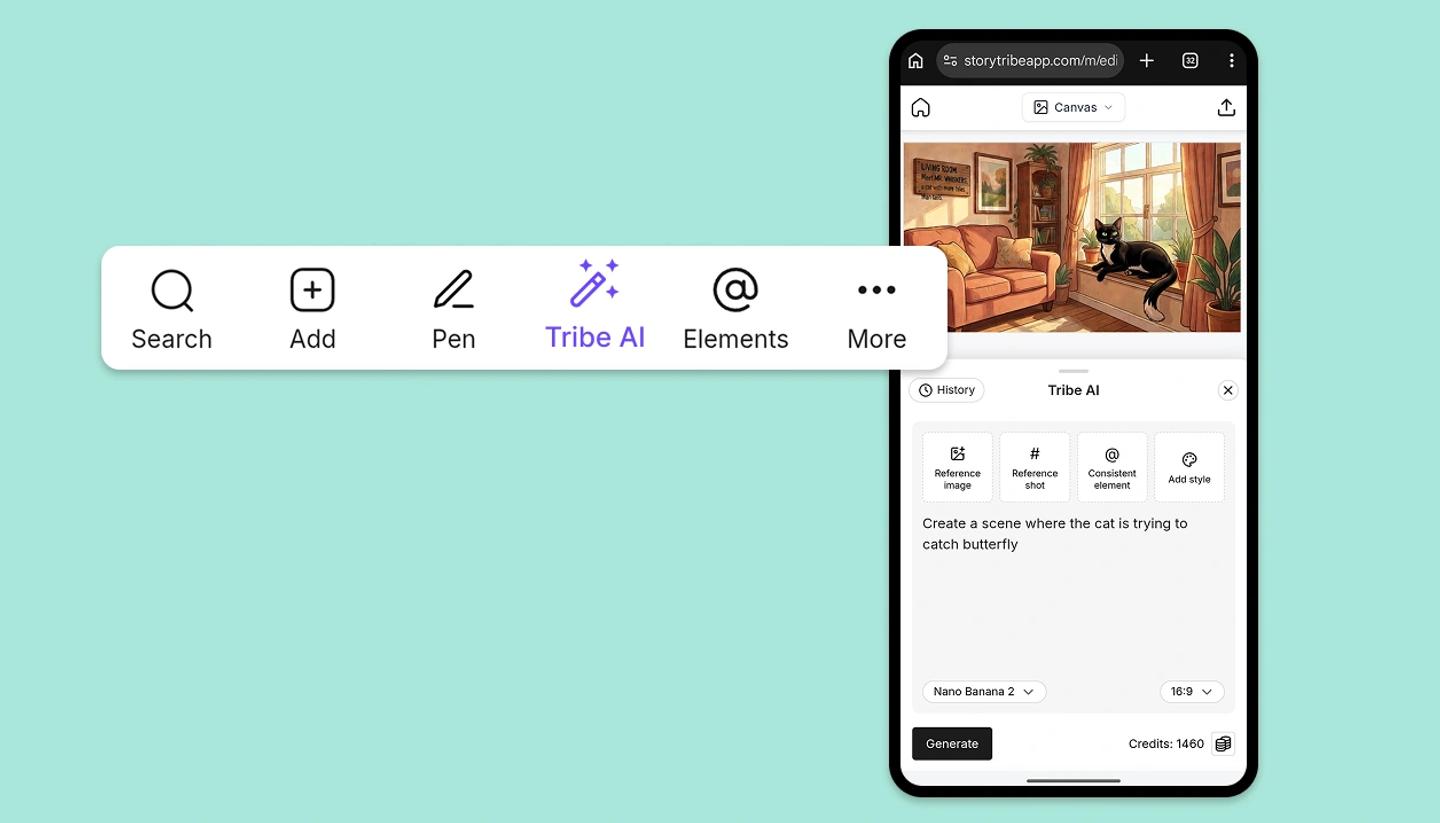
What works on a phone
- Tribe AI: the same prompt box, reference images, elements, styles, models, ratios and History, in a panel that slides up from the bottom of the screen. Not available on a phone: the No background switch, Create style, and the generation tray for running several generations at once.
- Magic Edit: Retouch, Magic erase, Angle and Lighting. Steps below.
- Adjust: Brightness, Contrast, Saturation and Temperature on any image.
- Object tools: crop, flip, duplicate, bring forward and send back, lock, Save as element, Send to Tribe AI.
Magic Edit
- Tap an image or a character, then tap
Edit. - Choose a tool:
- Retouch: describe the change. Brush an area to change only that part.
- Magic erase: paint over what to remove.
- Angle: pick a shot, or use the sliders.
- Lighting: pick where the light comes from.
- Tap
Generate(orMagic erase). - Tap a result, then
Doneto apply it, orCancelto drop it.
What waits for a bigger screen
Remove BG, Expand and Split into layers. Open the project on desktop or tablet for those; the phone edits you make sync across.
Was this article helpful?
Need more help?
Send us a message. We reply within 3 days, usually sooner.