Upload your own music
In Add music, choose Upload your own and pick an MP3, M4A, WAV, OGG or AAC file up to 50 MB. It goes on the music row of the timeline, like any library track.
Last updated Aug 29, 2026
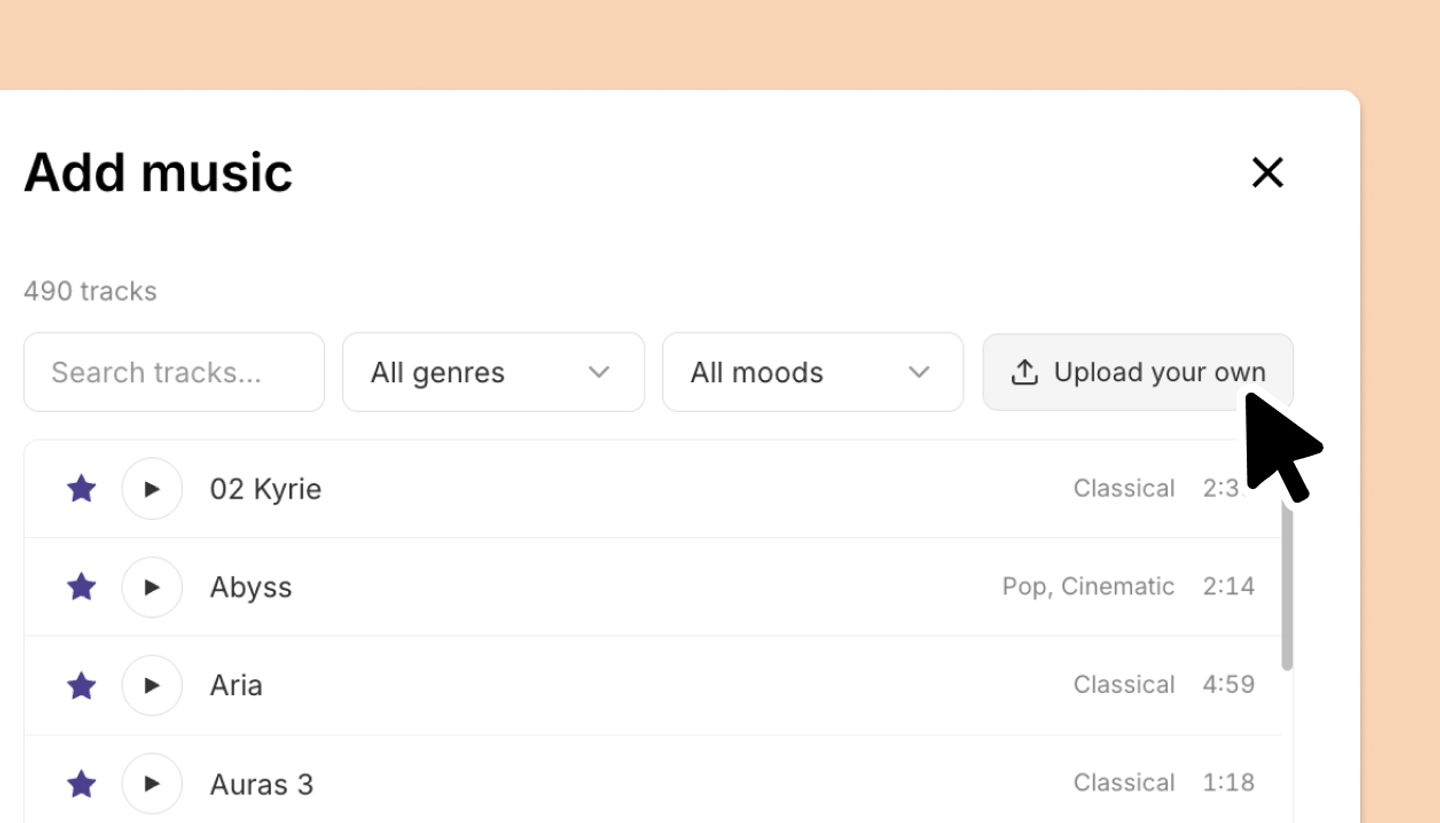
- Click the music row on the timeline, then
Upload your ownin the Add music dialog. - Choose the file: .mp3, .m4a, .wav, .ogg or .aac, under 50 MB. You'll see Adding music… while it uploads.
- Position, trim, loop and fade it exactly like a library track.
Troubleshooting
- "Audio file must be under 50MB." Export a compressed MP3 (a WAV of a long track is often larger than 50 MB).
- "Could not upload audio" or "Could not load track". Check the connection and try again; if the file plays nowhere else either, re-export it.
Was this article helpful?
Need more help?
Send us a message. We reply within 3 days, usually sooner.