The music library
Add music opens a library you can search and filter by genre and mood, preview inline, and star. Favorites float to the top.
Last updated Aug 29, 2026
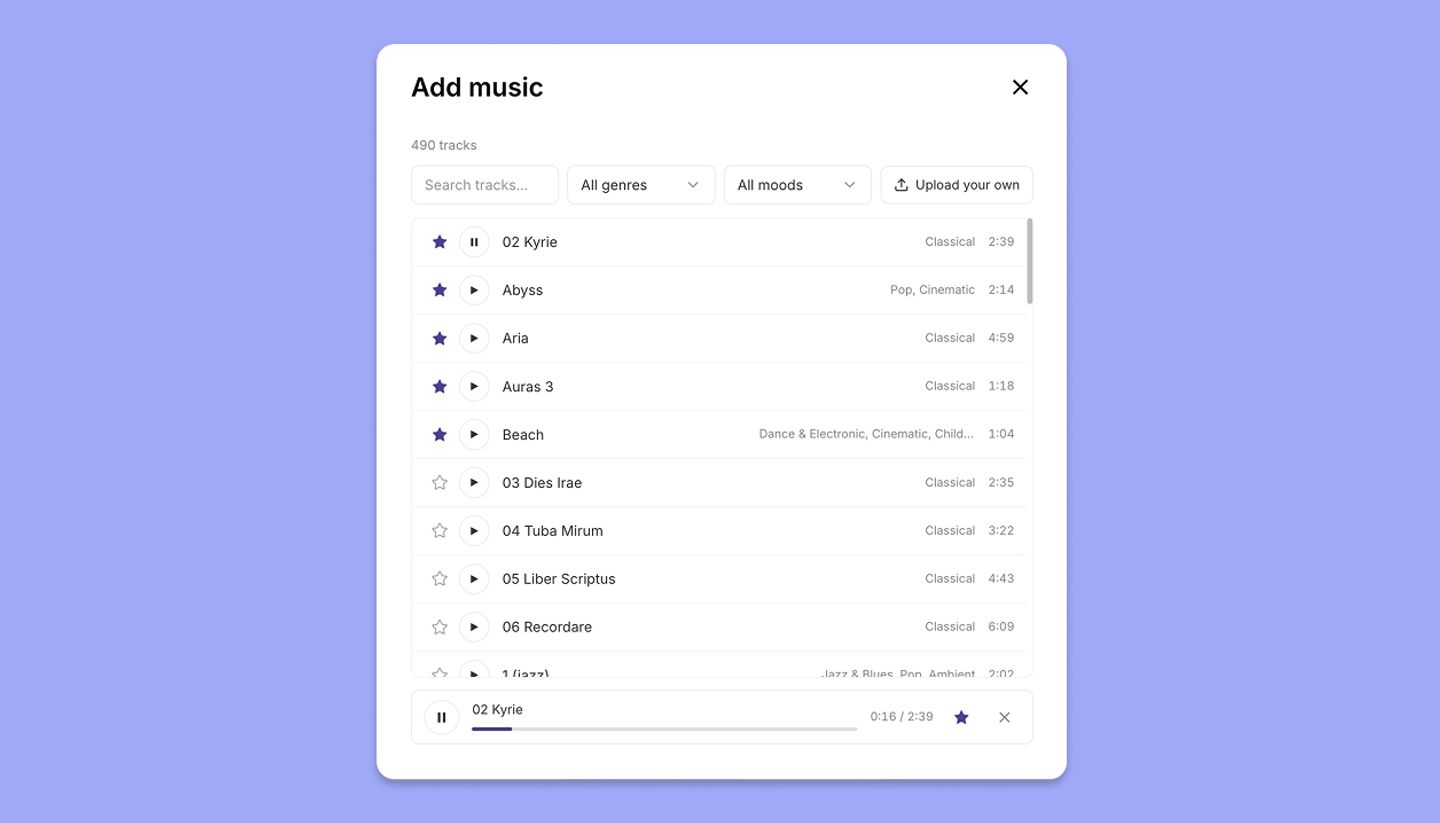
The library is the first thing in the Add music dialog. Type in Search tracks…, or narrow with the All genres and All moods menus. Each row has a play button for an inline preview with a seek bar, and a star to add it to your favorites. Pick a track to drop it on the timeline.
Favorites
Starred tracks are per account and sort to the top the next time you open the library or change a filter, so the cues you keep coming back to are one click away.
Using library music
Library tracks are royalty-free. You can use them in anything you make with StoryTribe, including the MP4 you download and the pages you publish, with no attribution required and nothing extra to license.
Need more help?
Send us a message. We reply within 3 days, usually sooner.