Favorites
Favorites are for character parts: hairstyles, faces, tops, arms, legs, glasses and more. Heart a part in the character editor and it sorts to the front of its grid in every project.
Last updated Aug 29, 2026
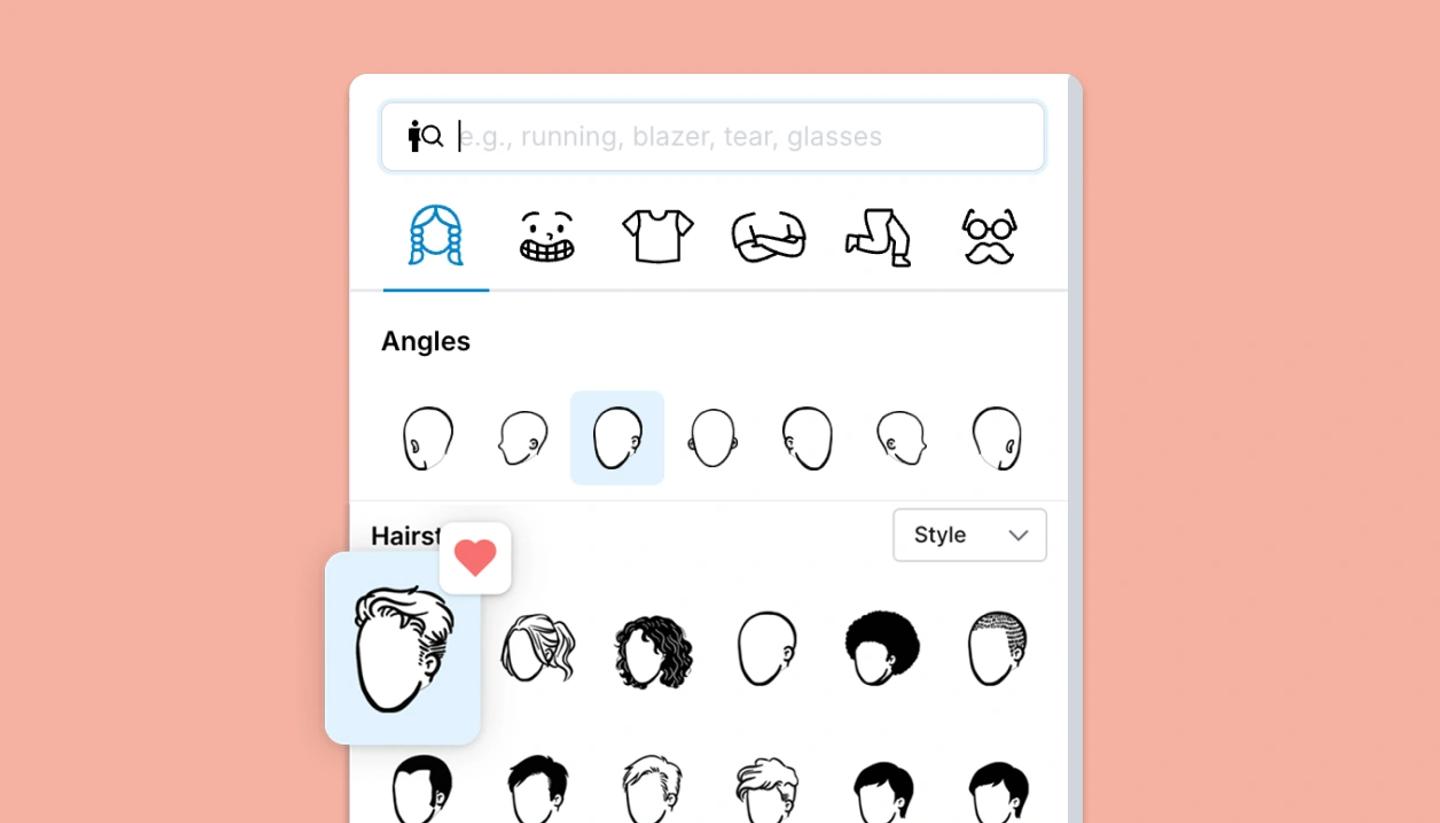
When you customize a character, every tile in the Hairstyle, Face, Top, Arms, Legs and More grids has a heart in its corner (Add to favorites / Remove from favorites). Favorited parts move to the front of their grid, so the looks you use most are always the first you see. Favorites belong to your account, not to a project, so they follow you everywhere.
A part you heart moves to the front the next time you open the editor.
For whole characters, props and scenes: use Elements
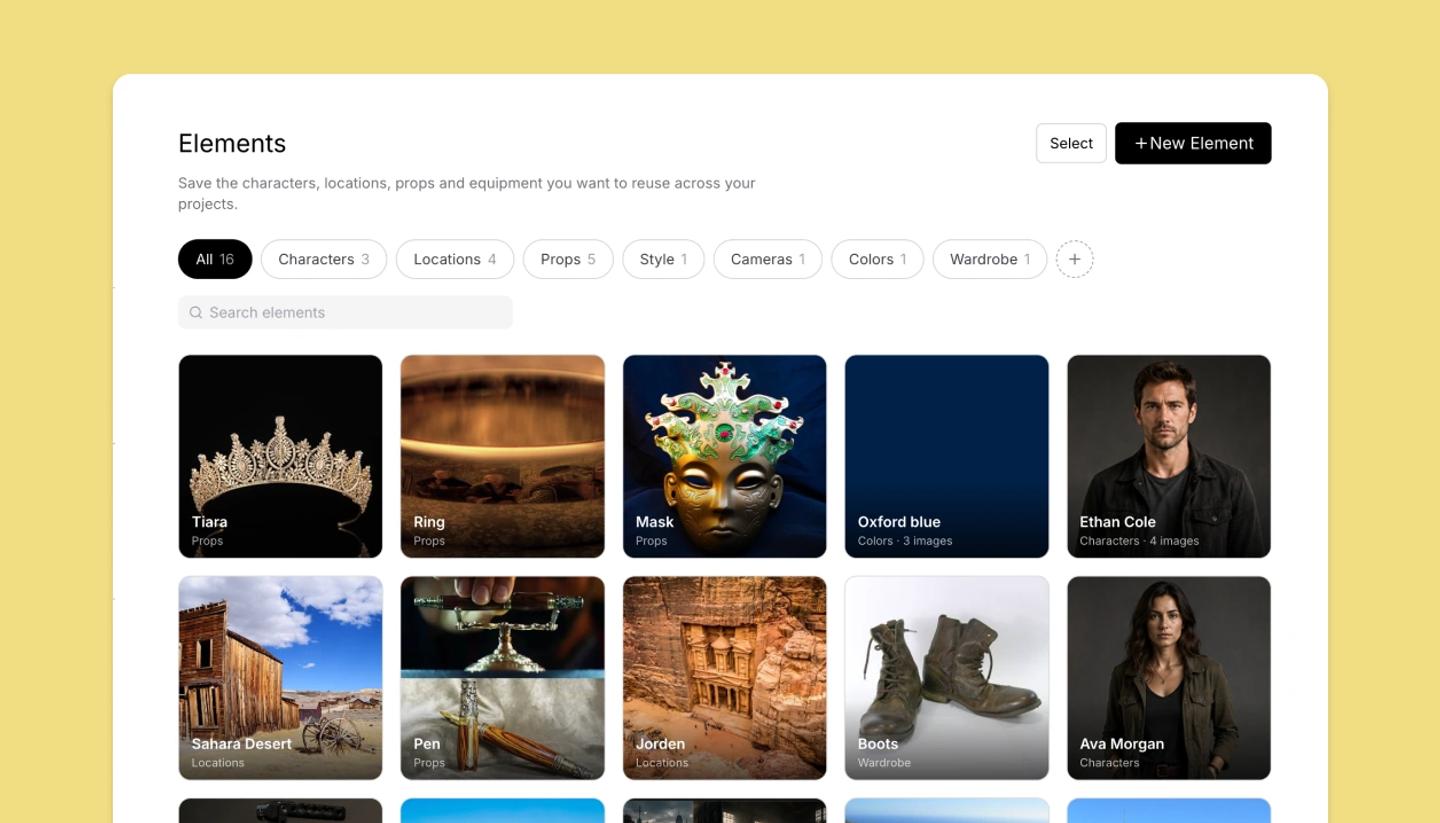
Favorites don't apply to complete characters, props, templates or icons. To keep any of those for reuse, select it on the canvas and choose Save as element; it goes into your Elements library under Characters, Locations, Props or a category of your own.
If you used the "Saved folders", that's where they went: Saved is now Elements, with your folders as its category tabs.
Need more help?
Send us a message. We reply within 3 days, usually sooner.