Character library diversity
StoryTribe characters are customizable. Hairstyle, facial expression, outfit and pose come from the tiles you pick. Where the library falls short, Elements and Tribe AI fill the gap.
Last updated Aug 29, 2026
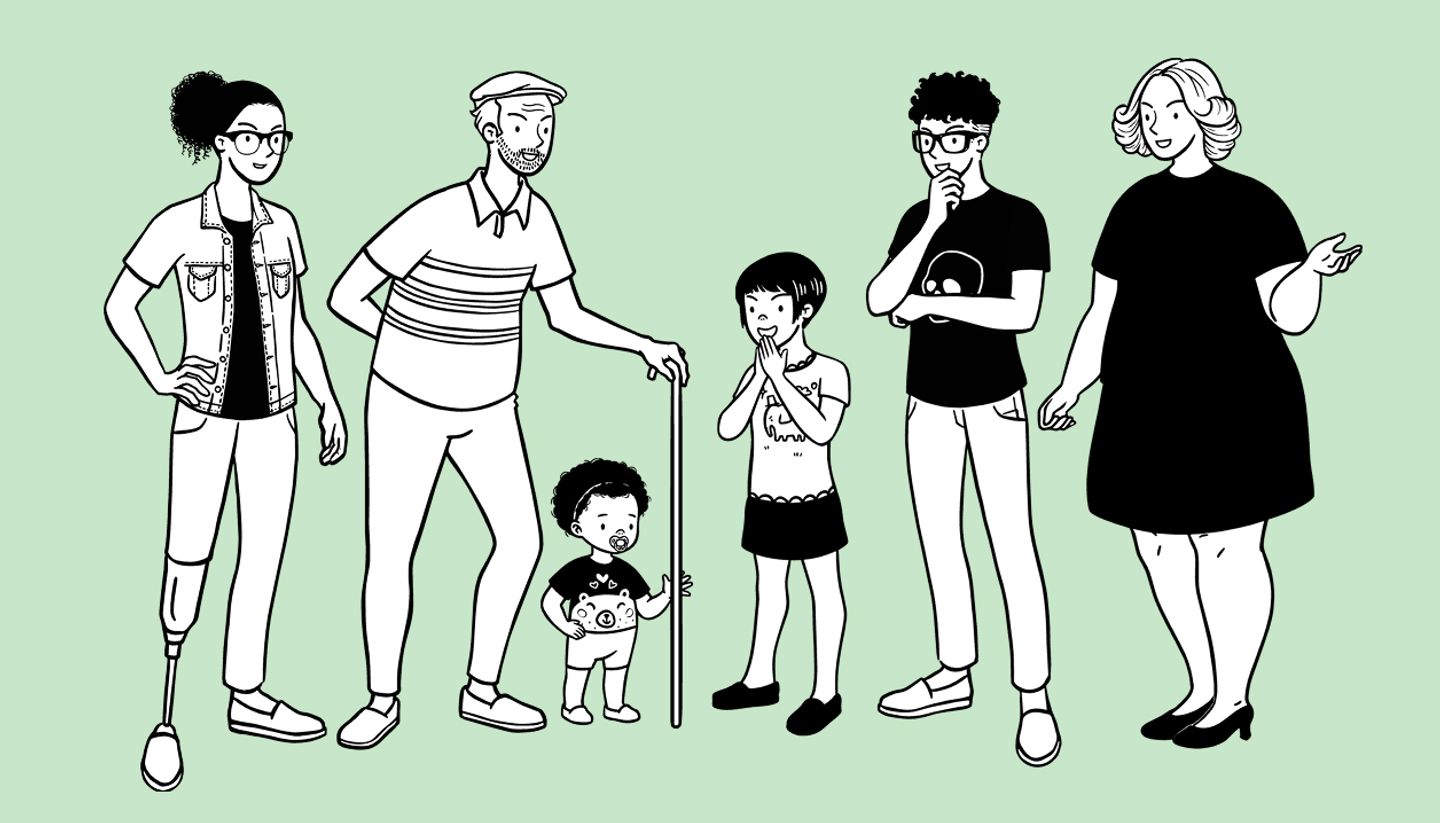
Presets are grouped adult, kid, toddler, plus-sized and senior. Start from the preset closest to the person you have in mind, then swap parts until it's right.
Finding what you need
- The Hairstyle tab has two things: the Angles strip along the top turns the head left, right or to the back, and the grid below it is hairstyles. Face is expressions. Top, Arms and Legs are outfit and pose. More holds Wrinkles, Facial Hair and Glasses.
- Face, facial hair, wrinkles and glasses follow the head angle automatically. Most sections start with a None tile that removes that part.
- Search finds parts by word across every tab (try running, blazer, tear or glasses); results are grouped by part type, with a View all link per group.
- Parts only combine within a character's own set, so an adult preset shows adult parts and a kid preset shows kid parts. Pick the preset first.

When the library doesn't have it
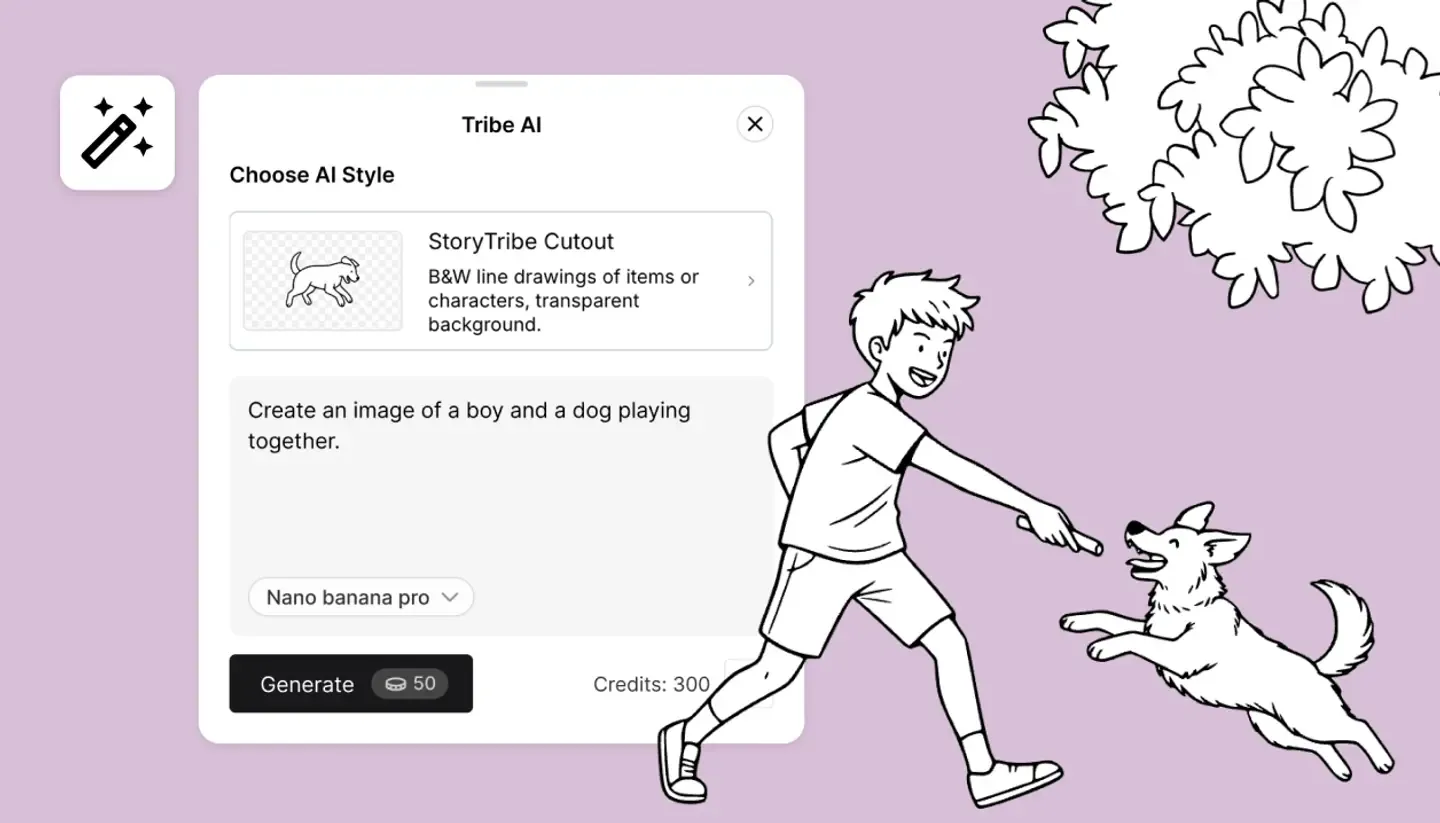
There are two routes. The first is AI: Tribe AI and Retouch both make images. Tribe AI generates one from a description, a reference photo and a style. Retouch turns the character into an image and edits it, so parts, head angles and Turn around no longer work on it afterwards.
Or add your own: upload photos or drawings of a real person or your own design as an Element under Characters, then place them in shots and mention them in the script like any other character.
Need more help?
Send us a message. We reply within 3 days, usually sooner.