Share to social
Send your shots and videos into Instagram, TikTok or anywhere else you post, straight from your phone or tablet.
Last updated Sep 26, 2026
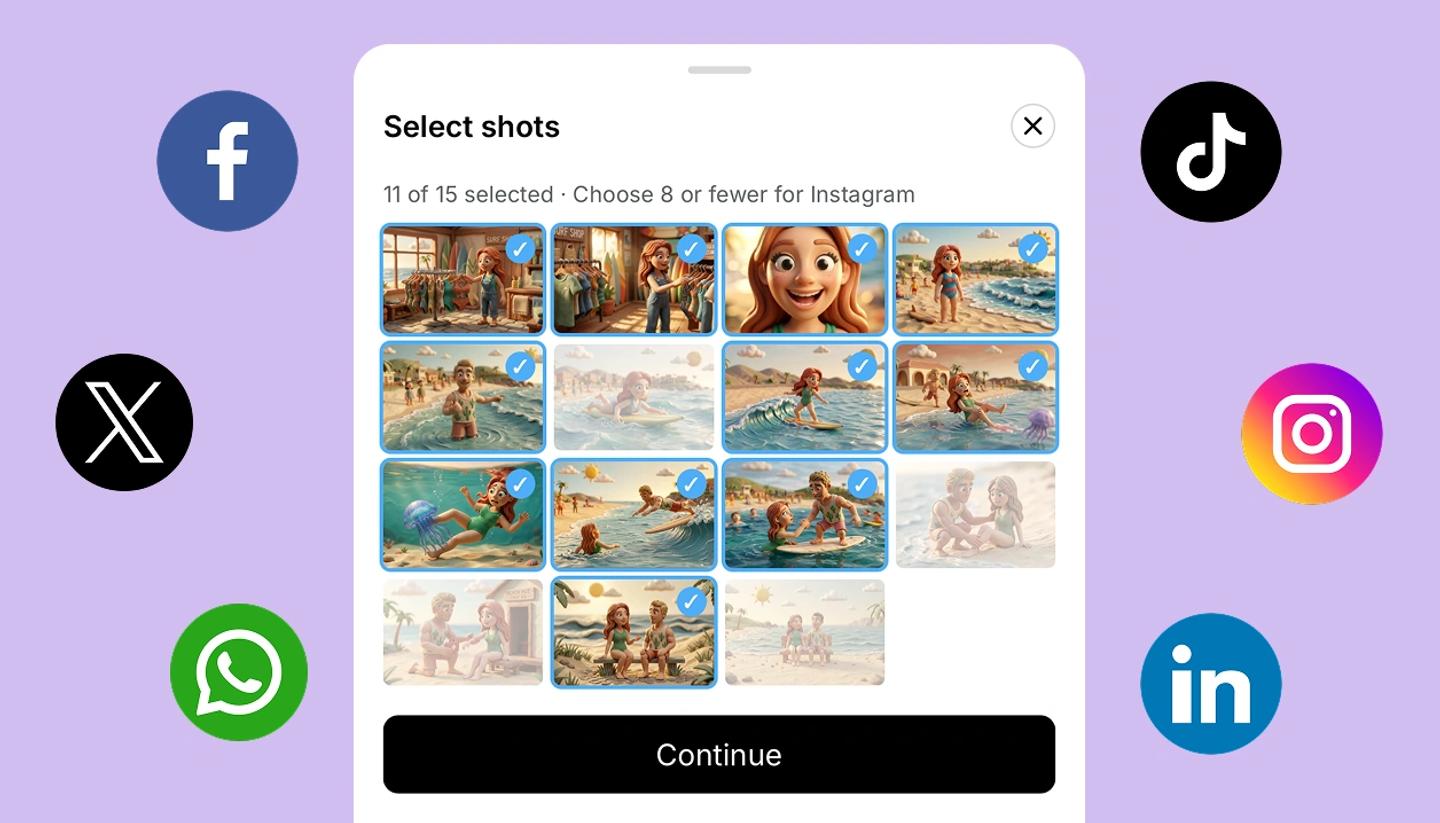
On a phone
- Tap the three dots at the top right and choose
Share to social. - Every shot starts selected. Tap a shot to untick it, or tap
Clearand pick only the ones you want. - Tap
Continue, then choose an app in your phone's share menu.
On a tablet
Open Share, then Share to social under Or send it out. The rest is the same.
Good to know
- Instagram. It appears in the share menu only when you send 8 shots or fewer.
- Shots. Up to 30 at a time, images only.
- Video. Open the Video view and tap Download. The same share menu opens, so you can post it or save it to Photos.
- Free plan. Shared images carry the StoryTribe watermark, the same as downloads.
Was this article helpful?
Need more help?
Send us a message. We reply within 3 days, usually sooner.