Filtering the shot list
The search bar above the Table and the Storyboard narrows the shots to those matching your text, including property values, script and @ or # references. Rows always stay in story order; there is no per-column sort yet.
Last updated Aug 29, 2026
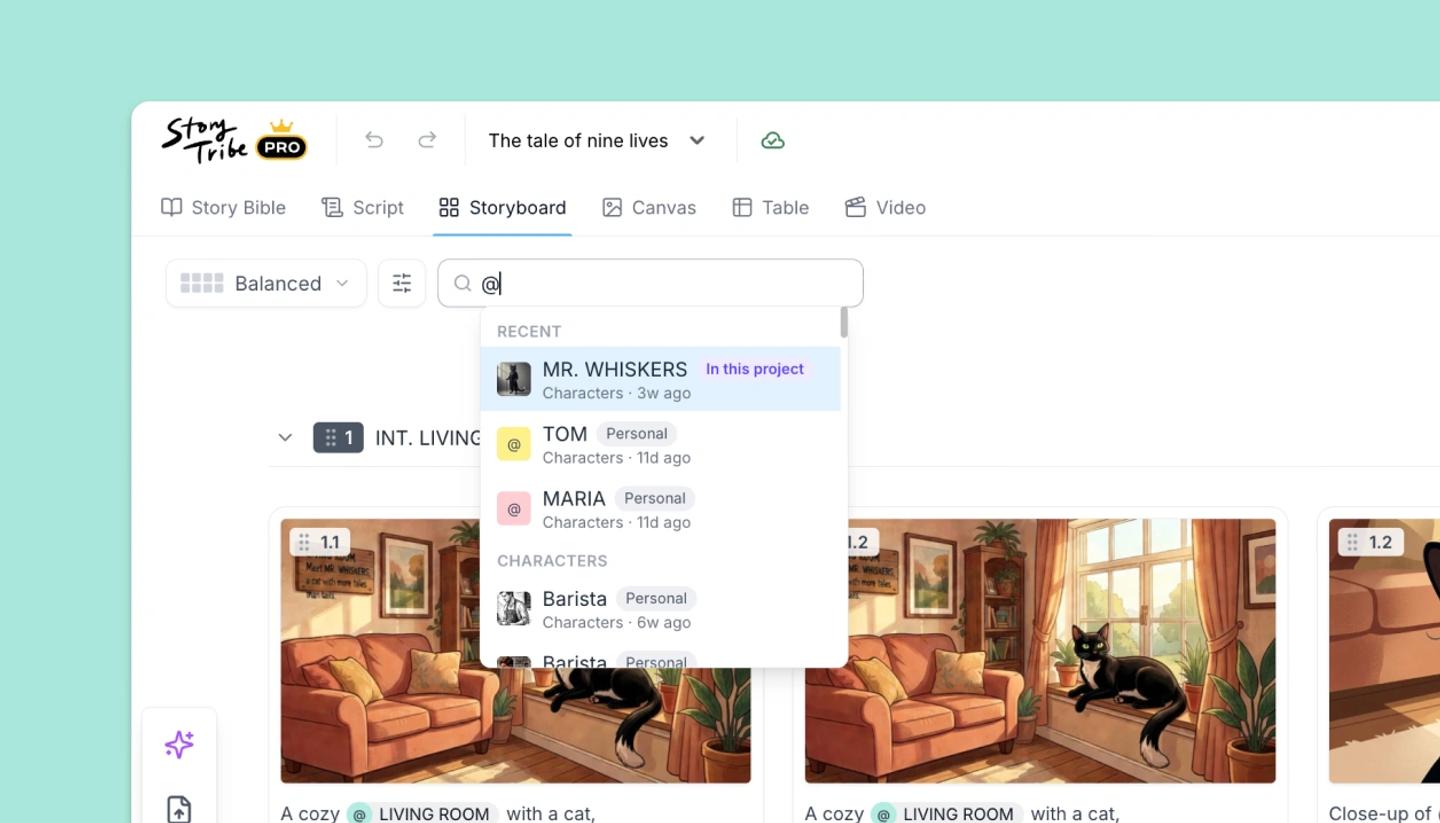
Type in the bar labeled Search, or @ / # for references. It searches each shot's script, title and property values, plus the elements and shots it mentions. Scenes with no matching shot drop out, and the rows that remain keep their order. Clear it with the X.
Filtering by a property
Because values are searched, typing an option's name filters by it: Handheld shows the handheld shots, NIGHT the night shots, and @Maya every shot that mentions or casts her. To see only one property's column, hide the others in View settings.
Sorting
The Table doesn't sort by column; the row order is the story order. For a schedule sorted by location or shoot date, export the table to Excel or CSV and sort there.
Need more help?
Send us a message. We reply within 3 days, usually sooner.