Using StoryTribe on mobile and tablet
There is no app to install: open storytribe.com in the browser. Tablets get the desktop editor; phones get an editor built for a small screen.
Last updated Aug 29, 2026
StoryTribe is a web app, so it runs wherever you have a modern browser: Mac, Windows, iPad, Android tablets, iPhone and Android phones. Nothing is installed, and your projects are the same on every device because they live in your account.
On a tablet
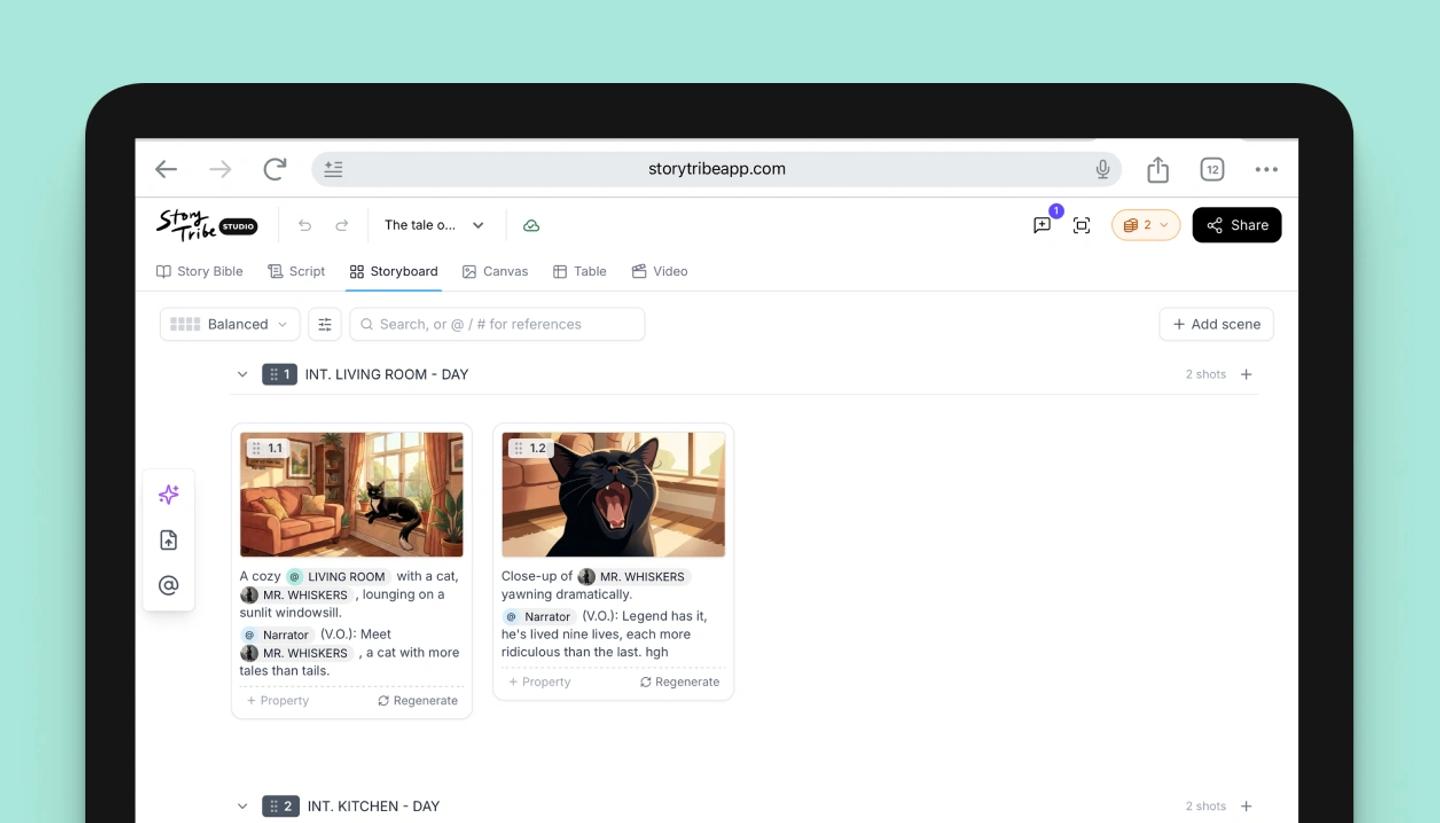
A tablet gets the same desktop editor, laid out for touch, with all six views: Story Bible, Script, Storyboard, Canvas, Table and Video. Custom canvas sizes are desktop only, but the size presets, the AI start, Magic Edit, comments and the full export dialog all work.
On a phone
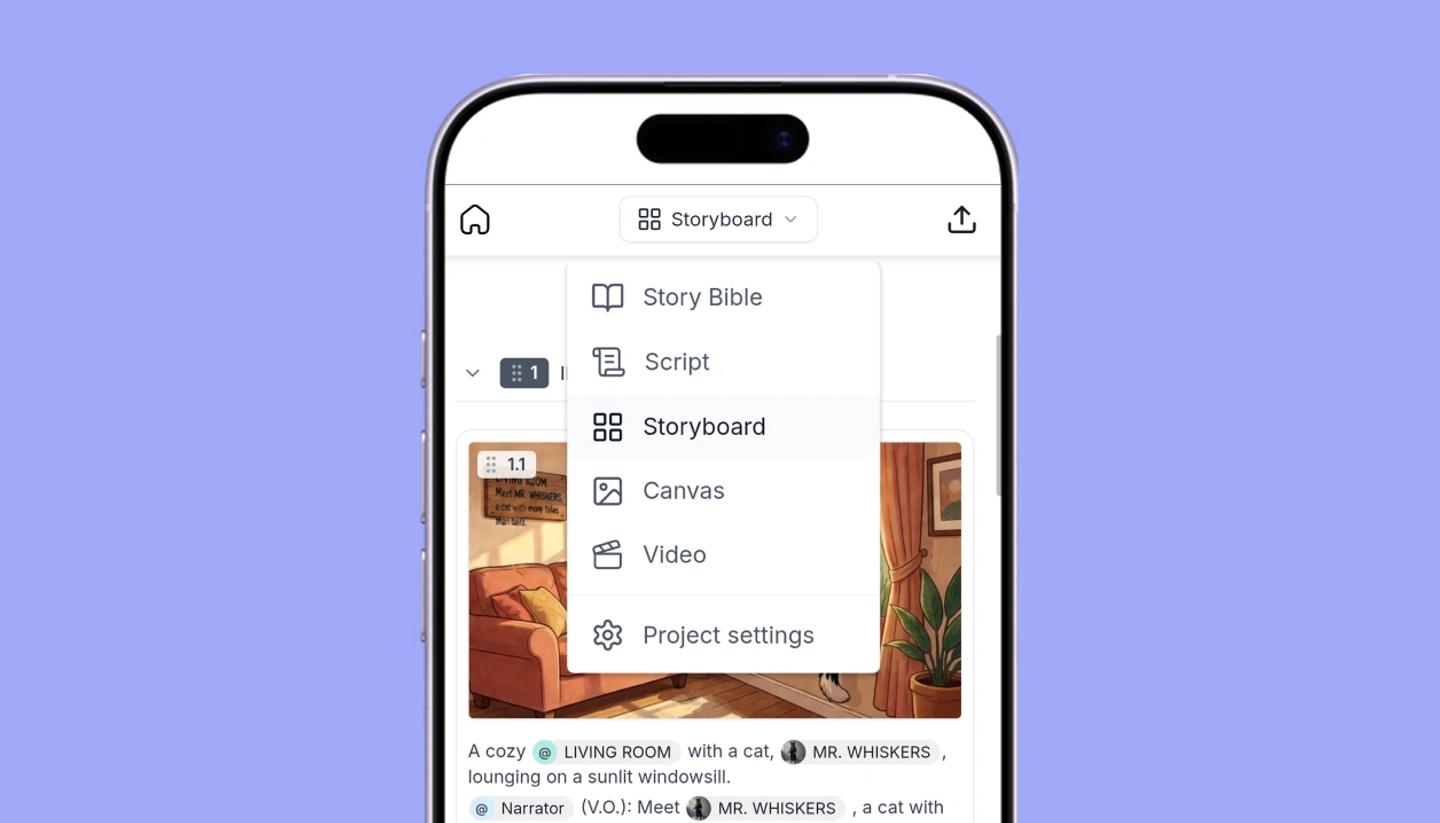
A phone opens the mobile editor. Switch views from the dropdown under the header: Story Bible, Script, Storyboard, Canvas and Video. The tools sit in a bar at the bottom: Search, Add, Pen, Tribe AI, Elements and More.
The Storyboard has a Read mode, one shot per row under its scene header, and a Tiles mode. You add shots with New shot and scenes from a scene's menu with Add scene below. Undo and redo are buttons rather than keys.
Two things stay on the bigger screens: the Table view and comments. Magic Edit works on a phone too, apart from Remove BG, Expand and Split into layers. A team project with two or more editors opens as view only on a phone, because the phone editor can't yet handle several people editing at once. To edit it, use your computer.
Common questions
Need more help?
Send us a message. We reply within 3 days, usually sooner.