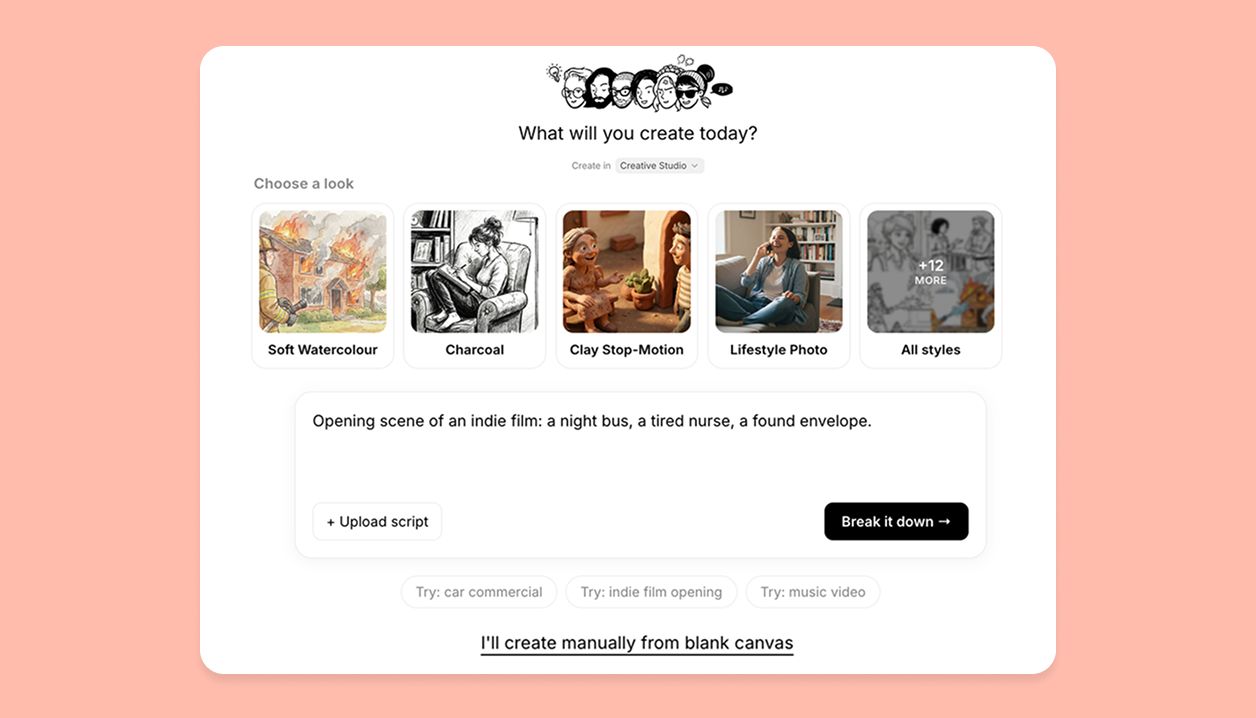
Read any shot up close on a published storyboard
Anyone viewing your published storyboard can now open a shot in a focused reader: the image and its script, full screen, with arrows to move through the story shot by shot. On desktop and mobile.
Every feature release, newest first.
Anyone viewing your published storyboard can now open a shot in a focused reader: the image and its script, full screen, with arrows to move through the story shot by shot. On desktop and mobile.
There's a new way to share your story: publish it as a Book. Your shots and script become a two-page reading book that turns page by page, the image on one side and its script on the other, cover and all. Pick Book alongside Storyboard and Video when you publish, and set it public or unlisted. Your book reads beautifully on desktop and mobile.
Your workspace gets its own shared Elements library alongside your personal one. Save a character, location, prop, or style into it, or move an existing element across, and everyone can drop it into their projects and @mention it. Switch between your Personal and workspace libraries from a dropdown wherever Elements appear. On desktop and tablet.
Storyboarding is now a team sport. Share a project and your collaborators can work in it at the same time: see who else is here from the avatars up top, watch the field a teammate is editing gently lock so you don't collide, and get a heads-up before you delete a scene or shot someone's working in. Video editing hands off one person at a time, and canvas deletes now come with a ten-second undo and an alert if someone restores your work. On desktop and tablet; on phones, shared team projects open in view-only for now.
Feedback now sticks to the exact spot it's about. Drop a comment as a pin on the canvas, on a highlighted line of script, on a table cell, or on a whole shot, then reply in threads, resolve when it's handled, and @mention your collaborators to pull them in. A Comments panel keeps every open and resolved thread in one place. On desktop and tablet.
Everything happening on your work now lands in one place. A new Notifications feed on your Home shows comments, replies, @mentions, and invites, each with the person's real profile photo, and product news from StoryTribe appears there too. Dismiss anything with a tap. On desktop, tablet, and mobile.
Sharing is built for collaboration now. Add people by email and choose what each can do: view, comment, or edit. Share a link that lets anyone view or comment, and bring in outside collaborators as guests who can view and comment. Viewers stay safely read-only. On desktop and tablet.
Your team can now work from a shared workspace: gather your projects in one place, invite people by email, and give everyone the right role, Owner, Admin, or Member, plus guests for outside collaborators. Everyone stays in sync on the same projects, people, and shared library. On desktop and tablet.
Write script with AI now drops finished pages straight into your script. Describe your idea, pull in your characters with @ and point at existing shots with # so the new pages stay consistent, then review the result and choose exactly where it lands. Available on desktop, tablet, and mobile.
Your storyboard has a new view: Table. Every shot is a row and every detail is a column, so you can lay out and fill in your entire shot list at once. Add, hide, resize, and reorder columns for any field, edit cells directly, and copy or paste ranges that round-trip cleanly with Google Sheets and Excel, drag-to-fill included. Look for it in the project tabs, now Board, Script, Table, and Video. Available on desktop and tablet.
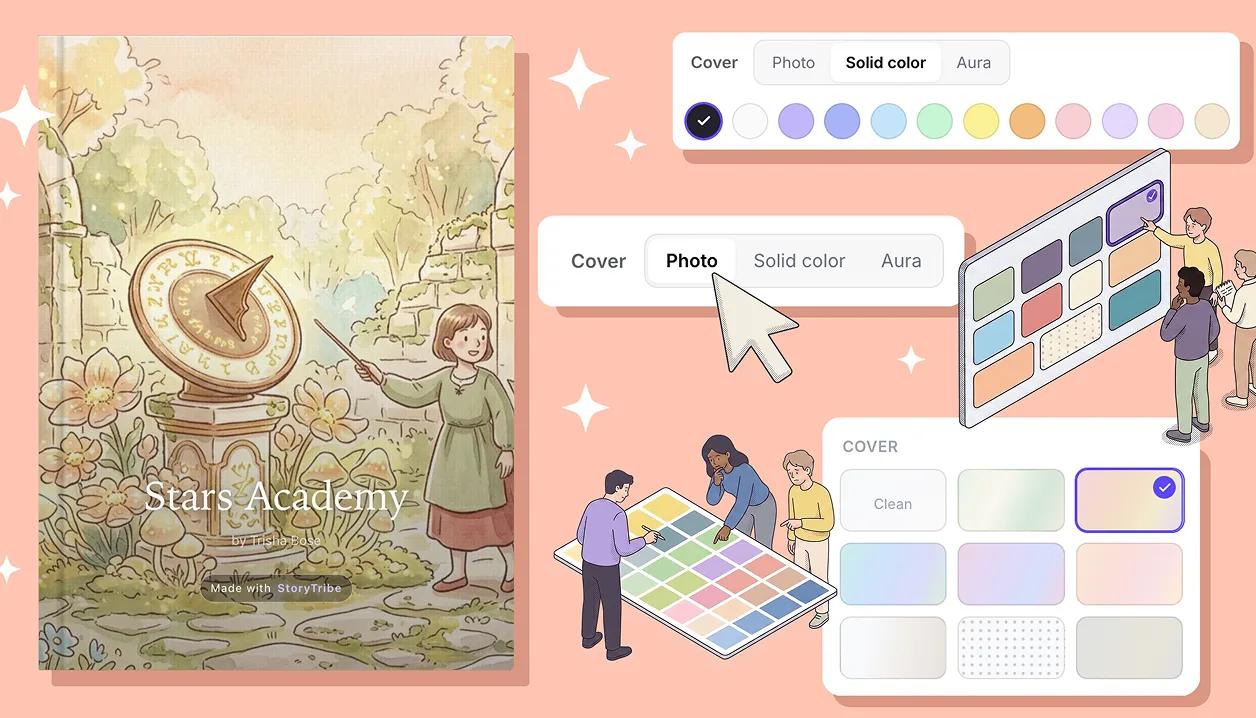
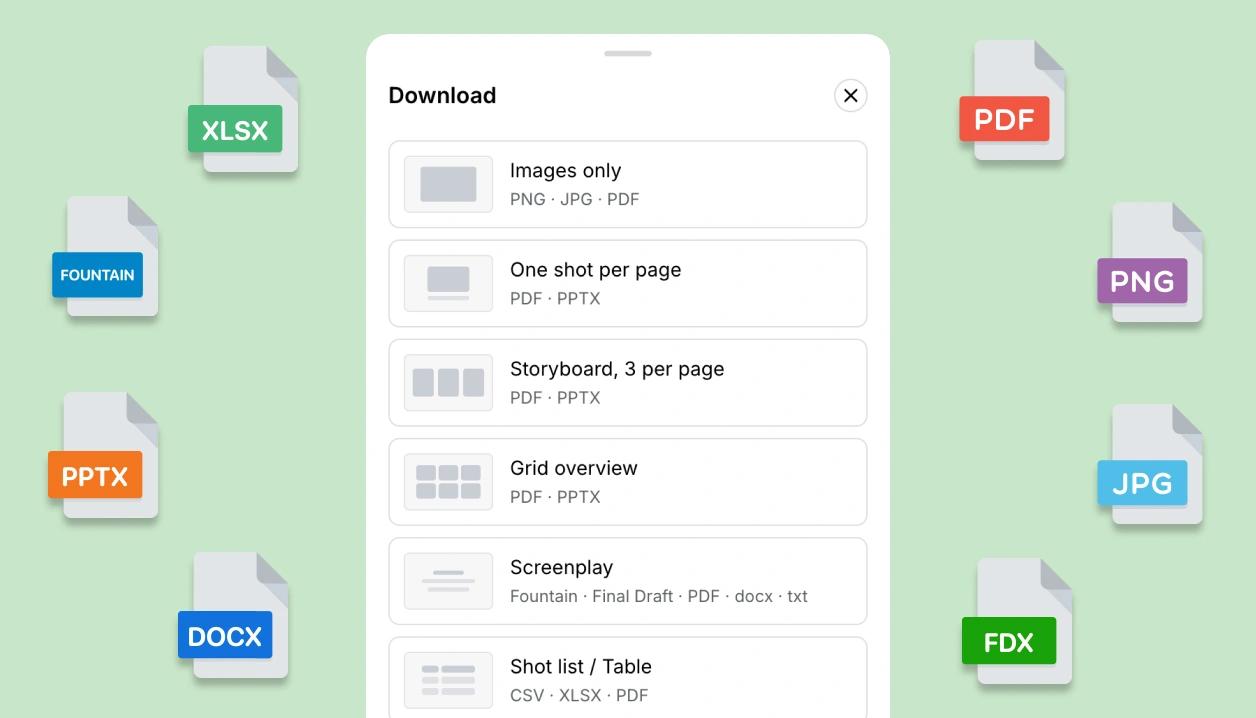
Your script can now leave StoryTribe in whatever format the next tool needs: a properly formatted screenplay PDF, an editable Word document (.docx) that keeps your text styling, a clean plain-text reading copy, and Final Draft (.fdx) and Fountain for your screenwriting apps. Available on desktop and tablet.
Script import now takes files, not just pasted text. Drop in a Final Draft (.fdx), Fountain, Word (.docx), or plain text (.txt) file and your scenes and shots are detected automatically. A new review step shows every line the way it will import, so you can tick exactly what to include and adjust where shots split before anything is created. Available on desktop, tablet, and mobile.