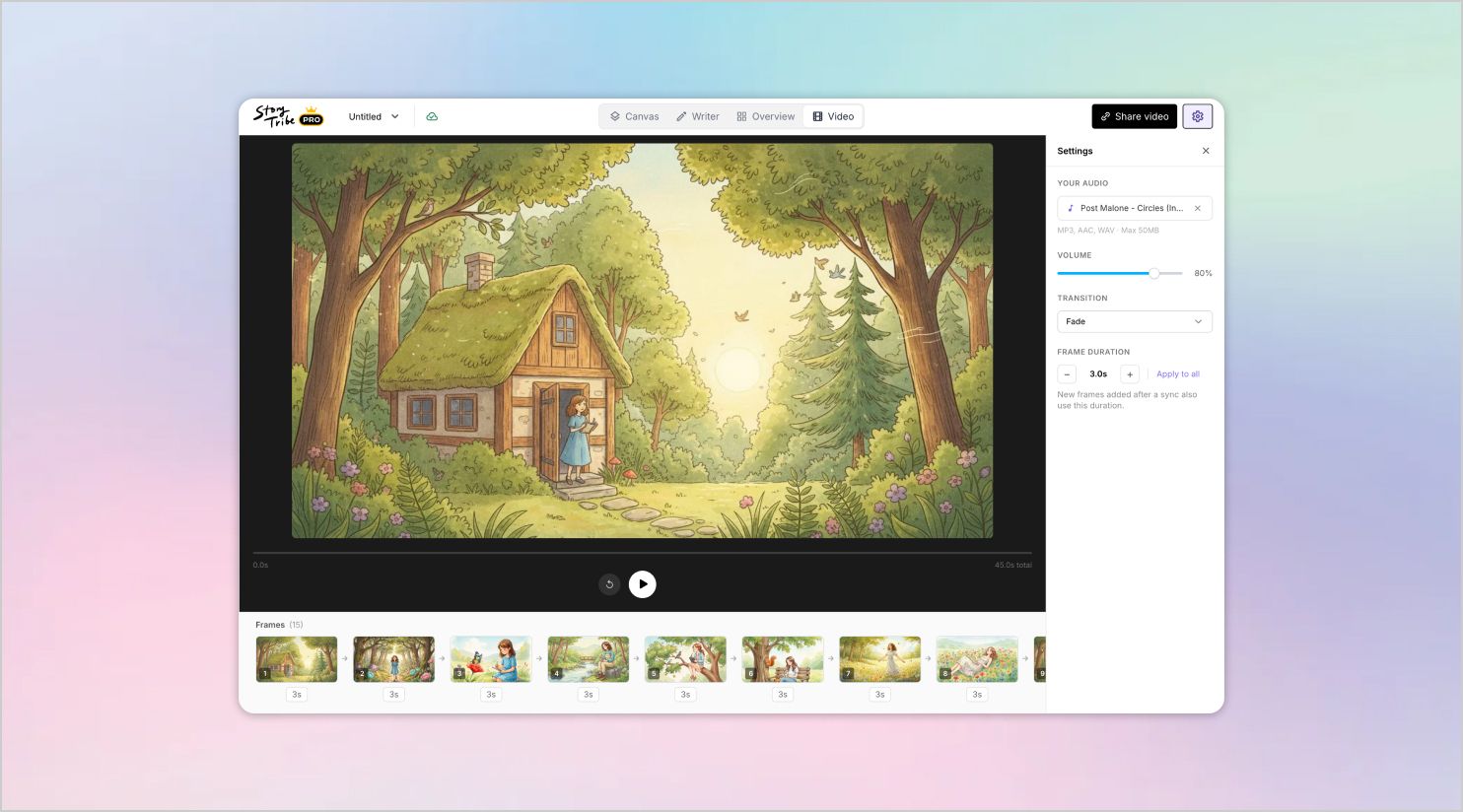
What’s new in StoryTribe: April 2026
Here are a few updates we’ve shipped last week.

StoryTribe
StoryTribe Team
Here are a few updates we’ve shipped this month.
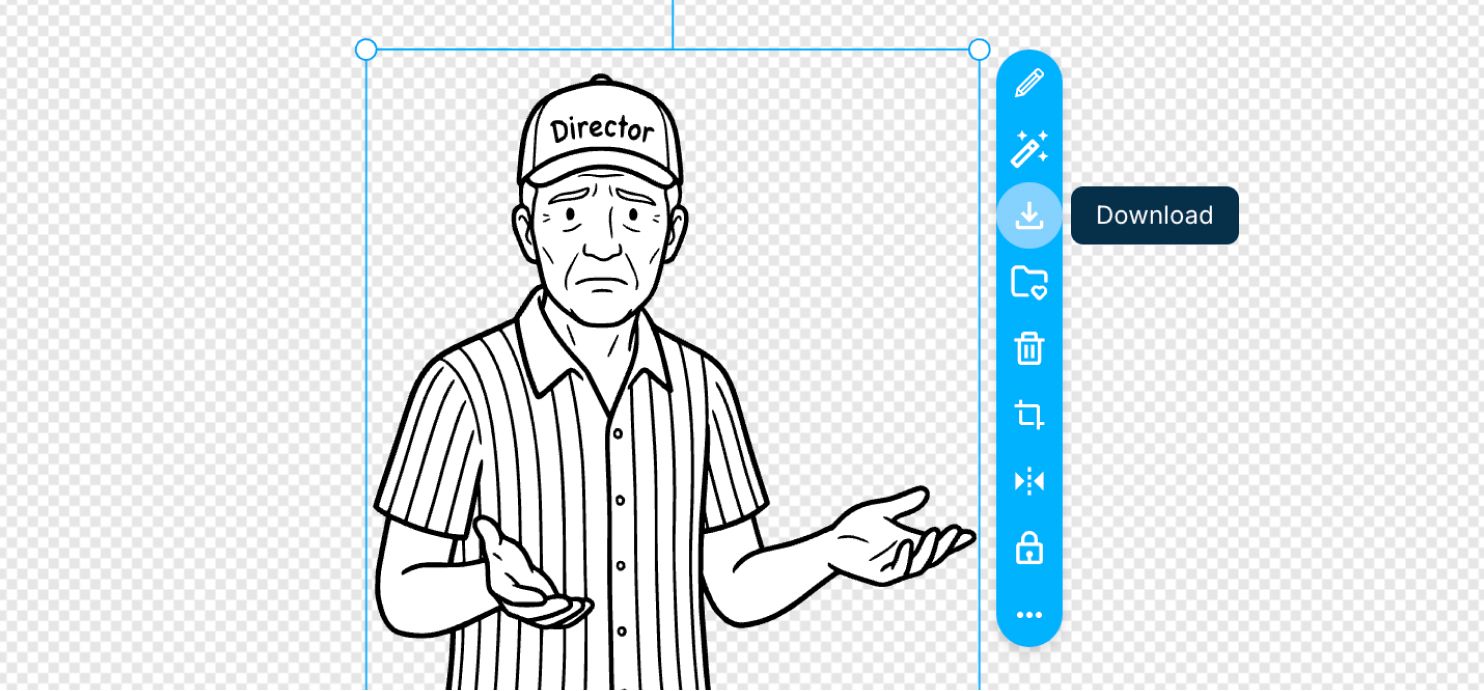
Select any object on the canvas and download it as a high-resolution PNG in a single click. Resize it on the canvas to control the output size.
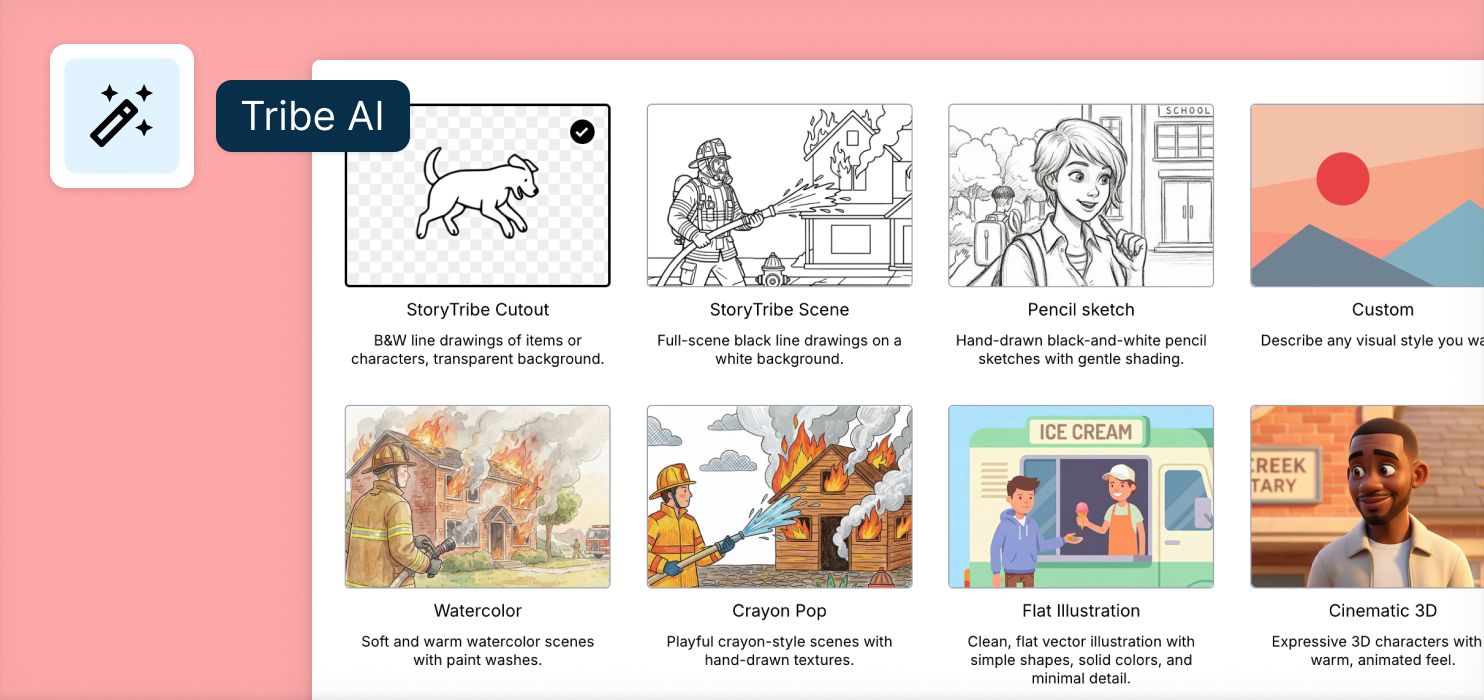
Change the look and feel of your AI-generated output by applying different visual styles. Choose from options like watercolour, crayon, or pencil sketch to quickly explore different artistic directions without recreating the scene.
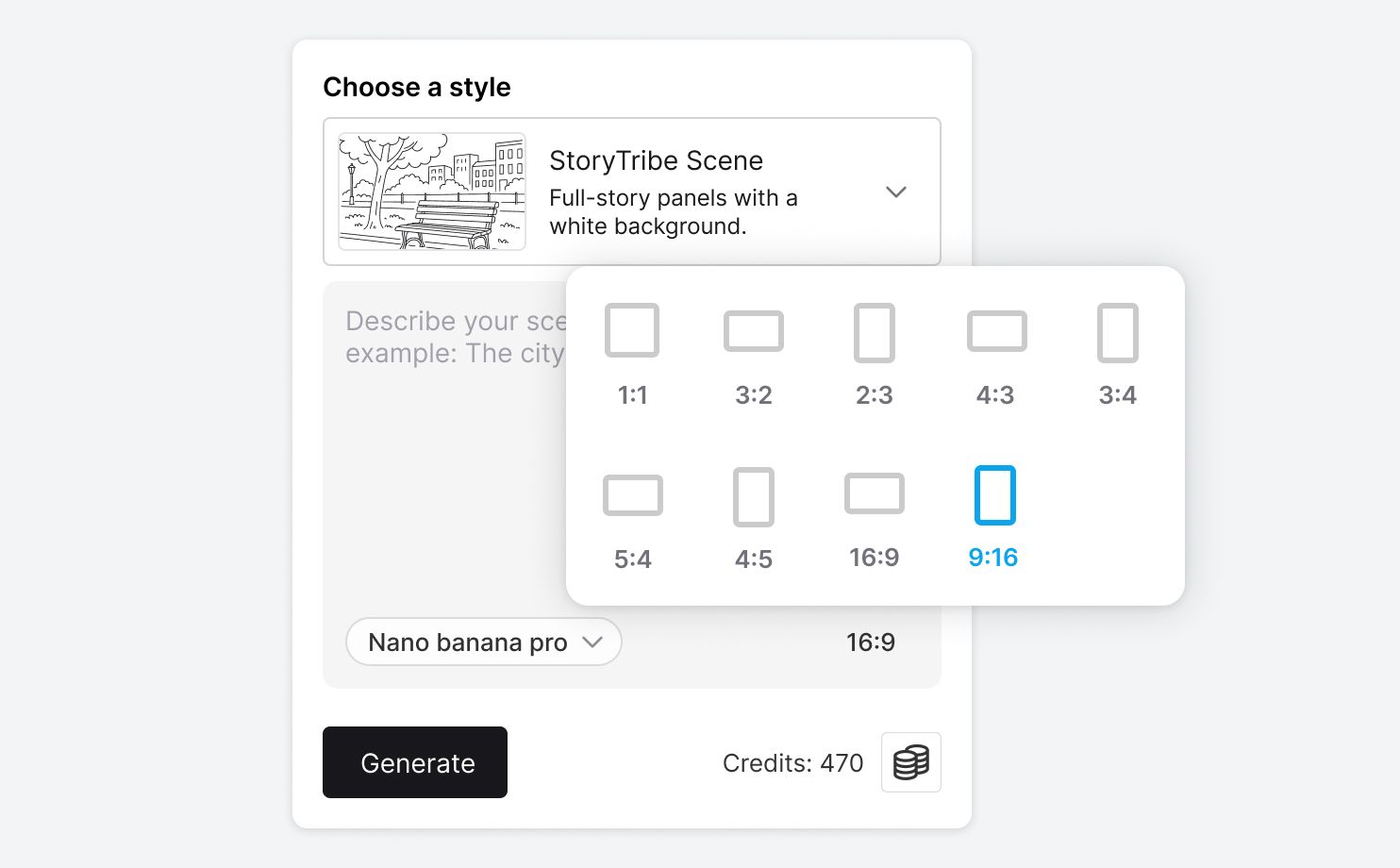
Pick an aspect ratio before generating to control composition and layout. Easily switch between ratios to create versions optimised for presentations, video, or social formats.
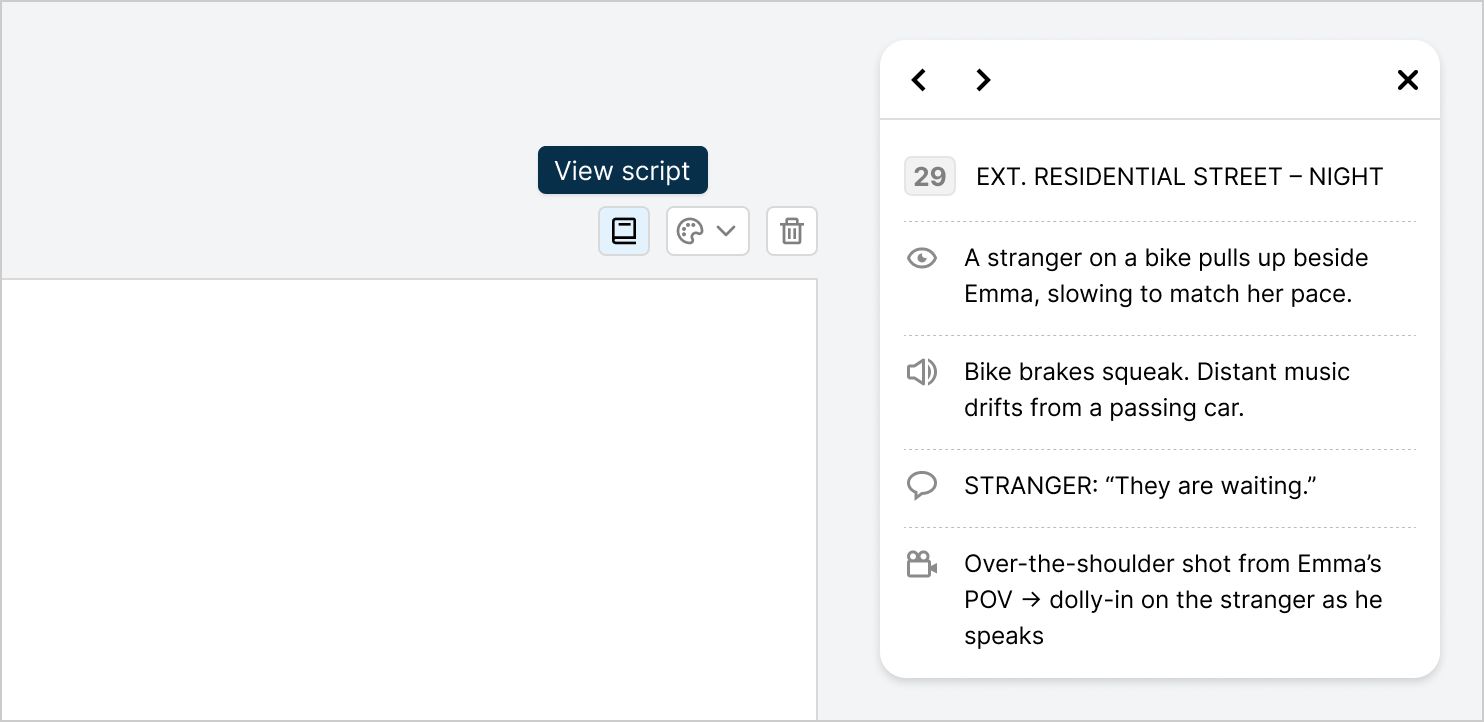
Toggle the script on or off to view it directly on the canvas. Move the script modal anywhere on the screen, keep it open while writing or reviewing, or hide it to focus on visual composition.
If you notice anything not working as expected, please report it to [email protected]. Including a screenshot or short video recording helps us resolve issues faster.
You can also get help directly in the app by clicking the Help button (question mark icon) at the bottom of the screen, then selecting Help → Contact support to speak with one of our support team.
-> Start with our free storyboard maker
Here are a few updates we’ve shipped last week.
StoryTribe
StoryTribe Team

Here are a few updates we’ve shipped last week.
StoryTribe
StoryTribe Team
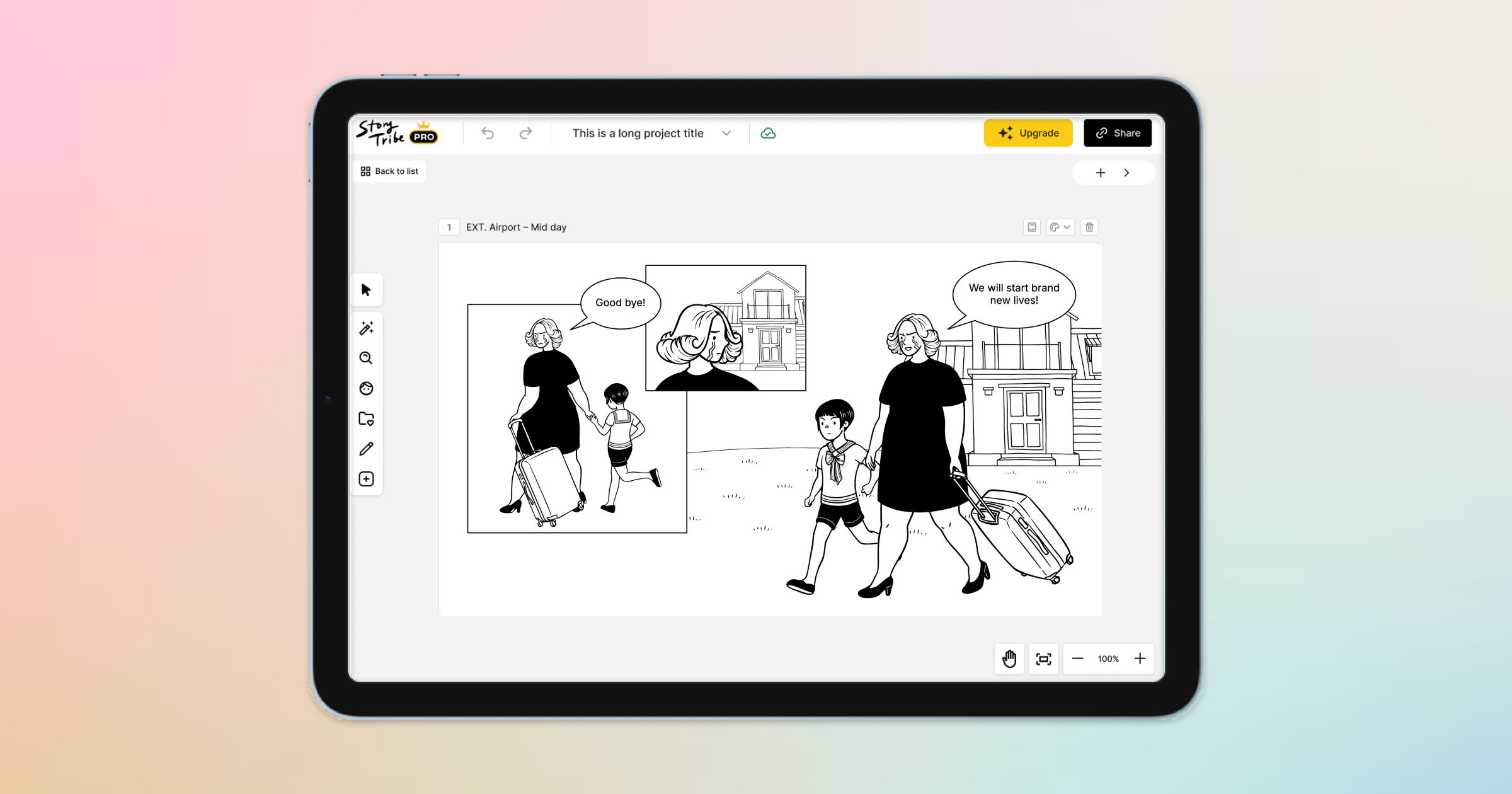
Here are a few exciting updates we’re working on to make your storytelling even better.
StoryTribe
StoryTribe Team